How to Refresh Old Website Content and Win Back Search Traffic
Find pages losing search traffic, then update, merge, redirect or remove them. A practical guide to refreshing old website content the right way.

Most business websites have pages that used to work: a service page that brought steady enquiries, a guide that ranked for years. Then the clicks slowly fade. Nothing broke. The page simply aged while search results and customer questions moved on.
Publishing new content is only half of a content strategy. The other half is looking after what you already have. Existing pages already have history, links and a place on your site, so a focused refresh is often the quickest route back to lost traffic. Here is a practical process.

Step 1: Find the pages that are losing clicks
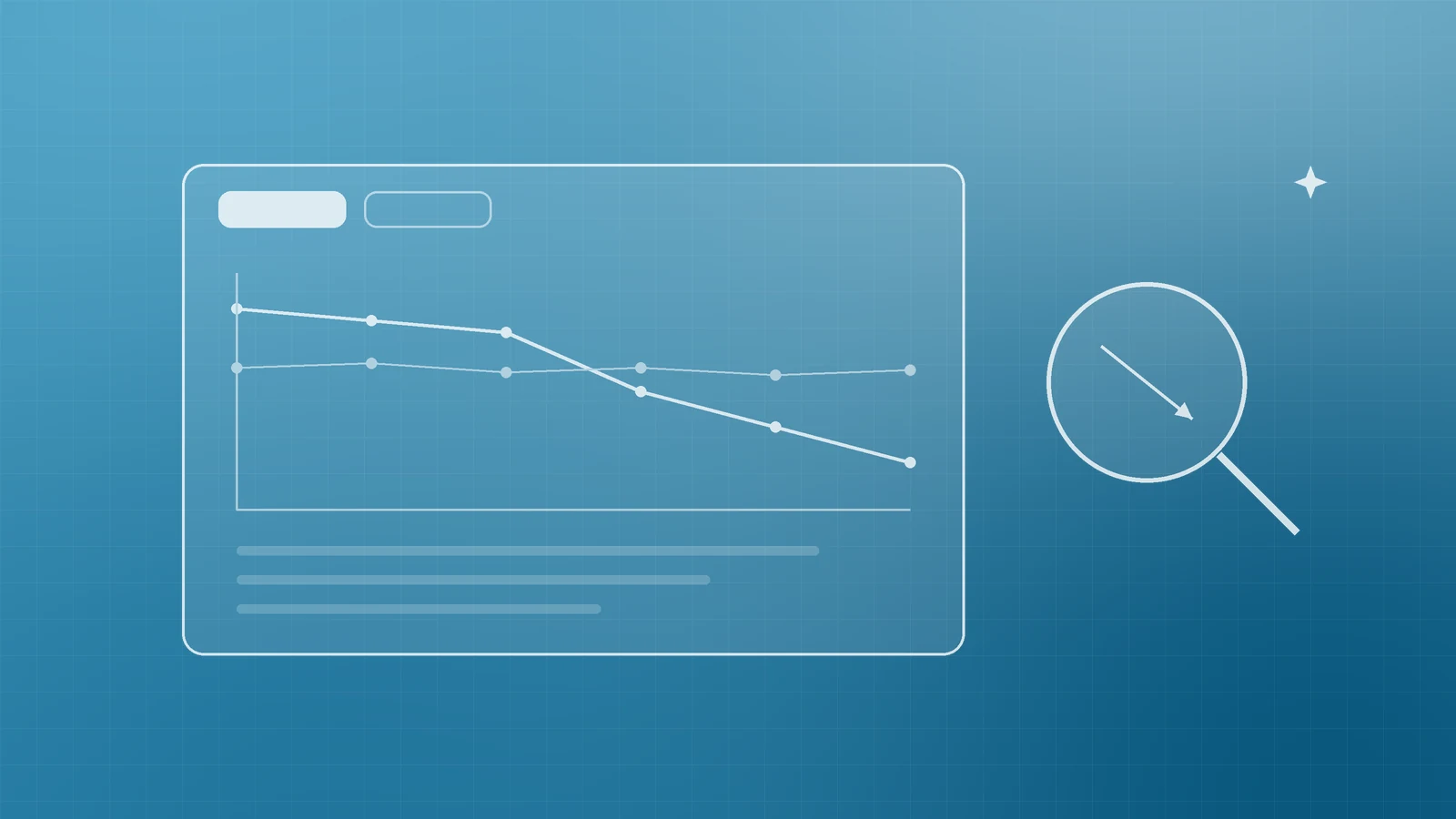
Start with data, not hunches. The Performance report in Google Search Console shows clicks, impressions, click-through rate (CTR) and average position for your site, and lets you group results by page and by query.
Google's guide to debugging drops in Search traffic describes exactly how to spot decline:
- Open the date filter, choose the Compare tab and compare the last 3 months with the previous period, or with the same period a year earlier.
- Switch to the Pages tab and sort by Clicks Difference to see which pages lost the most traffic.
- Set the date range to the last 16 months to check whether a drop is really seasonal and happens every year.
The shape of the decline tells you what kind of fix is needed. Google notes that if impressions hold steady but clicks fall, your page title and snippet may not be as compelling as they could be, or other results may be more appealing. If both impressions and clicks dropped, the content itself, a technical issue or changing demand is more likely. Google also suggests checking key queries in Google Trends to see whether interest fell across the web.
One caution: small position changes, such as from 2 to 4, are normal and can reverse on their own, and Google advises against radical changes to pages that are performing well. Focus on clear, sustained declines.
Step 2: Audit each page honestly

Read each shortlisted page as a customer would. Google's guide to creating helpful, people-first content suggests auditing the pages most affected by a drop and offers useful questions:
- Is the information still accurate? Check prices, product names, screenshots and rules.
- Does it fully answer the queries the page now receives in Search Console?
- Does it show first-hand expertise, with real examples from your own work?
- Would a reader leave satisfied, or need to search again?
Log each page in a spreadsheet: URL, clicks before and after, main queries, problems and planned action.
Step 3: Decide to update, merge, redirect or remove

Each old page should get one of four decisions.
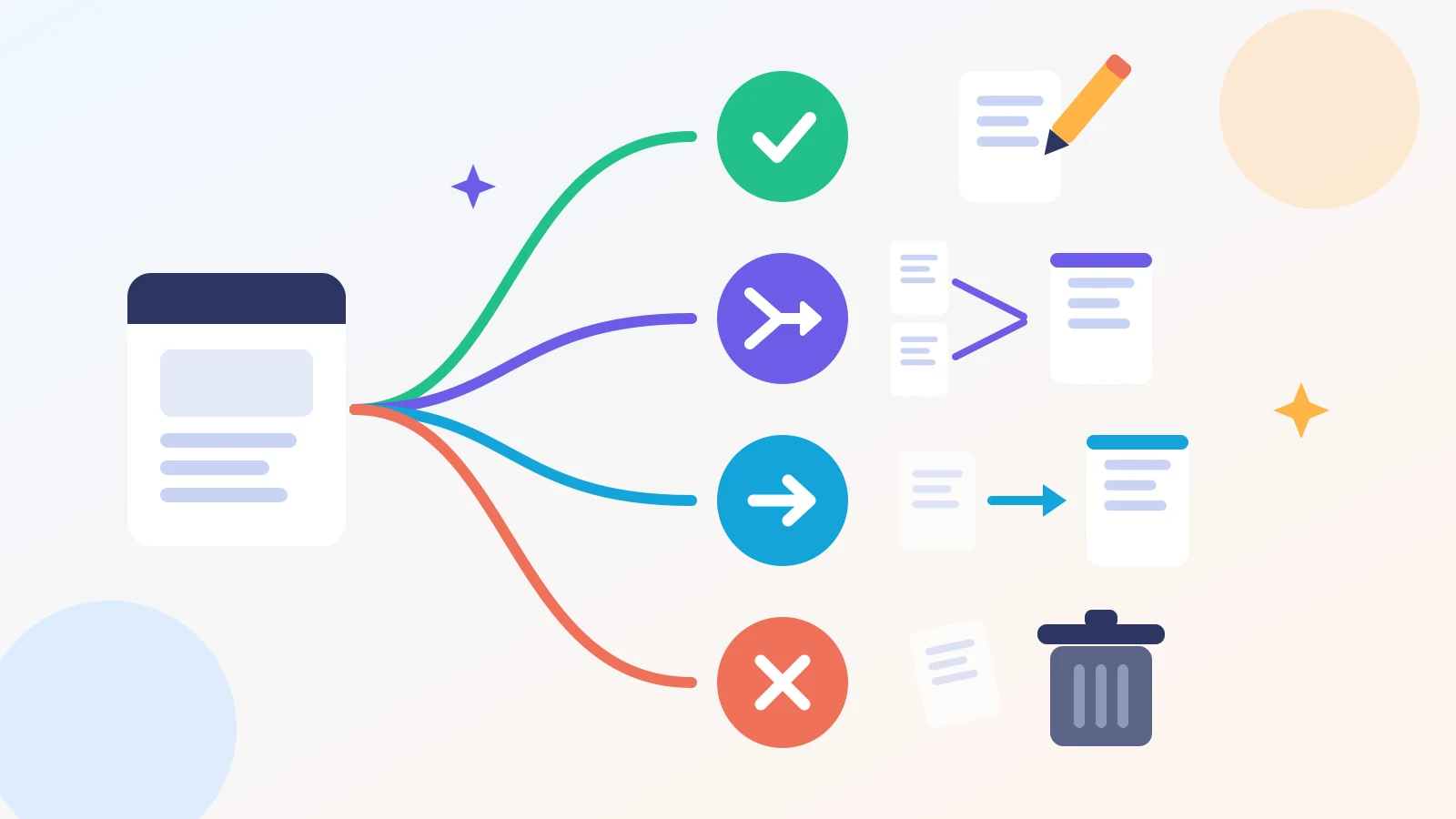
- Update. The topic is still relevant but the content is dated or thin. Rewrite outdated sections, add what is missing and tighten the title and meta description.
- Merge. Several pages cover nearly the same topic. Combine the best material into one stronger page and redirect the old URLs to it.
- Redirect. A page is no longer needed but a closely related page exists. Google's redirects documentation recommends a permanent server-side redirect, such as a 301 or 308, when a URL has changed for good. Permanent redirects tell Google that the target should be shown in search results.
- Remove. The content is obsolete with no sensible replacement, such as a discontinued service. Google's guide to HTTP status codes explains that URLs returning a 404 or 410 are removed from the index if they were previously indexed.
Avoid redirecting everything to your homepage; send visitors to the page that best matches what they wanted.
Step 4: Make the update substantial and the dates honest

A refresh means real improvement, not cosmetic edits. Google's helpful content guidance flags two warning signs: changing the date of pages to make them seem fresh when the content has not substantially changed, and adding or removing a lot of content mainly because you believe it will make your site seem "fresh". Google's answer to whether that helps is simply: no, it won't.
When you have made a meaningful update, show it clearly. Google's byline date guidance recommends a visible, clearly labelled date such as "Published" or "Last updated", plus datePublished and dateModified in Article or BlogPosting structured data. Keep the visible date and the structured data consistent, and never use a future date.
Step 5: Update internal links and your sitemap
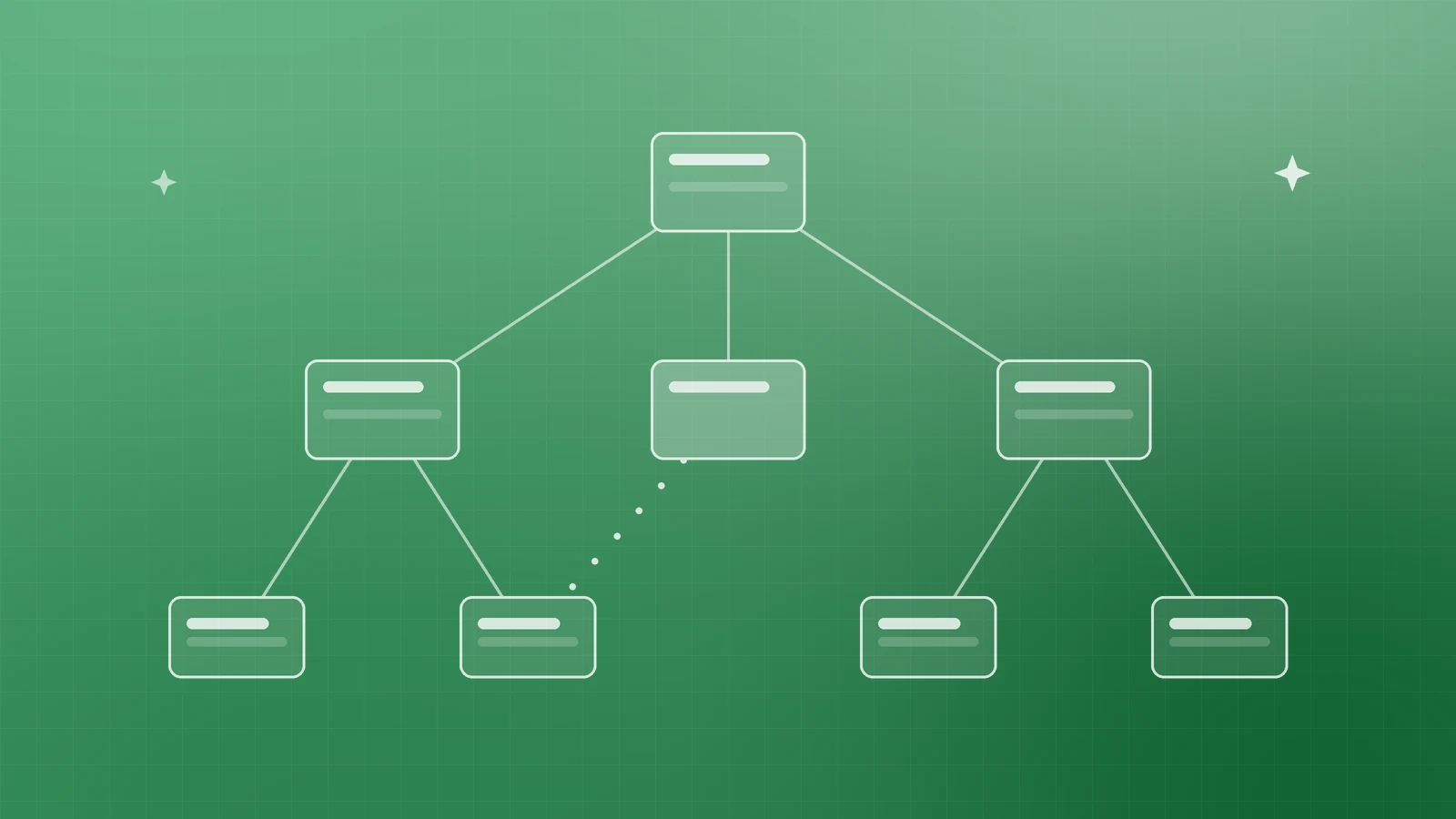
Then make sure the rest of your site supports the refreshed page:
- Point internal links at final URLs, not redirected or removed ones.
- Add links to the refreshed page from related pages. Google's link best practices state that every page you care about should have a link from at least one other page on your site, using descriptive anchor text.
- Update your XML sitemap. Google's sitemap documentation says the lastmod value should reflect the last significant update, such as changes to the main content, structured data or links, and that Google uses it only if it is consistently and verifiably accurate. Changing the copyright year doesn't count.
- Remove redirected and deleted URLs from the sitemap.
For a few key pages, request recrawling with the URL Inspection tool. Google's recrawl guide says crawling can take a few days to a few weeks, and repeat requests won't speed it up.
Step 6: Measure the results properly

Record the date of each refresh, then return to the Performance report after a few weeks. Filter by page and compare clicks, impressions, CTR and queries before and after the update. Google's traffic-drop guide is candid that some changes take effect in days, others take months, and none guarantees a ranking improvement. Tracking shows which updates work for your audience, so you can repeat them.
Your content refresh checklist

- Compare the last 3 months with the previous period in Search Console
- Sort pages by Clicks Difference and check 16 months for seasonality
- Audit each page for accuracy, depth and first-hand expertise
- Decide: update, merge, redirect or remove
- Make substantial updates, and change dates only when content truly changed
- Use 301 or 308 redirects for merged and retired pages
- Fix internal links and keep sitemap lastmod accurate
- Review results after a few weeks and log what worked
Make your existing content work harder

Your older pages are an asset you have already paid for. A regular refresh keeps them accurate, useful and competitive. If you'd like help running a content audit, planning redirects or turning Search Console data into a clear action list, talk to the team at Inferas.