How to Get More Customer Reviews (the Right Way)
Earn more genuine customer reviews: when and how to ask, rules on incentives and fake reviews, replying well, and using reviews on your website.
Before people call, book or buy from a business they haven't used before, they read what other customers say. Reviews shape that first impression on Google, on marketplaces and on your own website.
You don't need tricks to build a strong review profile. You need a steady, honest process that asks every customer at the right moment and makes leaving a review easy. Here is how to set one up, and the rules to stay inside.

Why reviews matter beyond star ratings
Reviews influence buyers, and on Google they also influence visibility. Google's guide to improving local ranking says local results are based mainly on relevance, distance and prominence, and that prominence draws on information such as how many reviews a business has. In Google's words, more reviews and positive ratings can help a business's local ranking.
Reviews also show what your team can miss: what people value most, where the process feels slow and the words customers use to describe you. That language is gold for your website copy.
Know the rules before you ask
Review rules have tightened in major markets, and platforms add their own policies on top of the law.
- Google's policy. Google's prohibited and restricted content policy for Maps bans offering incentives such as payment, discounts or free goods and services in exchange for posting a review, or for revising or removing a negative one. It also bans discouraging negative reviews, asking only happy customers, pressuring people to review on your premises, requesting specific content and reviews from anyone with a conflict of interest, such as staff.
- The US FTC rule. The Federal Trade Commission's rule on consumer reviews and testimonials, effective 21 October 2024, prohibits fake reviews, including AI-generated ones, and incentives conditioned on a review being positive or negative. It also covers undisclosed insider reviews and suppressing negative reviews through threats or intimidation, and lets the FTC seek civil penalties.
- The UK DMCC Act. Since 6 April 2025, the UK's Digital Markets, Competition and Consumers Act bans fake reviews and reviews that hide an incentive. The CMA's fake reviews guidance also says businesses that publish reviews must take reasonable steps to prevent and remove fake or misleading ones.
The FTC rule targets rewards tied to sentiment, while Google bans rewards for any review. The simplest approach is safest everywhere: never pay or reward for reviews, never write or buy them, and ask every customer the same way.
Ask at the right moment, every time
Many happy customers never leave a review because nobody asked. Build the request into your workflow so it happens automatically.
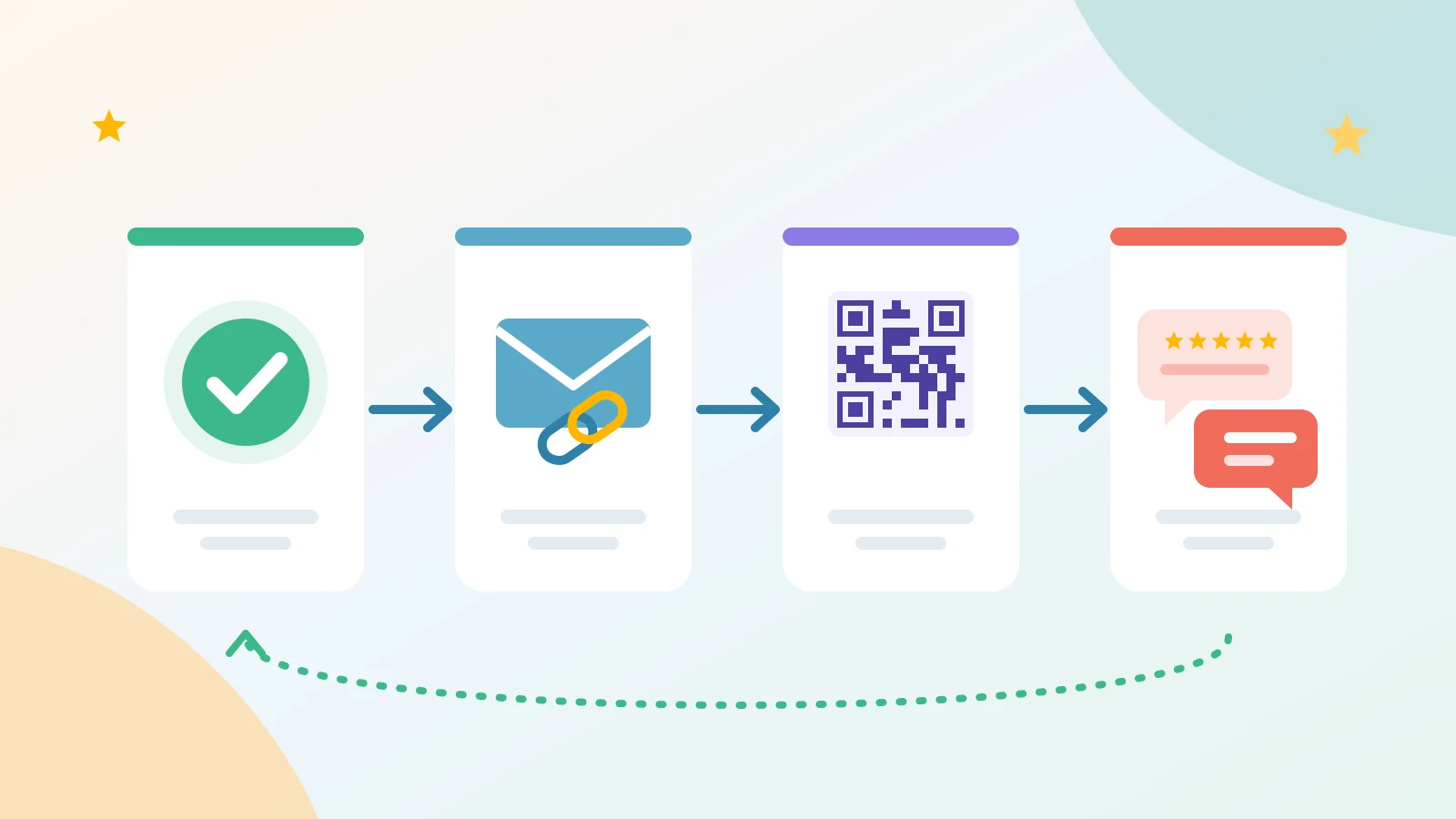
- Pick the trigger. Ask when the value is clear: a project signed off, an order delivered, an appointment finished.
- Ask everyone. The same request goes to every customer, whatever you think their experience was. Choosing only the happy ones breaks Google's policy.
- Keep it short and neutral. Thank them, ask for honest feedback and give one link. Don't suggest a rating or wording.
- Send one reminder at most. A single follow-up a few days later is plenty.
Asking in person is fine too. Just don't hover while customers write, or ask them to post before they leave.
Make leaving a review effortless
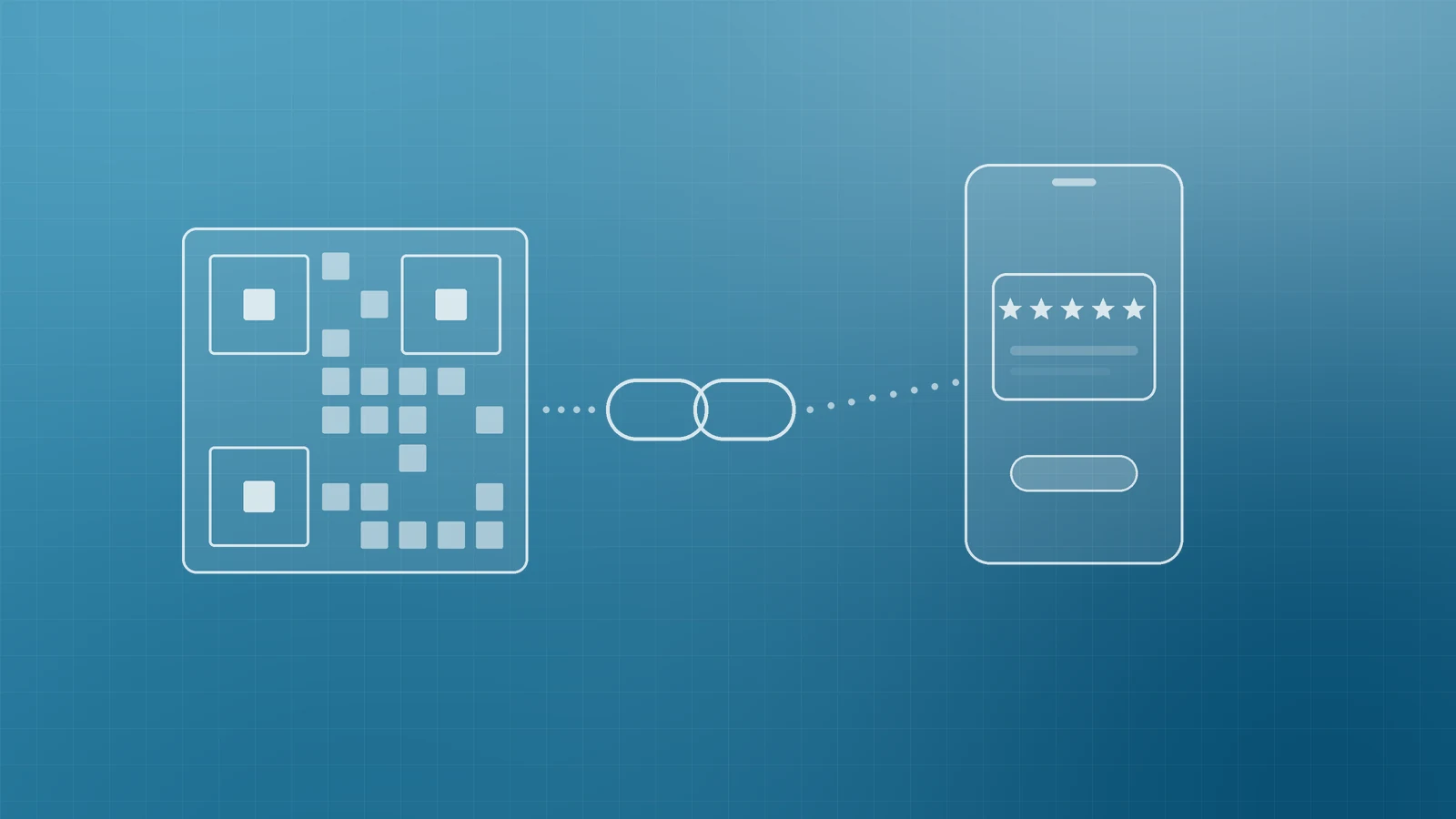
Every extra step loses people. Google lets you create a short review link and QR code from your Business Profile: open your profile, select Read reviews, then Get more reviews, and copy the link or save the QR code. Google notes the QR code can currently be generated only in a computer browser. It suggests sharing the link on receipts, in thank-you emails and at the end of a chat, and displaying the QR code in store.
If you run more than one location, create the link from each location's own profile so customers review the place they actually used. Google's tips page also notes that customers need to be signed in to a Google Account to leave a review, and they can create one with a non-Gmail address.
Other review platforms set their own rules, so check each one's policy before asking customers to post there.
Reply to reviews, especially the hard ones
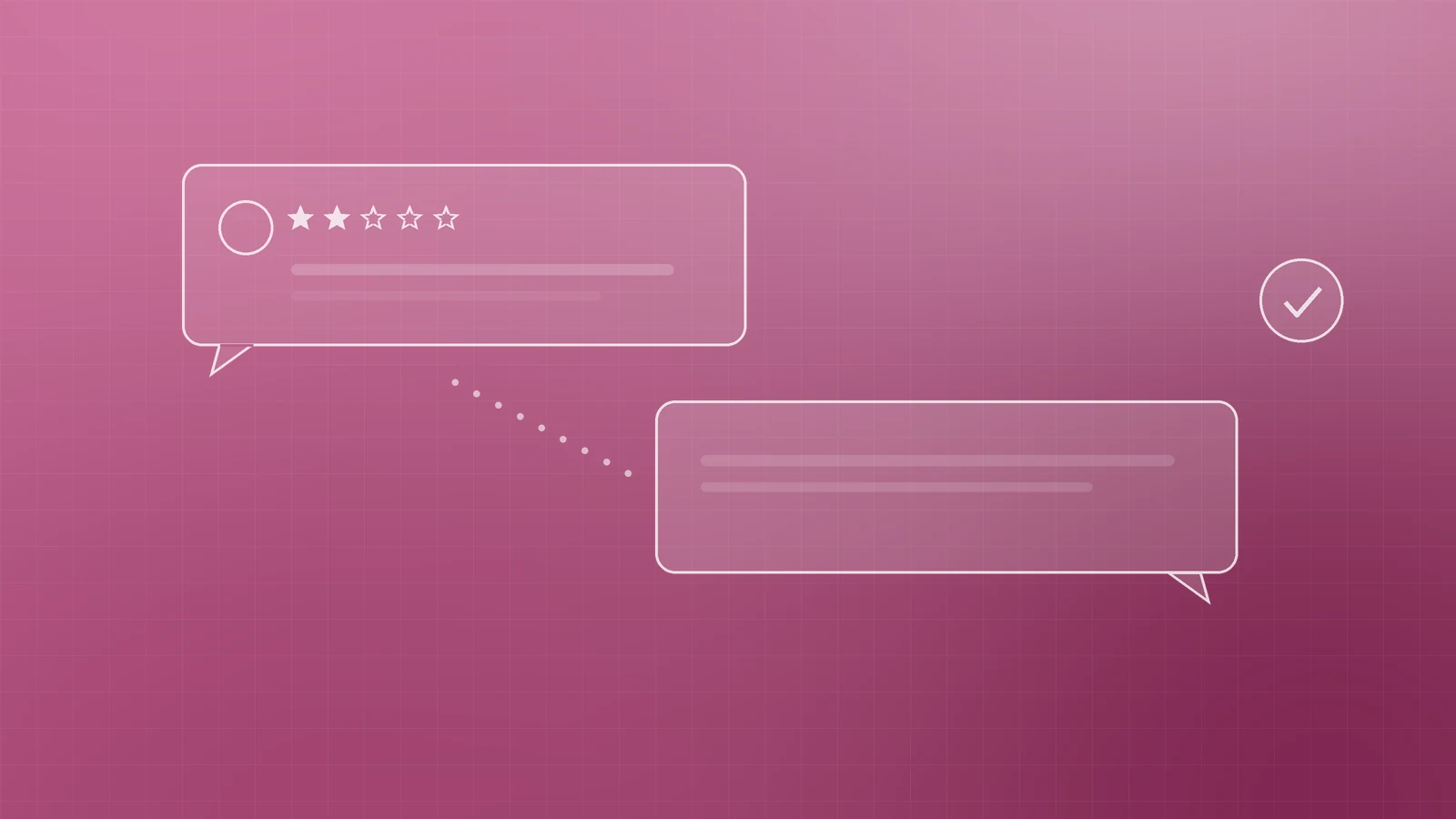
Replies are public, so you are writing for every future customer as much as for the reviewer. Google's guidance is to be professional and polite, keep replies short, avoid copy-paste "thank you" messages and stay conversational rather than promotional. Its review management help explains that you must verify your profile before replying, that the reviewer is notified and that they can still update their review afterwards.
For negative reviews:
- Respond calmly and promptly, and thank them for the feedback.
- Acknowledge the specific issue without arguing or sharing private details.
- Offer a direct way to resolve it offline, and follow through.
- If you fix the underlying problem, say so in your reply.
Don't report a review just because you disagree with it. Google's reporting guide says only reviews that break its policies, such as spam or profanity, are eligible for removal, and that evaluation usually takes several days.
Put reviews to work on your website
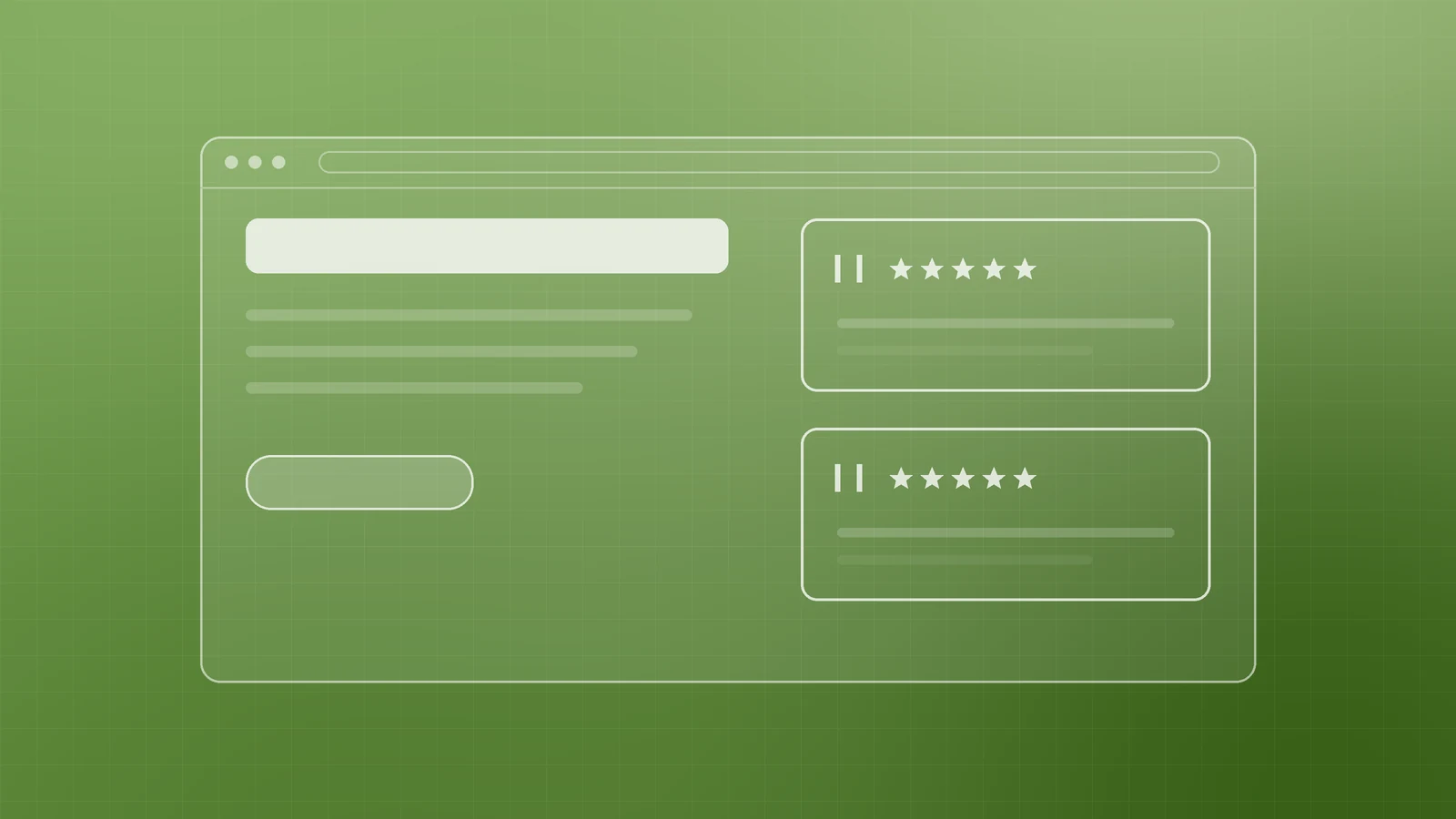
Feature genuine reviews near the decisions they support: service pages, pricing and contact forms. Use customer names only with permission, and never edit a review's meaning.
Google's review snippet guidelines say that if a business controls the reviews about itself, its pages using LocalBusiness or Organization structured data aren't eligible for star ratings in search results. That includes reviews pulled in through an embedded widget. Show reviews to help visitors, but don't expect self-hosted business reviews to add stars to your listing.
Your review checklist
- Review link and QR code created for each location
- A request built into your workflow at the moment of delivery
- The same neutral request sent to every customer
- No rewards, staff or family reviews, or suggested wording
- Every review read weekly, and the ones that need it answered
- Recurring complaints shared with the team and fixed
- Genuine reviews shown on key website pages, with permission
Build trust one honest review at a time

A steady flow of genuine reviews takes a little setup and a habit of asking. If you'd like help putting a review process in place, improving your Google Business Profile or turning customer feedback into a website that converts, talk to the team at Inferas.