Google Ads for Small Businesses: How to Run Your First Search Campaign Without Wasting Budget
Run your first Google Ads Search campaign without wasting budget: conversion tracking, keywords, match types, negatives, ads and a weekly review.
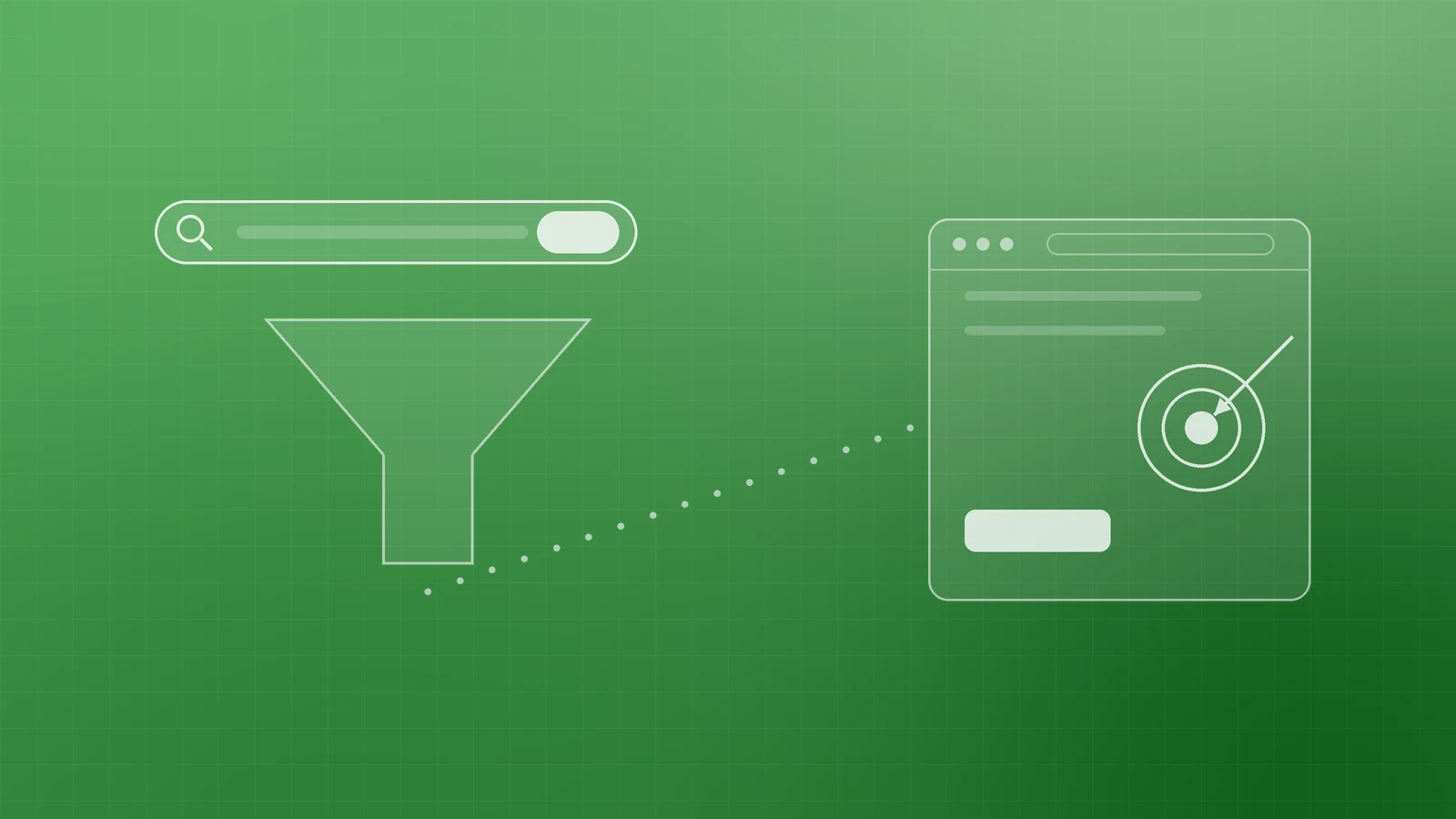
Google Ads can put your business in front of people at the exact moment they search for what you sell. That is its great strength, and also why budgets disappear so quickly when a campaign is set up loosely.
The settings that protect your budget are not complicated. This guide walks through a focused first Search campaign, from tracking to a weekly review.
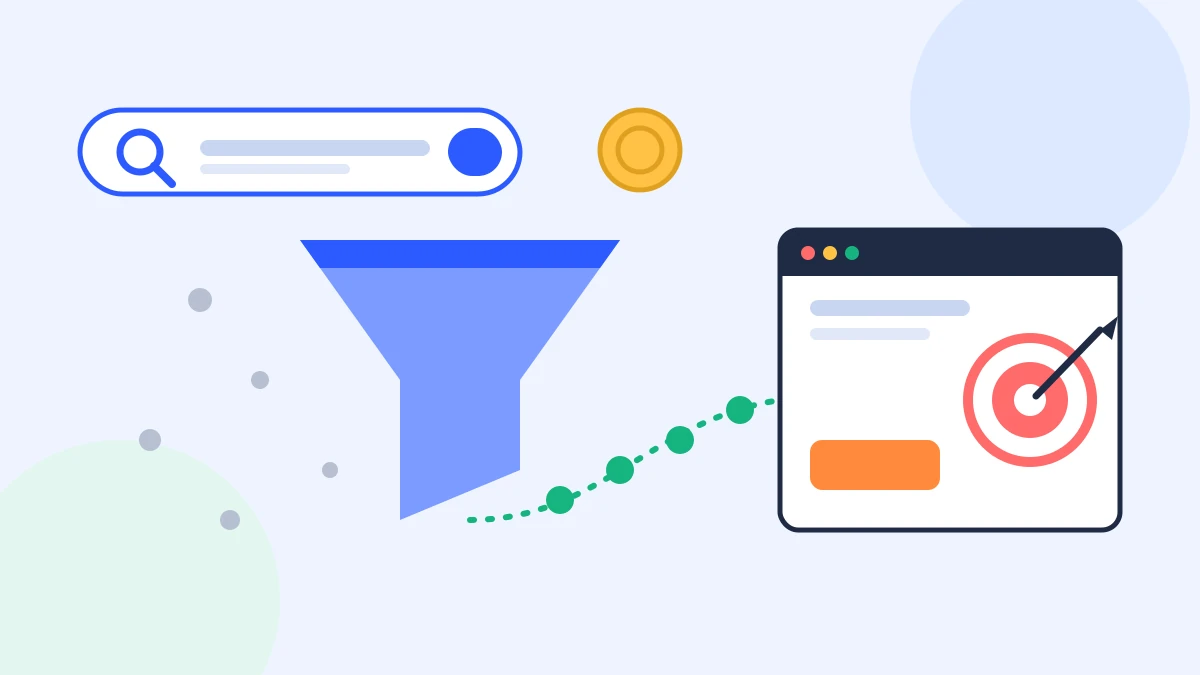
Measure conversions before you spend

Without conversion tracking, Google Ads can report clicks and costs but not which keywords produced enquiries, calls or sales.
Google's overview of conversion measurement explains the options: website actions such as purchases and form submissions, phone calls, app actions and offline conversions. If you already use Google Analytics 4, you can import events you have marked as key events; otherwise you can measure directly with the Google tag. Google notes it can take 24 to 48 hours after linking accounts or marking key events before import options appear, so do this a few days before launch.
Pick one or two primary conversions that genuinely matter, such as a quote request or a booking. Counting every page view or scroll as a "conversion" makes the numbers look good and teaches automated bidding the wrong lesson.
Start with one tightly focused campaign

Avoid spreading a small budget across several campaigns. Start with the service or product that is most profitable and easiest to explain, and build one Search campaign around it.
Inside that campaign, group keywords and ads by theme. Google's tips for building a keyword list recommend organising ad groups around products, services or other categories so a person searching for one thing does not see an ad about another. For a cleaning company, that might mean one ad group for office cleaning and another for end-of-tenancy cleaning, each with its own ads and landing page.
Choose keywords with buying intent

Think like a customer who is ready to act. Searches that include a service plus a qualifier, such as "emergency plumber", "accounting software for freelancers" or "office cleaning quote", usually signal stronger intent than broad, single-word terms. Google's own guidance encourages focusing on high-intent and long-tail keywords that are specific to what you offer, and warns that general keywords can be harder to aim, more competitive and in need of ongoing optimisation.
Keep the first list short. Twenty well-chosen keywords you can monitor beat two hundred you never review.
Understand match types

Match types control how closely a search has to relate to your keyword. Google's guide to keyword matching options describes three:
- Broad match (no symbols) can show your ad on searches related to your keyword, including ones that don't contain its exact words. It is the default and reaches the most searches.
- Phrase match ("office cleaning") shows on searches that include the meaning of your keyword.
- Exact match ([office cleaning]) shows on searches with the same meaning or intent, giving you the most control over who sees the ad but the smallest reach.
Google recommends pairing broad match with Smart Bidding, which uses conversion data to decide which auctions are worth entering. That makes conversion tracking even more important. If your tracking is new or your budget is small, phrase and exact match make it easier to see exactly what you are paying for while you learn which searches convert.
Use negative keywords from day one

Negative keywords stop your ads from showing on searches you don't want. Before launch, add the obvious ones: "free", "jobs", "salary", "course", "DIY", or product types you don't offer.
After launch, the search terms report becomes your most valuable screen. It shows the actual searches that triggered your ads. Google's own example is an eyeglasses seller who finds "wine glasses" in the report and adds "wine" as a negative. Check it weekly and keep adding irrelevant terms.
Set budget and location deliberately

Your budget is set as an average per day, and Google explains that a campaign may spend up to twice that amount on a busy day, but over a month you won't be charged more than 30.4 times the average daily budget. Plan with the monthly figure in mind.
Location targeting deserves a careful look too. Google's location targeting guide describes targeting countries, areas within a country, or a radius around a location, and notes that very small areas may show ads only intermittently. It also explains the difference between reaching people in your locations ("Presence") and also people showing interest in them ("Presence or interest"). If you only serve customers physically in your area, review this setting before launch.
Write ads that match the search and the page
Responsive search ads let you enter multiple headlines and descriptions, and Google tests combinations over time. According to Google, you can provide up to 15 headlines of up to 30 characters and 4 descriptions of up to 90 characters.
Use that space well:
- Include the main keyword in at least one headline.
- State a clear benefit, a concrete offer and a reason to choose you.
- Write headlines that make sense in any order, since Google may combine them differently.
- Send each ad group to the most relevant page, not your homepage, with a clear form or call button above the fold.
Review weekly and change one thing at a time

A short weekly routine keeps the campaign improving:
- Check the search terms report and add negatives.
- Compare conversions and cost per conversion by keyword and ad group.
- Pause keywords that spend steadily without converting.
- Test one new headline or offer at a time.
If you use Smart Bidding, avoid constant tinkering. Google notes that Smart Bidding strategies need a 7 to 14 day learning phase, and that frequent changes to budgets, targets or conversion goals restart it.
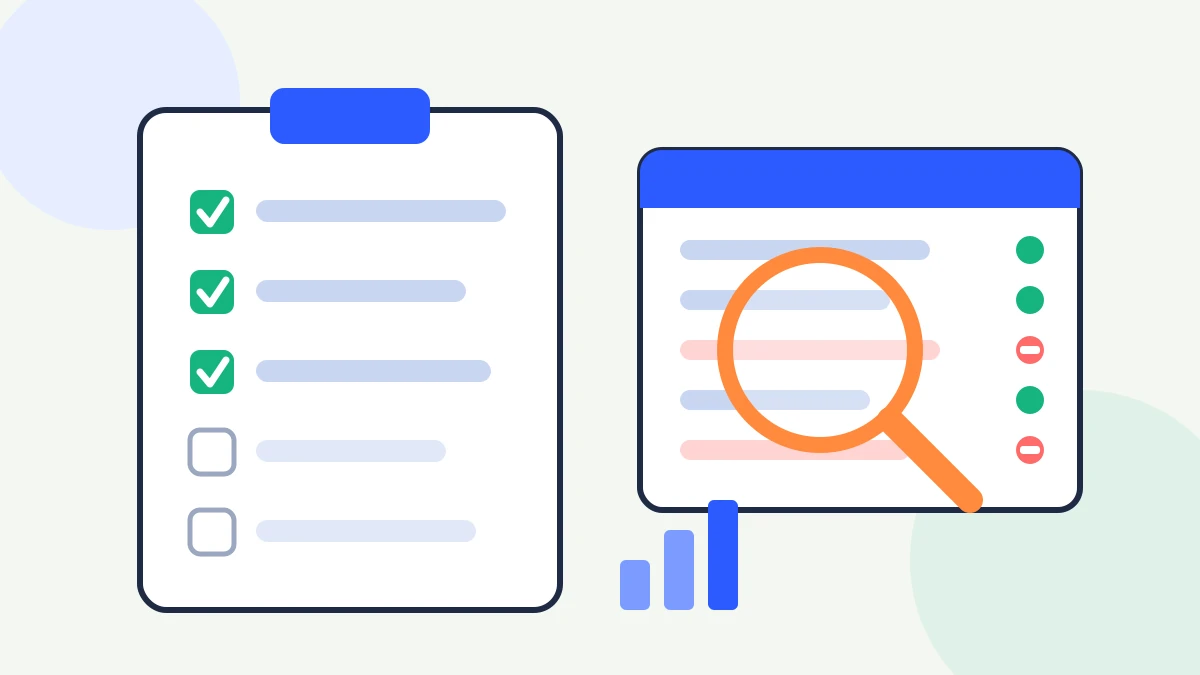
Quick pre-launch checklist
- Conversion tracking is live and tested
- One campaign, focused ad groups, relevant landing pages
- Short list of high-intent keywords with sensible match types
- Negative keyword list added
- Daily budget set with the monthly maximum in mind
- Location and language settings reviewed
- At least one strong responsive search ad per ad group
Make every click count
Paid search works best when tracking, targeting, ads and landing pages are planned together. If you'd like help setting up or reviewing a Google Ads campaign, or making sure your website turns paid clicks into enquiries, talk to the team at Inferas.