How to Protect Your Business Website: Security Basics That Matter
Website security checklist for small businesses: HTTPS/HSTS, patching, MFA, least privilege, 3-2-1 backups, monitoring and form abuse controls.
Your website is often the first place customers judge whether your business is trustworthy. It is also a live system that can be defaced, taken offline, or used to steal customer data if basic controls are missing.
You do not need an enterprise security team to raise the bar. CISA's guidance for public-facing sites and small businesses points to repeatable steps: encrypt traffic, patch what faces the internet, lock down accounts with multifactor authentication (MFA), limit admin access, keep tested backups, and watch logs for trouble. This post turns those ideas into a practical checklist.
Why website security matters for trust and operations
CISA notes that attacks against public-facing websites—regardless of size—are common and can lead to defacement, loss of availability, compromise of customer or business data, an attacker taking control of the site, or use of the site as a staging point for further attacks. Those outcomes damage reputation when visitors lose trust (CISA: Website Security).
For a small business, that often shows up as browsers showing "Not secure," forms that stop working, spam flooding your inbox, or a restore scramble after ransomware or a bad plugin update. Security keeps sales, support and brand trust online.
Enforce HTTPS and HSTS
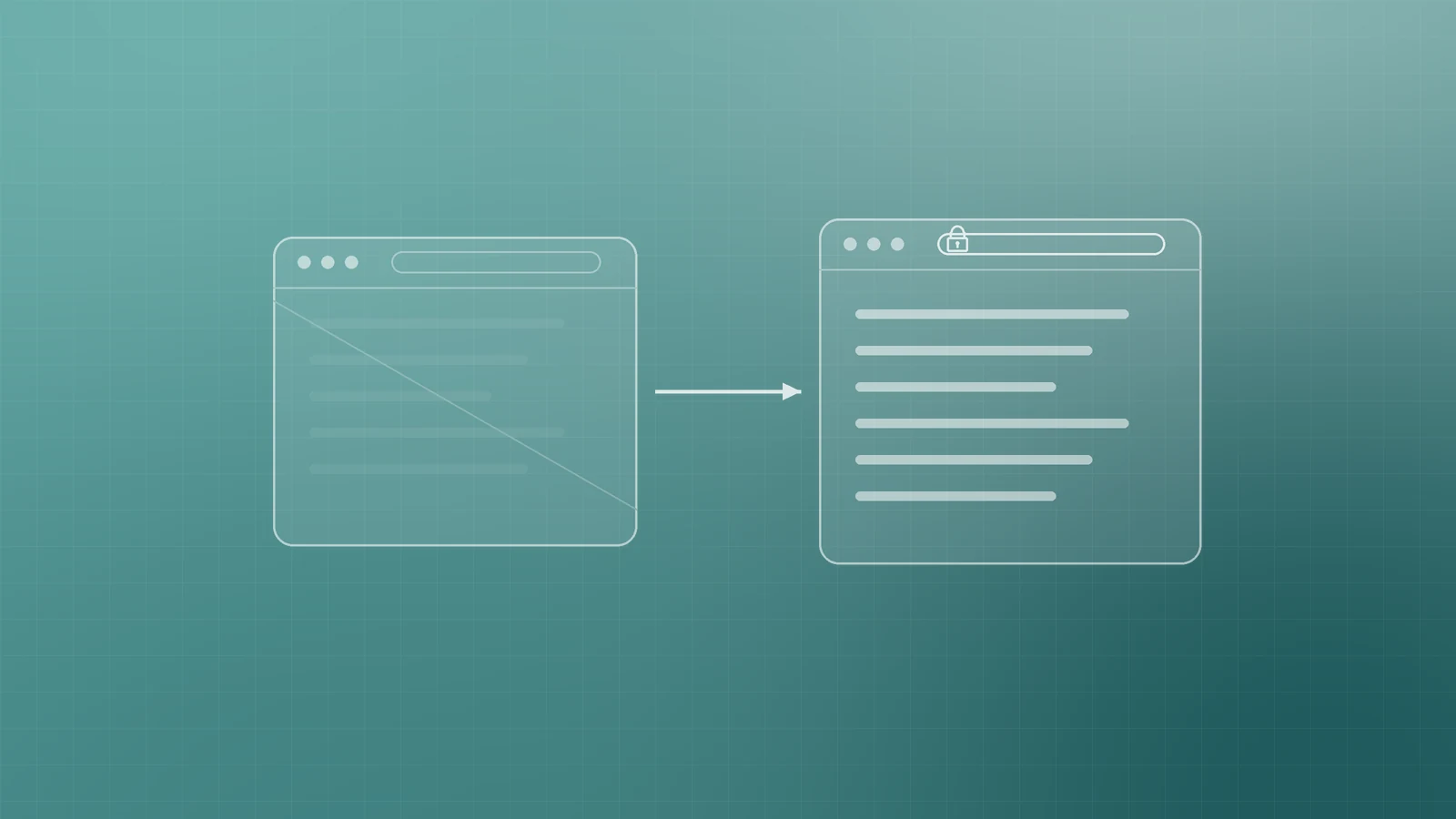
Visitors expect privacy when they browse and submit forms. CISA recommends disabling plain HTTP where possible, enforcing HTTPS, and using HTTP Strict Transport Security (HSTS) so browsers stick to encrypted connections (CISA: Website Security).
- Serve the whole site over HTTPS with a valid TLS certificate.
- Redirect every HTTP URL to HTTPS.
- Enable HSTS once HTTPS works everywhere (www, apex, admin and downloads).
- Confirm login, checkout and forms never load mixed insecure assets.
Keep the CMS, plugins, themes and host patched
Outdated software is one of the fastest ways attackers get in. CISA advises scanning for critical and high vulnerabilities on internet-accessible systems, patching promptly, enabling automatic updates where you can, and replacing unsupported systems and apps (CISA: Website Security).
- Update CMS core, themes and plugins on a fixed cadence—and sooner for security releases.
- Remove unused plugins and themes instead of leaving them dormant.
- Confirm who patches the host OS and control panel (you or your provider).
- Prefer CISA's small-business guidance: prioritize Known Exploited Vulnerabilities (KEV) where relevant, enable auto-updates, and treat patch coverage as a measurable goal (CISA: Cyber Guidance for Small Businesses).
Strong unique passwords and MFA
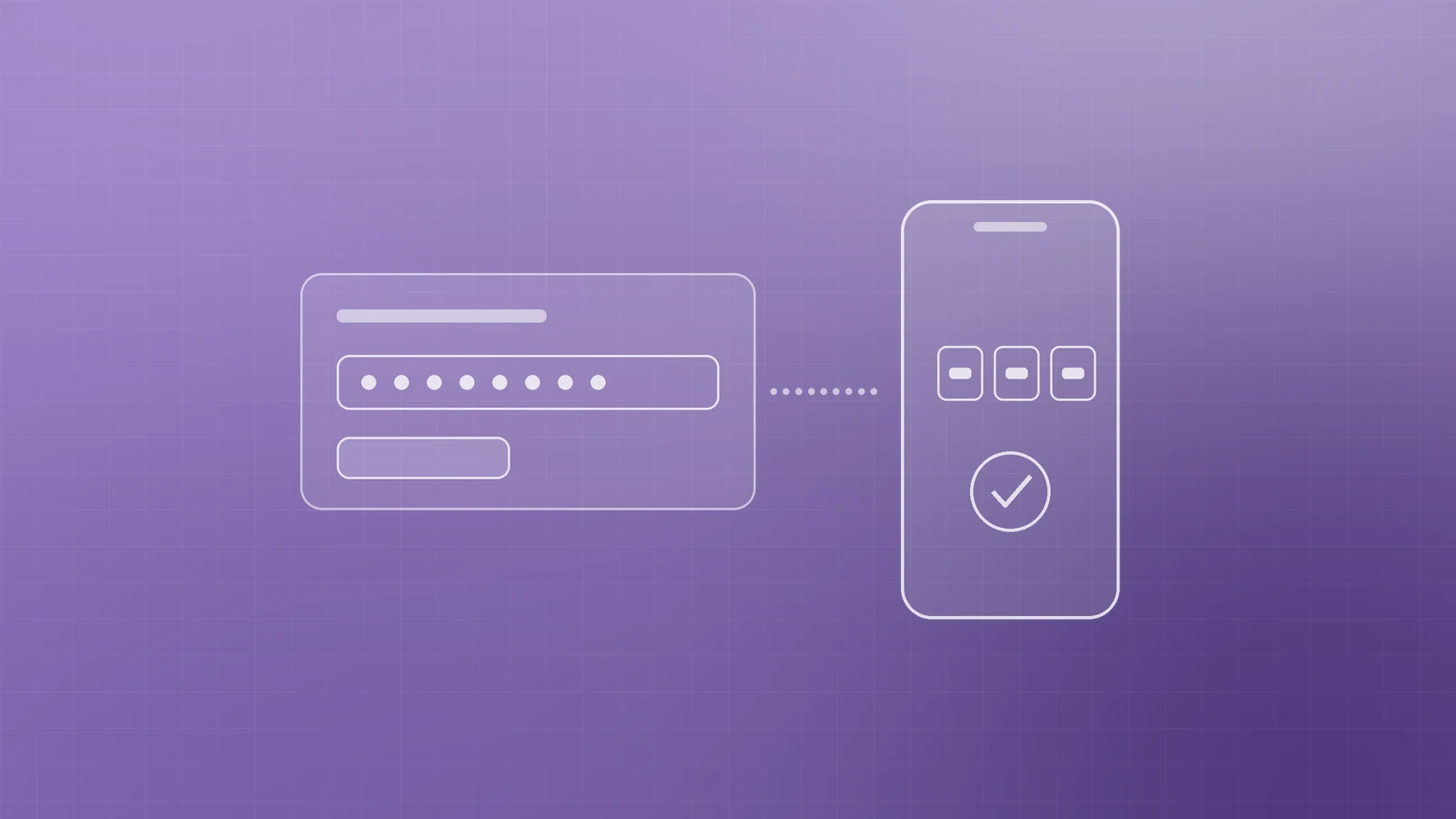
Default credentials are not secure—they are often easy to find online. CISA tells organizations to change default registrar, DNS and account passwords, and to enforce MFA on domain ecosystems and internet-accessible accounts, prioritizing privileged access (CISA: Website Security).
Turn MFA on for website admin/CMS, hosting control panels, domain registrar and DNS, and business email. CISA frames enterprise-wide MFA as a way to make the business significantly more secure from online threats that target accounts and data (CISA: Require Multifactor Authentication). Use a unique password per service in a password manager—never reuse the same admin password across host, DNS and CMS.
Least privilege: fewer admins
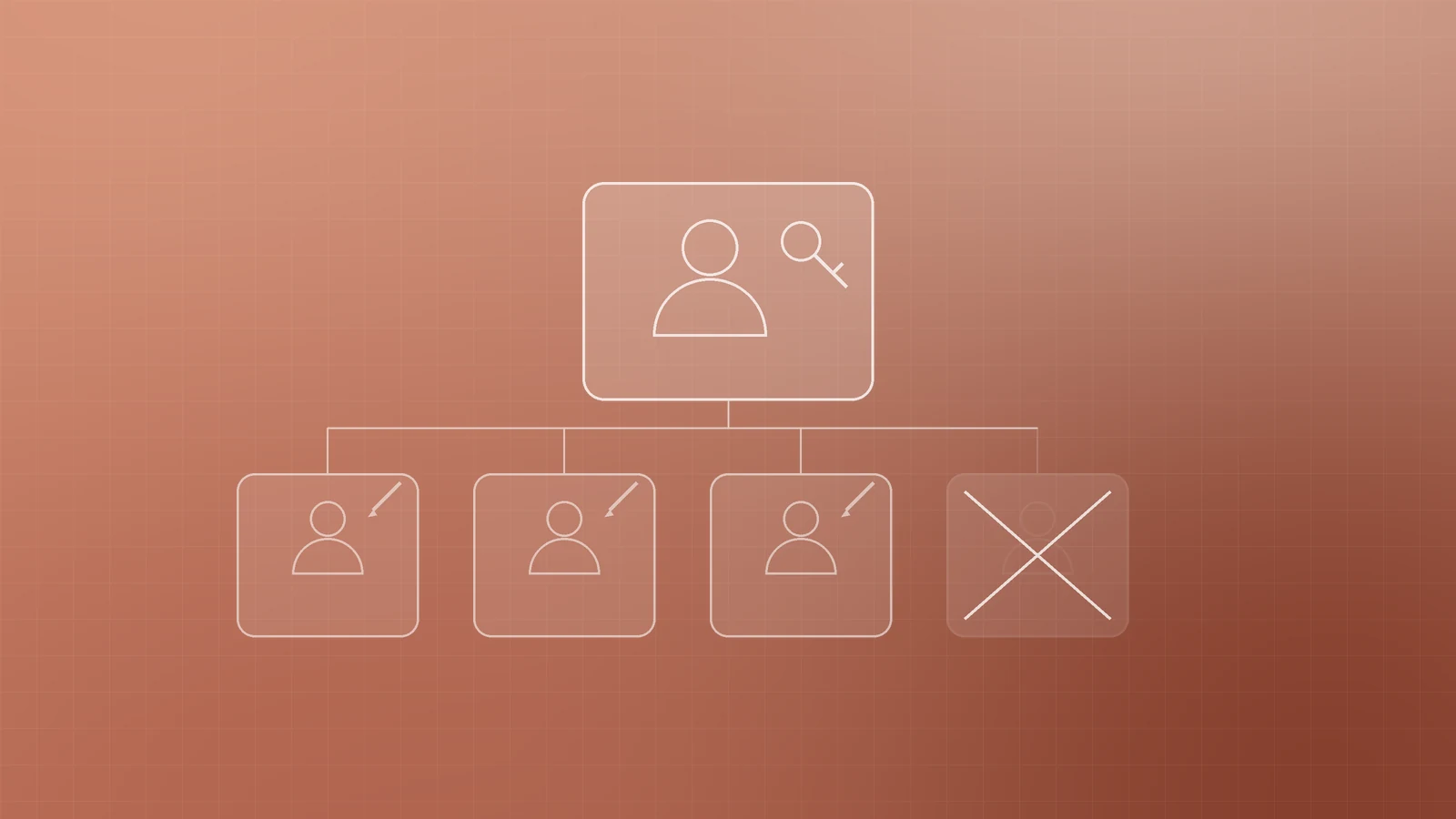
CISA recommends least privilege: disable unnecessary accounts and privileges, and prioritize MFA for privileged access (CISA: Website Security).
- Give full administrator rights only to people who need them.
- Use editor or author roles for content writers.
- Remove former staff and agencies as soon as projects end.
- Avoid shared "admin" logins so offboarding and audits stay possible.
Backups: 3-2-1 and test restores
A backup you have never restored is a hope, not a plan. CISA recommends automatic backups of critical website data and configurations, storing copies safely and remotely, and testing disaster recovery (CISA: Website Security).
For small and medium businesses, CISA describes the 3-2-1 rule: 3 copies of important files, 2 different types of storage media (for example a hard drive and the cloud), and 1 copy stored off-site (CISA: Back Up Business Data).
CISA also notes that many ransomware victims had no backups or incomplete ones—and that regularly testing partial and full restores is critical, not only scheduling backups (CISA: Cyber Guidance for Small Businesses).
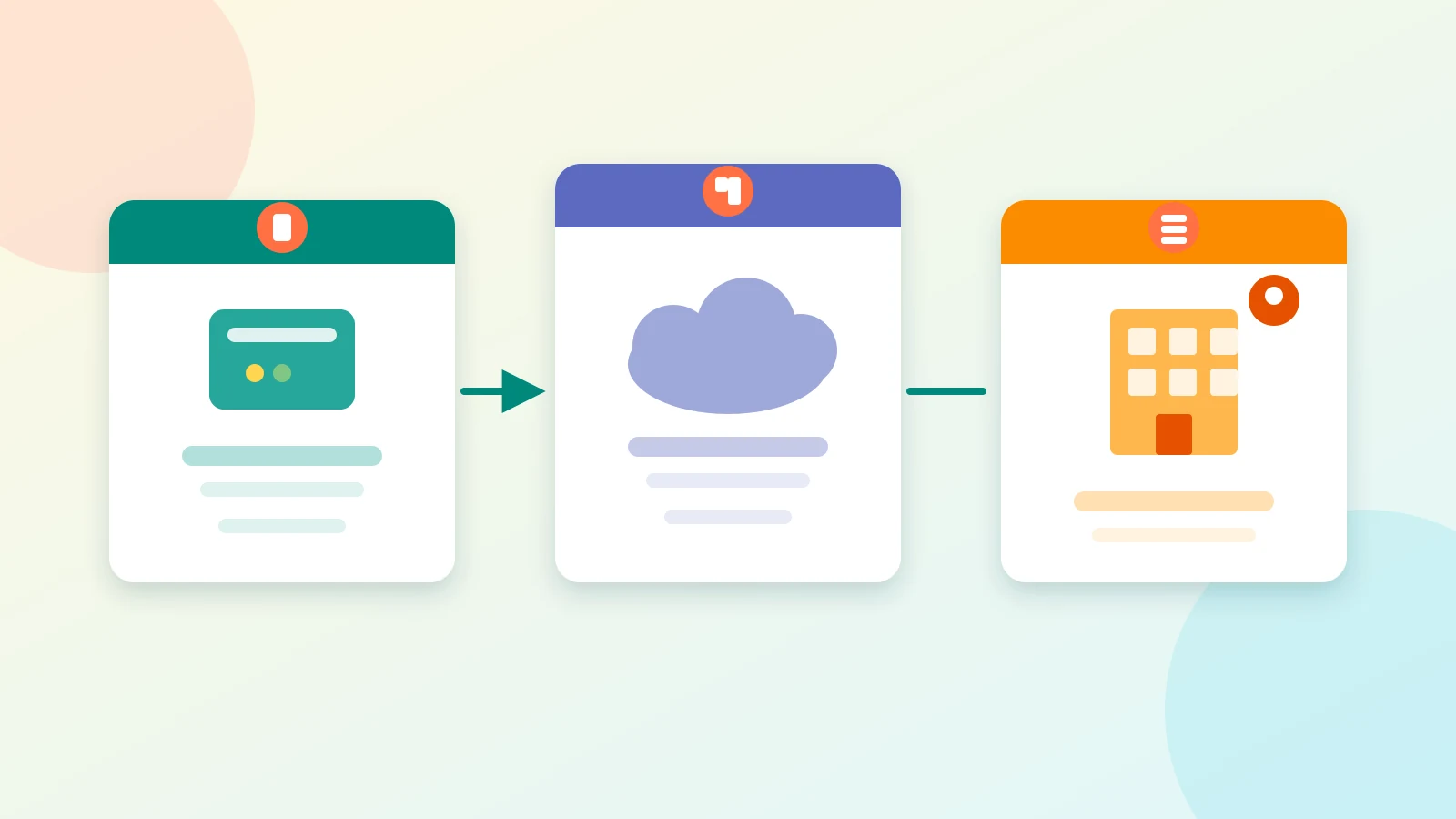
Back up site files and the database, keep at least one copy off the production host, and run a restore drill on staging every few months.
Monitor logs, uptime and certificates
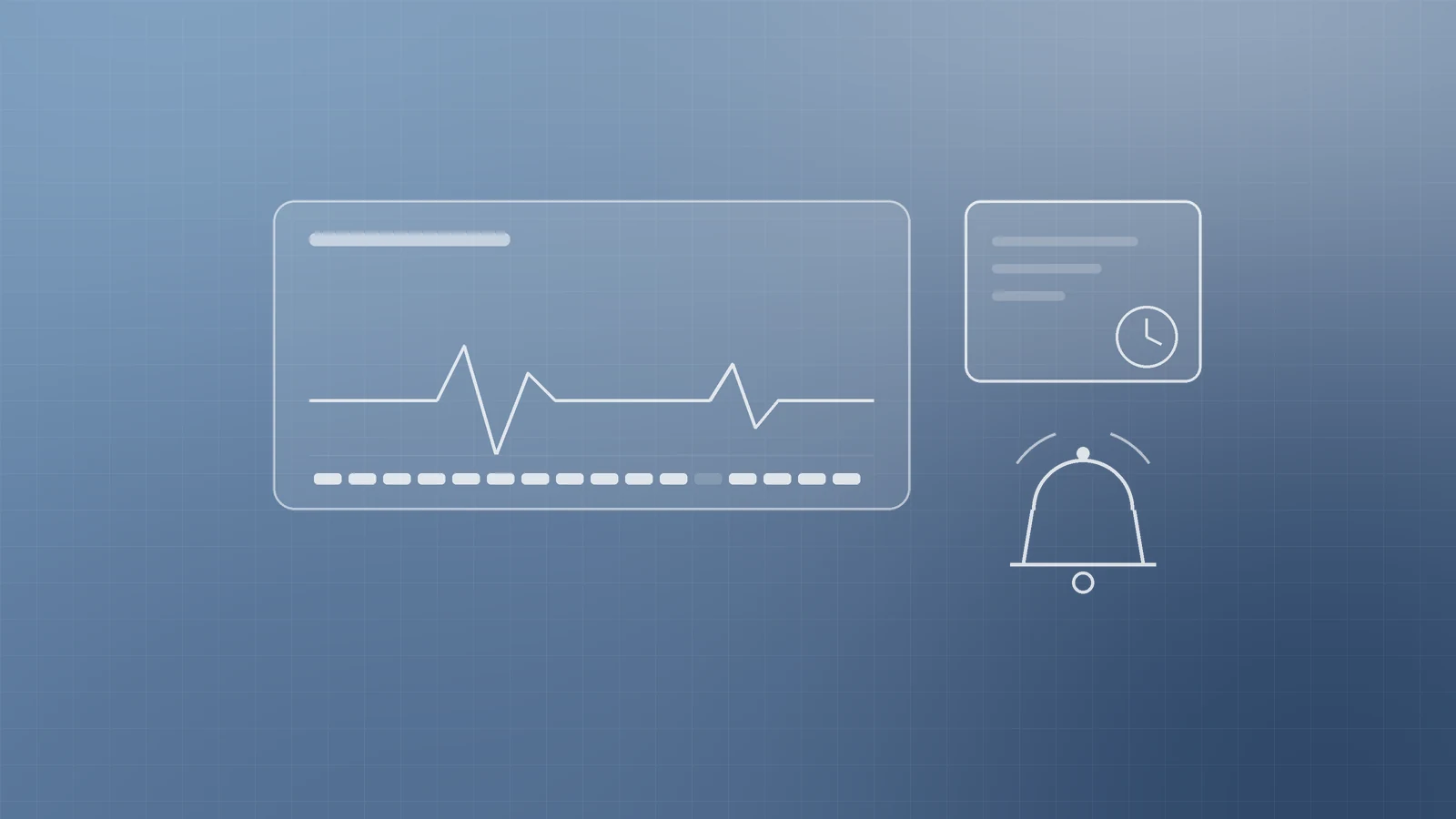
CISA advises enabling logging, auditing website logs for security events or improper access, and sending logs to a centralized server where practical, plus MFA for logins to apps and infrastructure (CISA: Website Security).
Watch for: uptime alerts, certificate expiry (or verified auto-renewal), failed login spikes on admin paths, unusual file changes or new admin users, and host/WAF block notifications. Consistent attention beats occasional panic.
Forms, spam and abuse basics
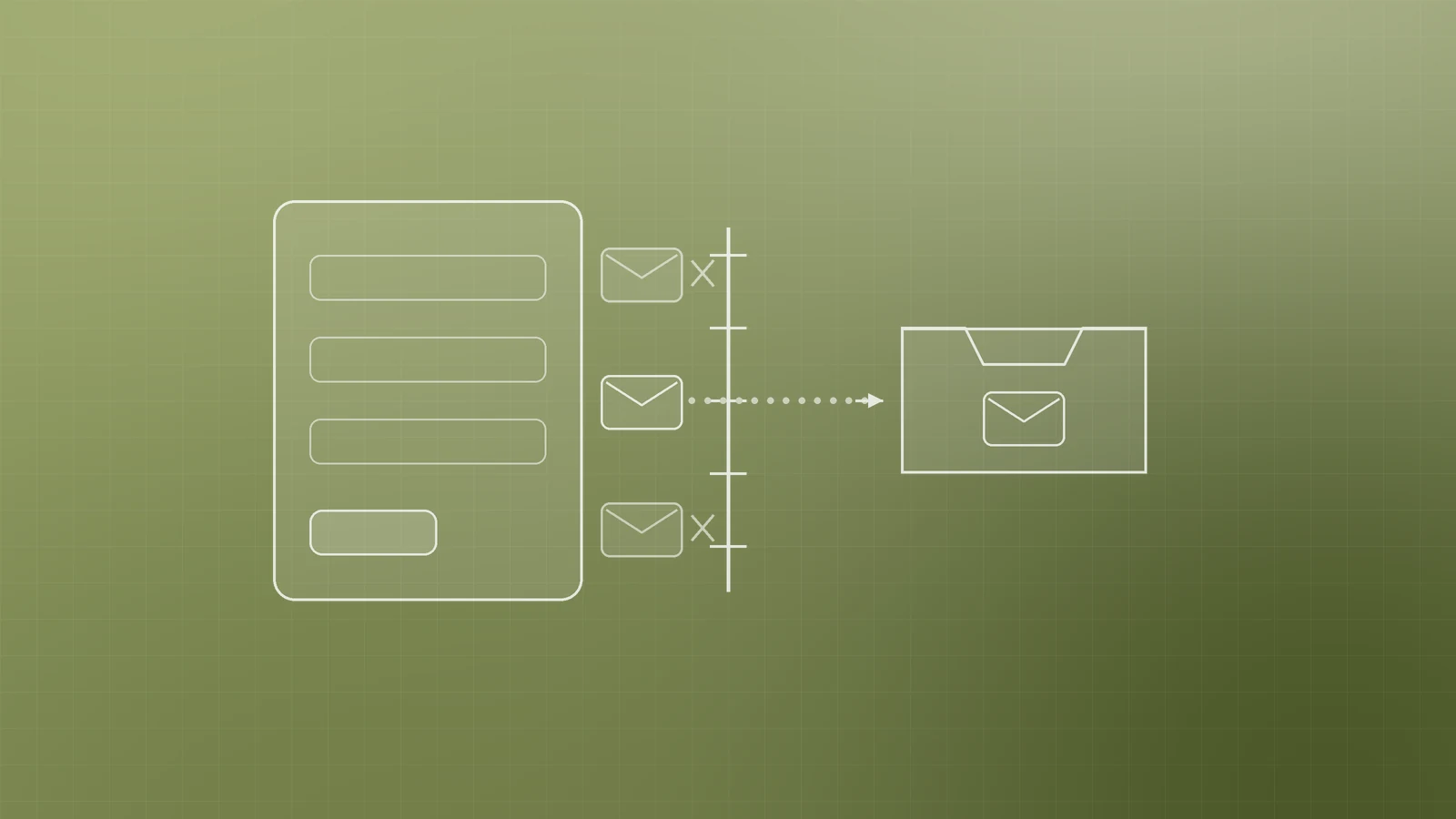
Contact forms, newsletter sign-ups and uploads are common abuse targets:
- Add rate limiting or bot challenges where spam is high.
- Validate inputs on the server; limit upload types and sizes.
- Send notifications to a monitored inbox.
- Watch for sudden submission spikes.
When hardening applications further, CISA points teams at remediating the most critical web application risks first, referring to the OWASP Top 10 (CISA: Website Security; OWASP Top 10).
Checklist you can run this month
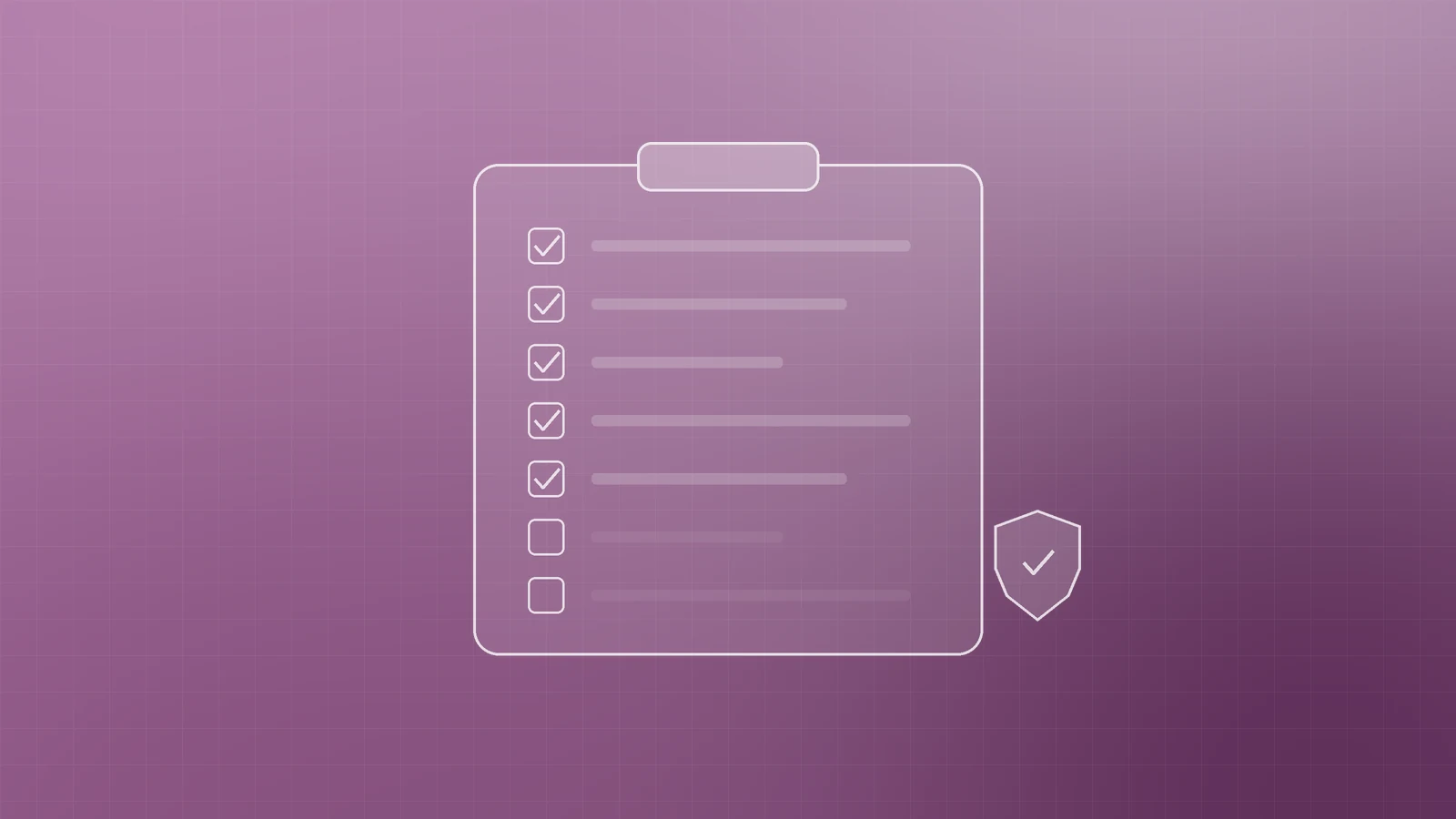
- [ ] HTTPS everywhere; HTTP redirects; HSTS when ready
- [ ] CMS, plugins, themes and server packages updated; unused add-ons removed
- [ ] Unique passwords in a password manager for CMS, host, DNS and email
- [ ] MFA on admin, hosting, registrar/DNS and email
- [ ] Admin accounts reviewed; least privilege; ex-users removed
- [ ] Automated backups of files + database; one offsite copy (3-2-1)
- [ ] Restore tested on staging in the last quarter
- [ ] Uptime monitoring and TLS expiry checks
- [ ] Log or alert review for failed logins and odd changes
- [ ] Forms protected against spam and reckless uploads
Clarify with your hosting or managed provider who owns each item—CISA notes roles and responsibilities for security measures should be clear with the host or MSP (CISA: Website Security).
Get help when you want it done properly
Website security is part of how modern businesses earn trust online. If you want a clean review of hosting, TLS, backups, MFA and deployment hardening—or help shipping a more resilient site—Inferas can support digital marketing, SEO, website deployment and Azure/DevSecOps for growing teams.
Contact Inferas at https://inferas.in.