SEO for Small Businesses in India: 7 Basics to Get Right First
A practical SEO guide for Indian small businesses: Google Business Profile, local keywords, on-page basics, speed, Search Console and reviews.

Somewhere in your city right now, a customer is typing "PG near me", "3 BHK flats in Sector 65" or "best AC repair in Gurgaon" into their phone. They will call one of the first few businesses they see. The question is simple: are you one of them?
SEO can sound technical, but for most small and growing businesses the wins don't come from clever tricks. They come from getting a handful of fundamentals right, and keeping them right. Here are the basics that matter most.

1. Claim and complete your Google Business Profile
For any business that serves customers in a specific area, your Google Business Profile is often the first thing people see, sometimes even before your website. It powers your listing on Google Maps and in local search results.
Google says local results are mainly based on relevance, distance and prominence. You can't change how far a customer is from you, but you can control a lot of the rest:
- Verify your business, so Google knows you're the legitimate owner.
- Choose the most accurate primary category (for example, "Real estate agency" rather than a generic "Consultant").
- Fill in everything: address or service area, phone number, working hours (including festival and holiday hours), website and services.
- Add real photos of your office, team, properties or products. Stock images don't build trust.
2. Pick keywords the way your customers actually speak
Keyword research means working out the words your customers type into Google. In India, those searches are often local, specific and mixed-language: "PG for girls in Noida", "paying guest near Cyber City", "hostel with food Gurgaon".
- Think in services plus locations: "interior designer in South Delhi", "property dealer Dwarka Expressway".
- Use Google itself. Type your main service and look at the autocomplete suggestions and the "People also ask" and related searches sections. These are real queries.
- Go specific before going broad. "Flats in Gurgaon" is fiercely competitive. "2 BHK ready-to-move flats in Sector 82 Gurgaon" is easier to rank for, and the person searching it is much closer to making a decision.
- Give each important keyword its own page. If you serve three cities or offer five services, each one deserves a dedicated, useful page rather than one crowded "Services" page.
3. Get the on-page basics right: titles, descriptions and headings
Every page tells Google what it covers. The most important signals are also the easiest to fix:
- Title tag: the clickable headline in search results. Keep it clear, put the main keyword near the start, and include your location if you're local, e.g. "Luxury Villas in Gurgaon | Your Brand". Every page needs its own title.
- Meta description: the short summary under the title. It doesn't directly decide rankings, but a good one gets more people to click. Write it like a mini advert for that page.
- Headings (H1, H2, H3): use one H1 per page that says what the page is about, then H2s and H3s to break up sections. This helps both readers and search engines.
- Image alt text: describe your images in plain words. It helps accessibility and image search.
4. Make your site fast and mobile-friendly
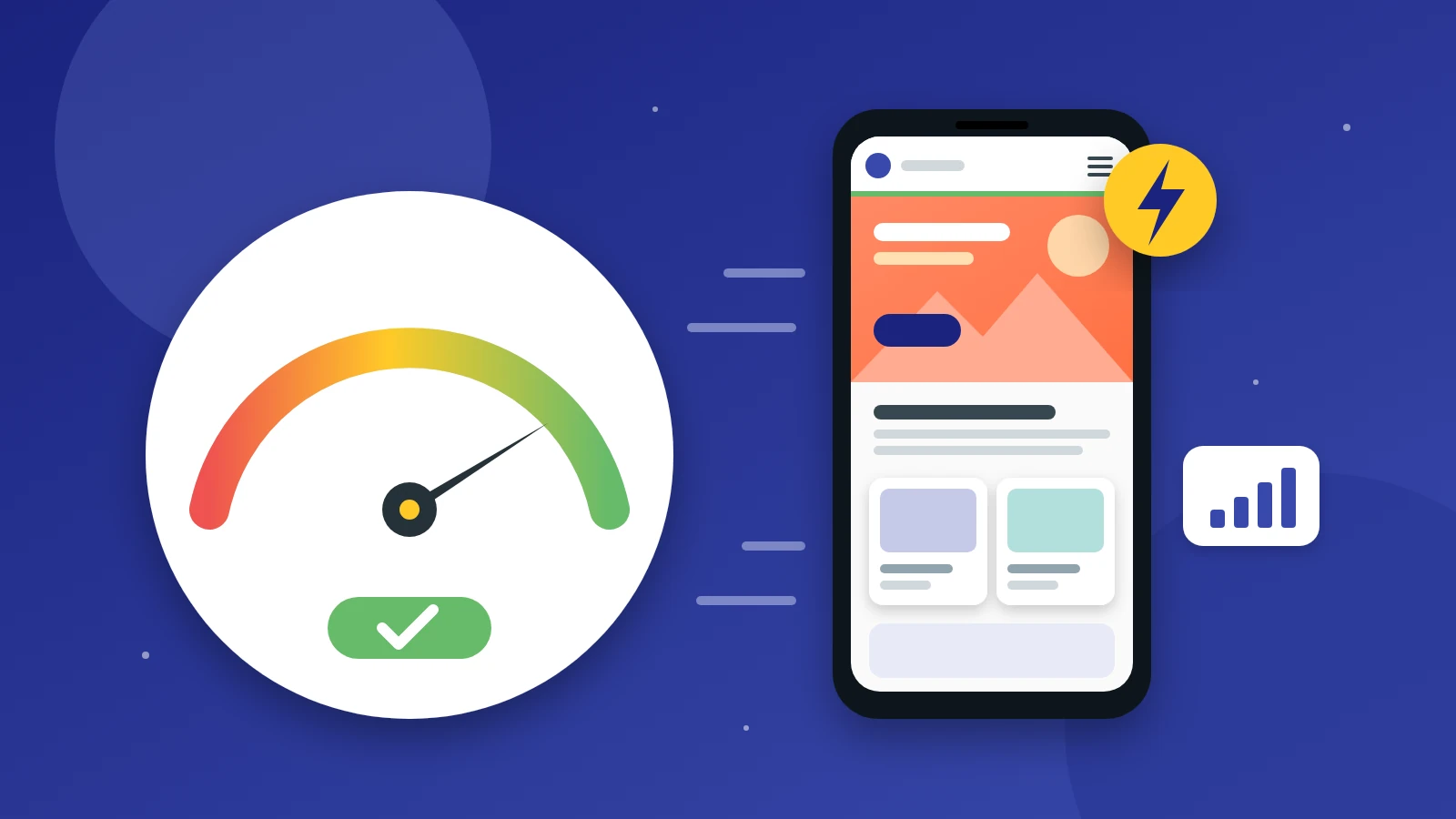
Most of your customers will find you on a phone, often on a patchy mobile connection. Google takes this seriously too: it uses the mobile version of your site for indexing and ranking, which is known as mobile-first indexing. If something is missing or broken on mobile, Google may not see it at all.
Speed matters just as much. Google's Core Web Vitals give clear targets: the main content should load within 2.5 seconds (Largest Contentful Paint), the page should respond to taps within 200 milliseconds (Interaction to Next Paint), and the layout shouldn't jump around while loading (Cumulative Layout Shift of 0.1 or less).
Practical fixes that usually help:
- Compress and resize images, and use modern formats like WebP.
- Avoid stacking up heavy plugins, sliders and pop-ups.
- Test your key pages for free with PageSpeed Insights.
5. Help Google find your pages: sitemaps and Search Console
Google can't rank a page it doesn't know about. Google Search Console is a free tool that shows you how Google sees your site, and every business website should have it set up.
- Verify your domain in Search Console.
- Submit an XML sitemap (most platforms like WordPress or Shopify can generate one automatically, usually at
/sitemap.xml). - Check the Pages report to see which pages are indexed and which aren't, and why.
- Review the Performance report to see which searches already bring you visitors. It's a goldmine for new content ideas.
Also make sure you aren't accidentally blocking Google. A stray "noindex" tag or an over-strict robots.txt file left over from development is a surprisingly common reason a perfectly good site never shows up.
6. Publish content that answers real questions
Good content is how you rank for more than just your brand name. The best place to start is the questions your customers already ask you on calls and WhatsApp:
- A real estate firm could write about home loan documents, RERA checks or comparing neighbourhoods.
- An e-commerce brand could publish size guides and honest product comparisons.
- A local service business could explain pricing and what to expect on the day.
Write for people first: be specific, be useful, and keep it up to date. One genuinely helpful page beats ten thin ones written only to stuff in keywords.
7. Earn reviews and keep your business details consistent
Reviews influence both customers and rankings. Google notes that more reviews and positive ratings can help your local ranking, and that replying to reviews shows you value feedback.
- Ask happy customers for a review right after a successful job or purchase. A short link sent on WhatsApp makes it easy.
- Reply to every review, including the negative ones, calmly and professionally.
- Keep your name, address and phone number (NAP) identical everywhere you're listed: your website, Google Business Profile, Justdial, IndiaMART, Sulekha, property portals, social media and industry directories. Inconsistent details confuse customers and search engines alike.
Your quick SEO checklist
- ☐ Google Business Profile verified, complete and active
- ☐ A list of local, specific keywords your customers actually use
- ☐ A unique title, meta description and H1 on every key page
- ☐ Fast, mobile-friendly pages that meet Core Web Vitals targets
- ☐ Google Search Console set up, with a sitemap submitted
- ☐ Helpful content that answers real customer questions
- ☐ A steady flow of reviews and consistent NAP details everywhere
Want a second pair of eyes?
SEO isn't a one-time task, but getting these foundations right gives everything else you do online a solid base to build on. If you'd like to know where your website stands, the team at Inferas would be happy to take a look. We'll review your site, your Google Business Profile and your technical setup, and give you a clear, prioritised list of what to fix first.
Get in touch with us at inferas.in to request an SEO audit. No pressure, just practical advice.