Your Domain Name Is a Business Asset: How to Own It and Protect It
Your domain runs your website and email. Learn how to own it properly, avoid expiry and hijacking, and manage DNS records safely.
Your domain name points customers to your website, it carries your email, and it proves to other services that you are who you say you are. If it expires, gets locked inside someone else's account or is quietly changed by an attacker, your website and inbox can go dark at the same time.
Protecting it takes an afternoon of setup and a few minutes of attention each year.
Know what you actually own
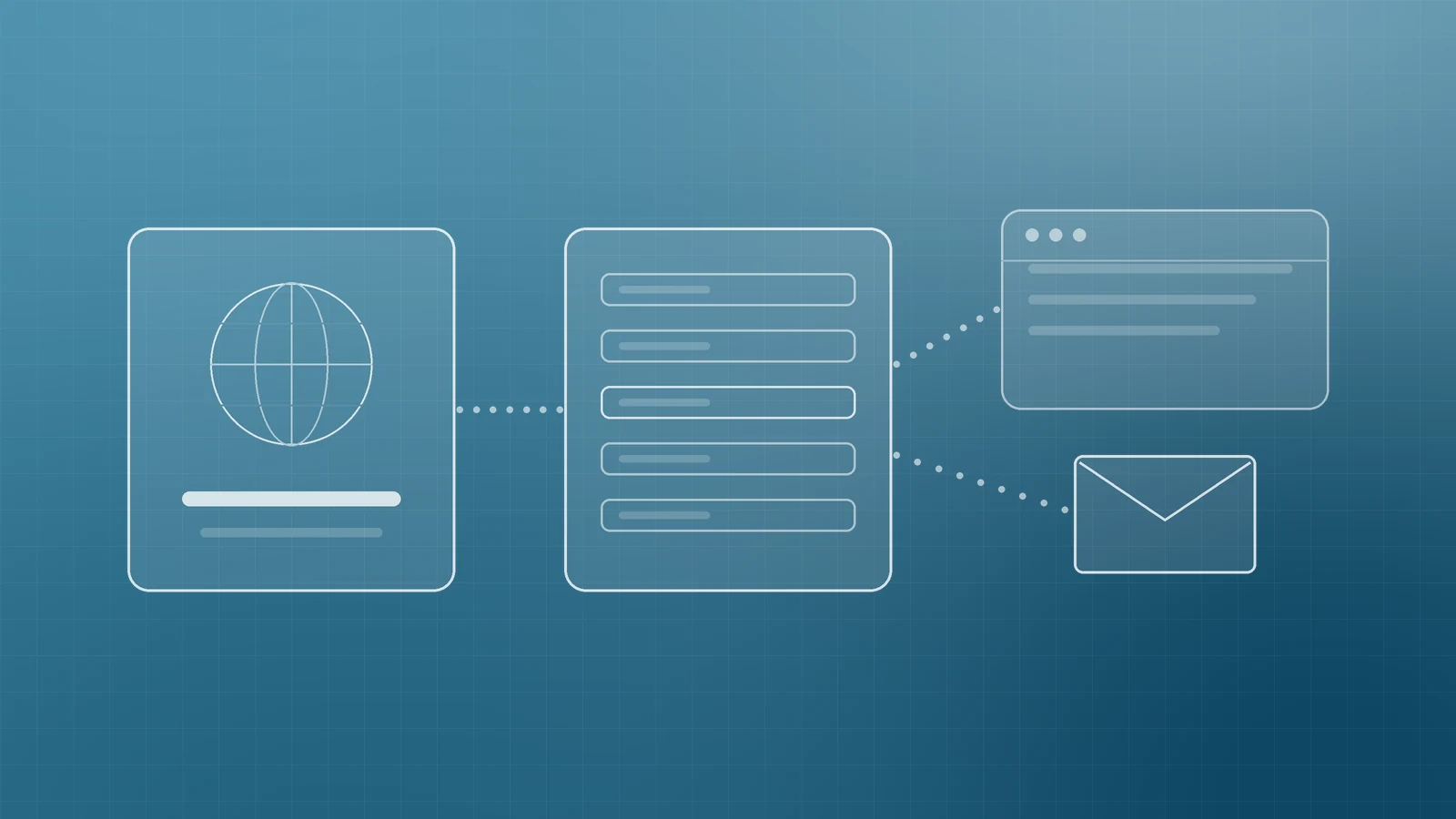
Three separate pieces work together, and they're often with different companies:
- The registrar is where the domain is registered and renewed. This is where ownership lives.
- The DNS host stores your DNS records, the instructions that tell the internet where your website and email are. It might be your registrar, your hosting company or a service such as Cloudflare.
- Your website host and email provider are the services those records point to.
Write down which company handles each piece, which login controls it and who has access. When something breaks, this one page saves hours.
Make sure the domain is registered to your business
The registered name holder is the person or organisation the registrar treats as the owner. ICANN's Transfer Policy says that in a dispute over a transfer, the registered name holder's authority overrides the administrative contact's. If a former web designer, agency or employee registered the domain in their own name, they effectively hold your online identity.
Check the registrant details in your registrar account and confirm they show your business, with contact details you control. ICANN Lookup shows public registration data such as the registrar and the expiry date.
Keep the domain in an account your business owns. Agencies and developers can be given their own access to manage DNS without ever taking ownership.
Never let it expire by accident

Expiry is the most common and most avoidable way to lose a domain. Under ICANN's Expired Registration Recovery Policy, registrars of generic domains such as .com must send at least two reminders before expiry, roughly one month and one week ahead, and one more within five days after. After expiry the registrar must interrupt the domain's normal DNS for a period before deleting it, so your site and email stop working.
Most generic domain registries must also offer a 30-day Redemption Grace Period after deletion, during which the original owner can restore the name. Registrars must publish their renewal and restore fees, so check them before you need them. Country-code domains such as .ca or .co.uk follow their own registry rules.
To stay safe:
- Turn on auto-renew and keep a current payment card on the account.
- Renew for several years at once for your main domain.
- Send registrar notices to an address that doesn't depend on the domain itself. ICANN's best-practice notes recommend a secondary contact email, because an inbox on a lapsed domain stops receiving mail.
- Put the expiry date in a shared calendar with a reminder 60 days ahead.
Lock down the accounts that control it
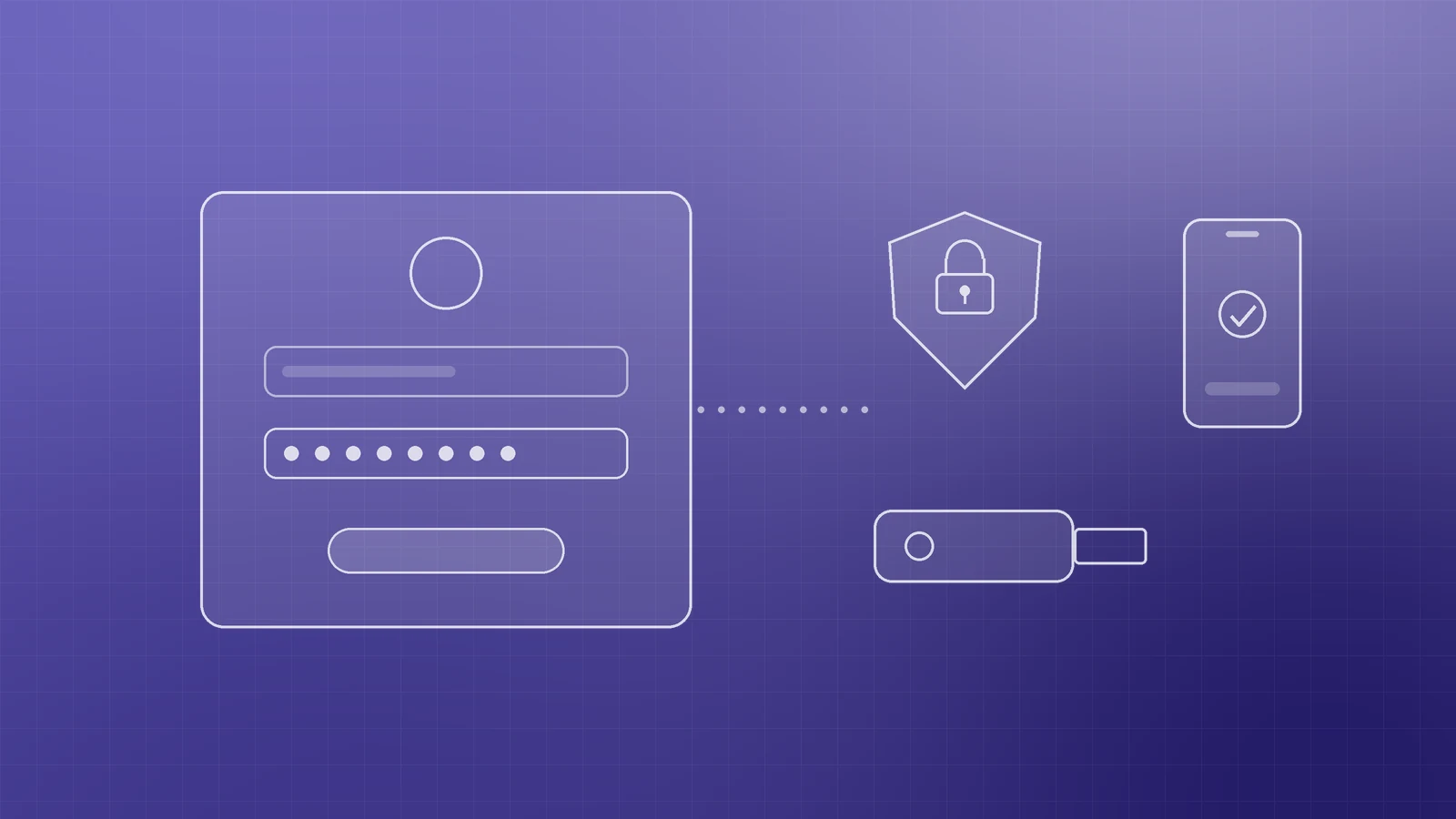
Attackers don't need to hack your website if they can change your DNS. In its directive on DNS infrastructure tampering, CISA, the US cybersecurity agency, described attackers who compromised credentials for accounts that could edit DNS, changed records such as A, MX and NS to send web and mail traffic through their own servers, and then obtained valid security certificates so visitors saw no warning.
CISA's response for the organisations it covered is a sensible baseline for any business:
- Use strong, unique passwords for your registrar and DNS host, stored in a password manager.
- Turn on multi-factor authentication for every account that can change DNS. CISA recommends phishing-resistant options such as security keys and advises against SMS codes. If your registrar doesn't offer MFA, CISA recommends moving to one that does.
- Give access only to people who need it, and remove former staff and suppliers promptly.
Also keep the registrar's transfer lock switched on (it often appears as a "domain lock" setting). ICANN's Transfer Policy lets registrars set this transfer-prohibited status at the owner's request and requires them to let the owner remove it for a planned move. Treat the authorisation code used for transfers like a password.
Understand the DNS records that matter

You should recognise the records that run your business. Cloudflare's guide to DNS records explains each type. The essentials:
- A and AAAA records point your domain to your website's server address.
- CNAME records point one name to another, often used for "www" or for hosted services.
- MX records direct your email to your email provider.
- TXT records hold text used for verification and email security, including SPF, DKIM and DMARC.
- NS records name the DNS servers that are in charge of your domain.
- CAA records state which certificate authorities may issue certificates for your domain.
Every record also has a TTL, or time to live, which controls how long other servers cache it. Before a planned change such as a hosting move, lowering the TTL in advance helps the new values take effect faster.
Make changes carefully, and keep watching
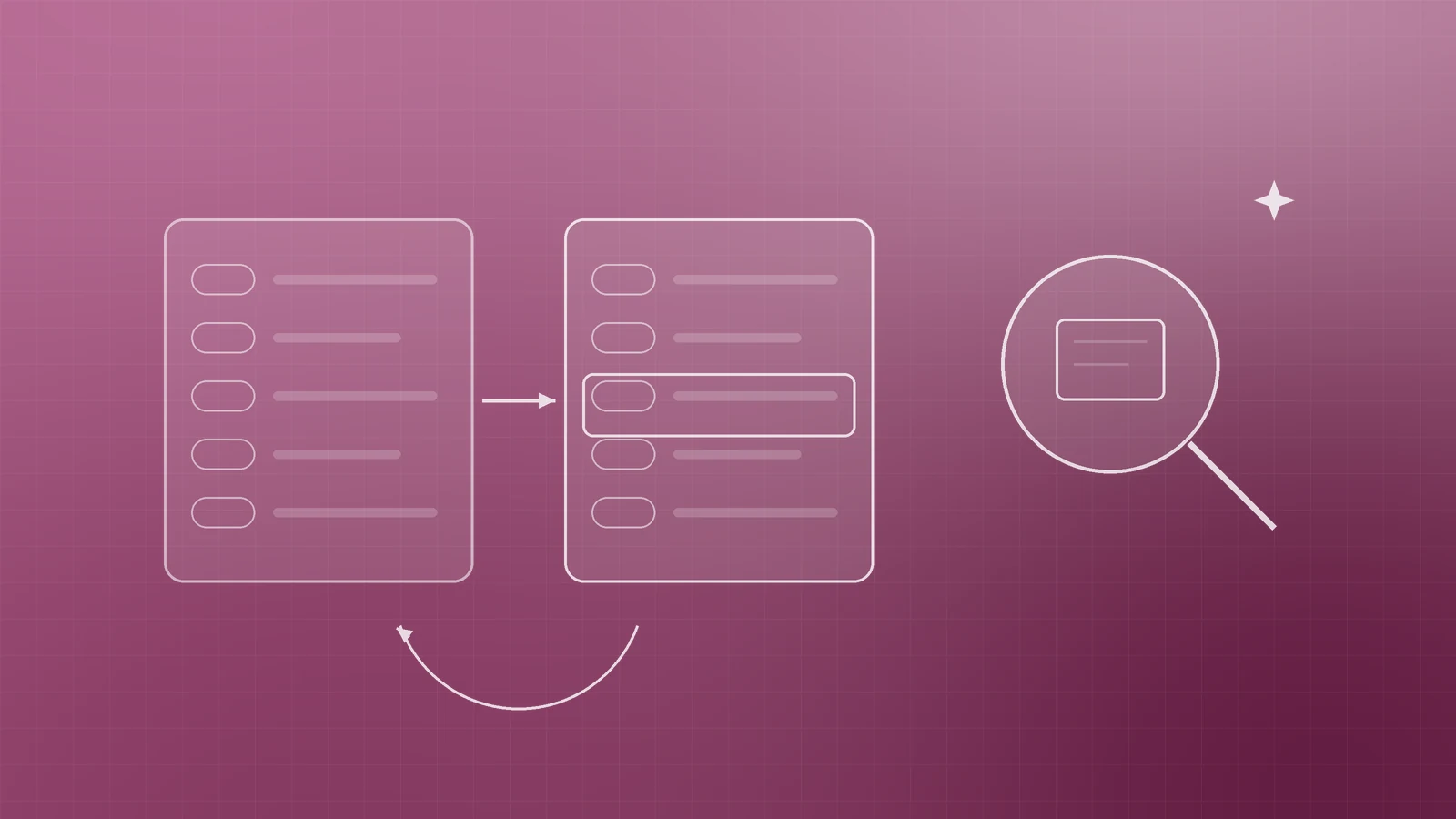
DNS mistakes are easy to make: a deleted MX record, a typo in an A record or a new host's records pasted over working ones. Before any change, export or screenshot your current records so you can roll back, change one thing at a time and test your website and email straight away.
For extra protection, ask your DNS host about DNSSEC, which adds digital signatures that let resolvers check DNS answers haven't been tampered with. ICANN explains how it works. You can also watch public Certificate Transparency logs, through a free search tool such as crt.sh, for certificates issued for your domain that you didn't request. CISA's directive used this check to spot unauthorised certificates.
Your domain protection checklist
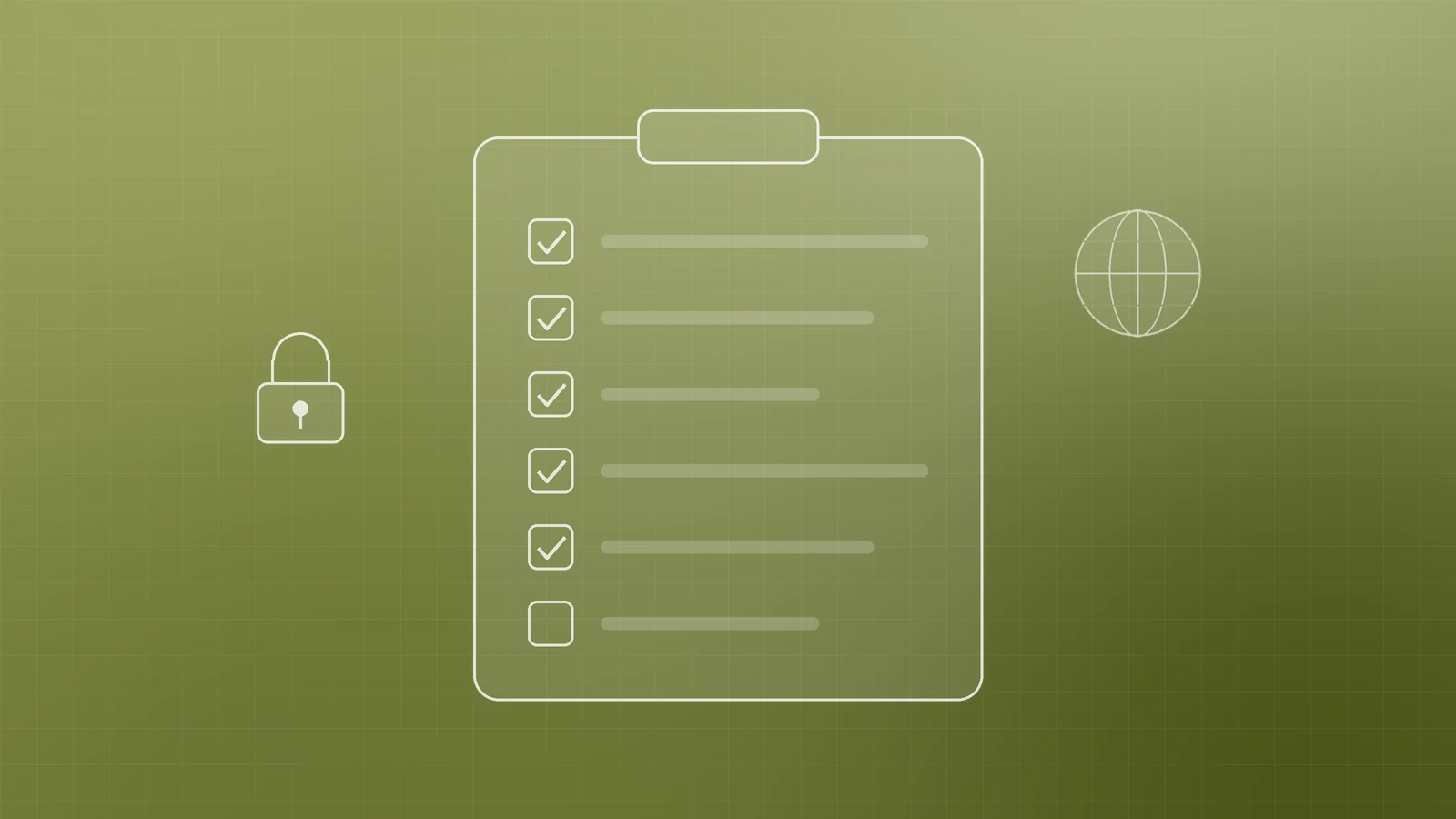
- Domain registered in your business's name, in an account your business owns
- A written record of your registrar, DNS host, website host and email provider
- Auto-renew on, payment details current, expiry date in a shared calendar
- Registrar contact email on an address outside the domain
- Strong unique passwords and phishing-resistant MFA on registrar and DNS accounts
- Transfer lock enabled and the authorisation code kept private
- Access reviewed whenever staff or suppliers change
- DNS records backed up before every change, and tested after
- DNSSEC and certificate monitoring considered for your main domain
Protect the address your business runs on
A few hours of setup now prevents the kind of outage that takes your website and email down together. If you'd like help auditing your domain and DNS, moving to a safer setup or connecting a new site without disrupting email, talk to the team at Inferas.