How to Deploy Website Updates Safely: CI/CD and DevSecOps Basics for Small Teams
Ship updates safely: Git as source of truth, staging, CI checks, secrets, Dependabot, branch protection, rollback, and a checklist.
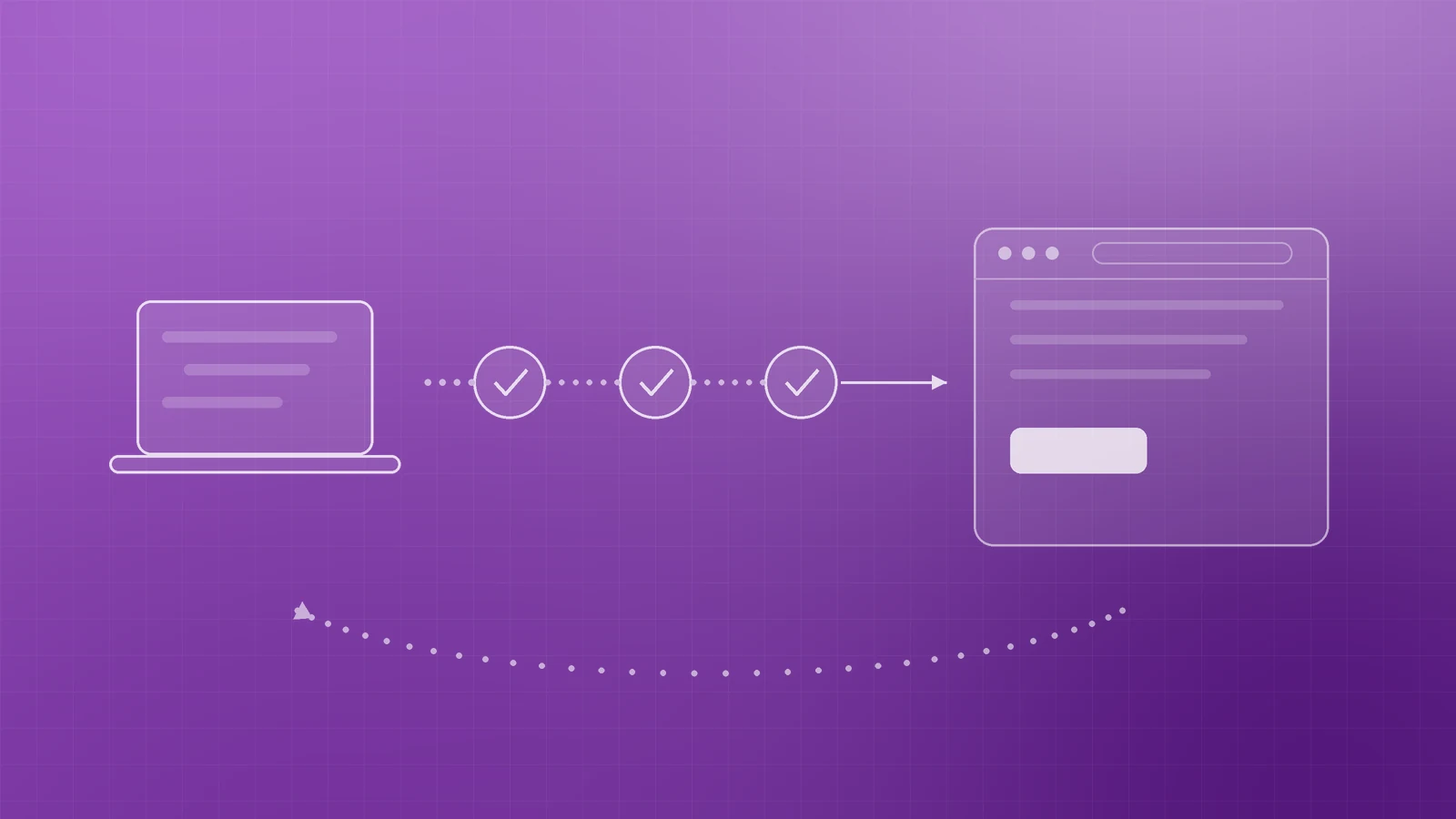
A broken homepage at mid-morning is expensive. Safe deploys are not about heavier ceremony—they are about a repeatable path from a known good commit to a checked live site, with a way back if something slips through.
For a small or growing business, that path is CI/CD plus a few DevSecOps habits: version control as the single source of truth, automated checks before release, secrets kept out of the repo, and a tested rollback plan.
Start with Git as the source of truth
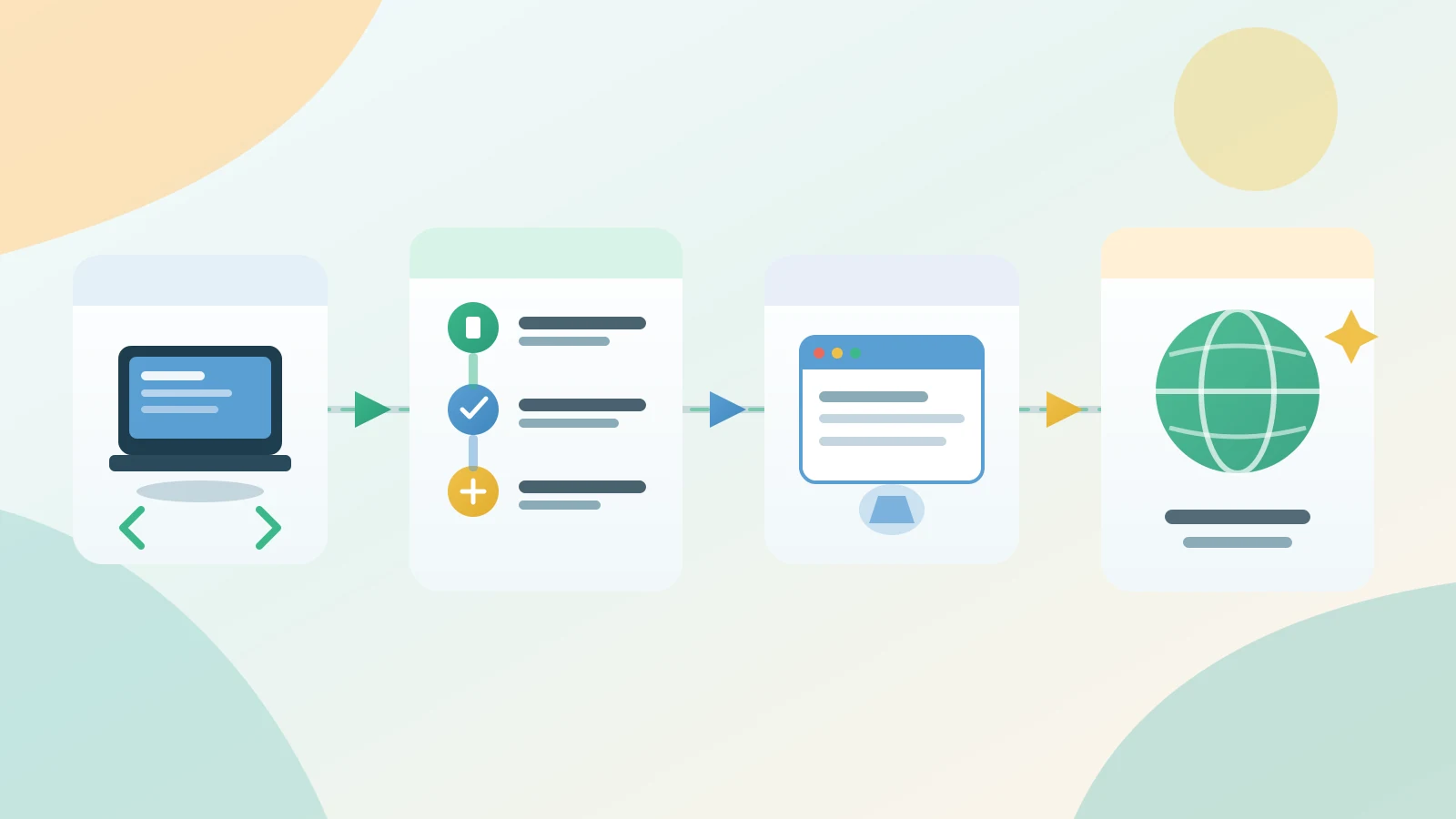
Treat Git (or your host’s equivalent) as the only place production comes from. DORA’s version control guidance is clear: store application code, deploy and build scripts, and environment configuration so you can reproduce what you shipped and restore a prior working state. If a fix only lives on someone’s laptop or a one-off change on the server, you do not have a safe release process—you have a lucky streak.
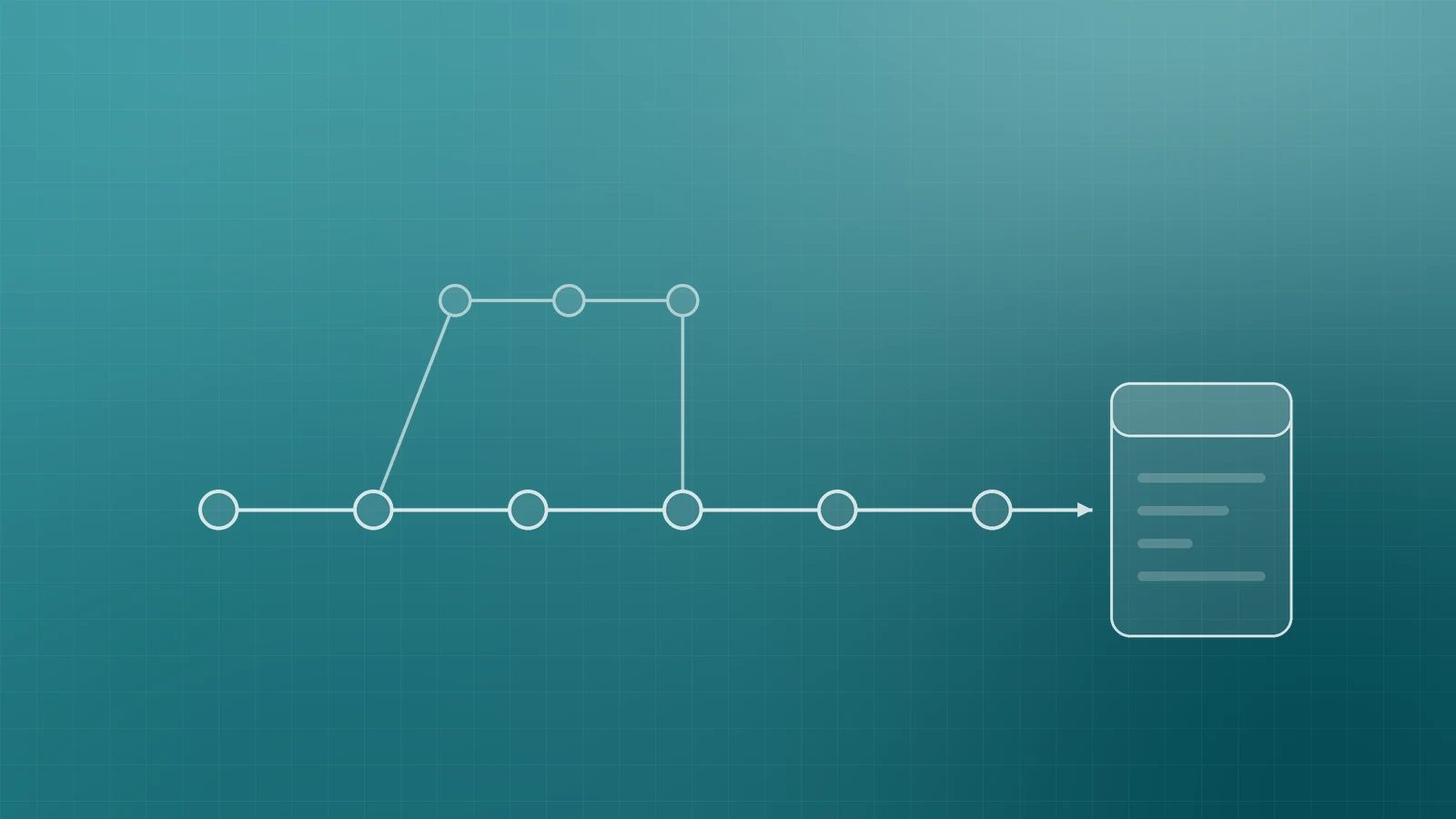
Commit small, reviewable changes. Prefer short-lived branches that merge through pull (or merge) requests rather than editing production by hand.
Use staging or preview before live
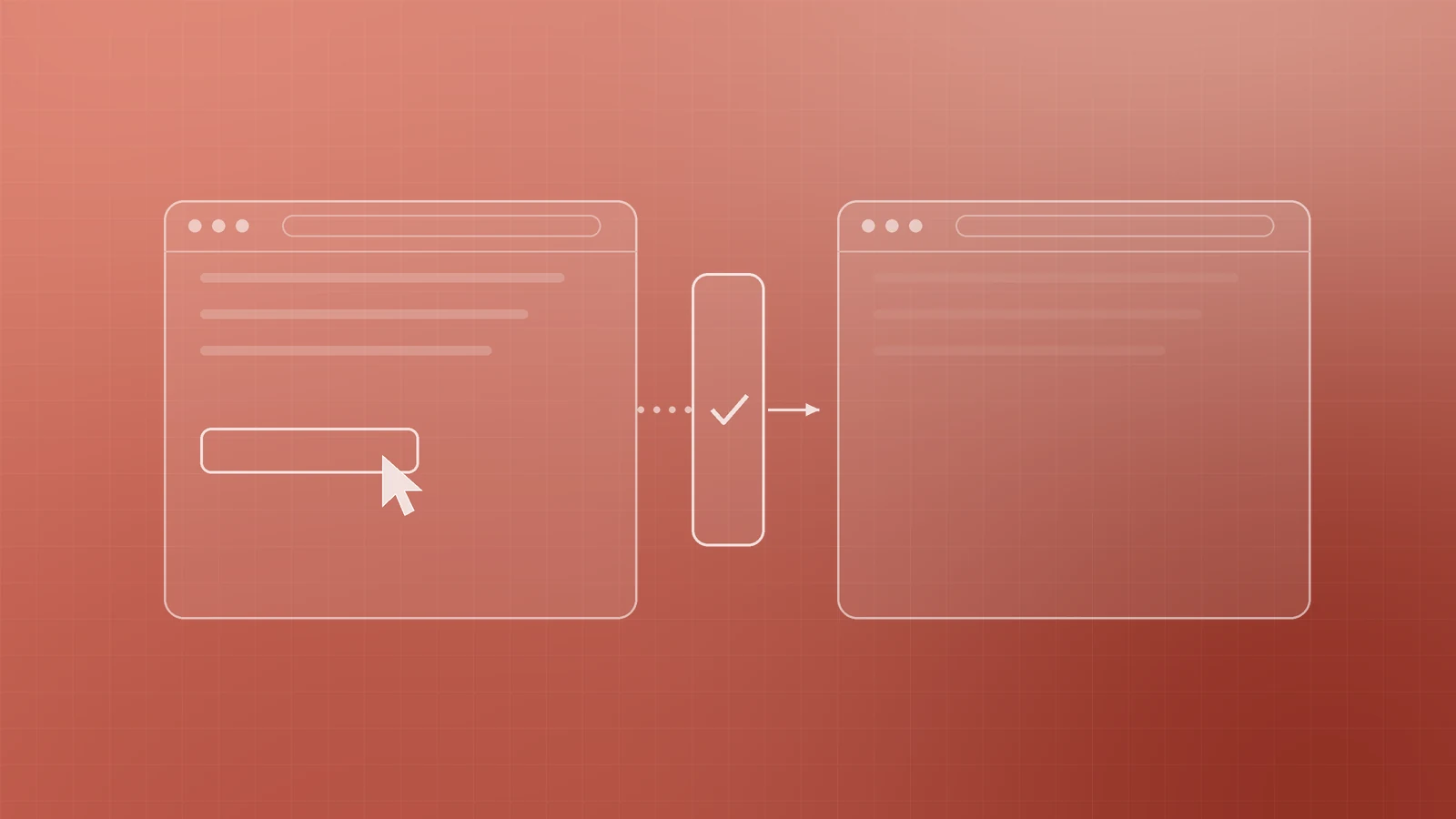
Never make production the first place a change is fully exercised. A staging site, preview deployment, or protected environment lets you click through the pages that matter—forms, checkout, login, contact—before customers see them.
On GitHub Actions, deployment environments can gate jobs with reviewers, wait timers, and environment-scoped secrets so production credentials are not available until protection rules pass. Mirror that idea on whatever platform you use: separate staging and production credentials, and require a human eye for releases that touch money, accounts, or legal pages.
Automate the build and the checks
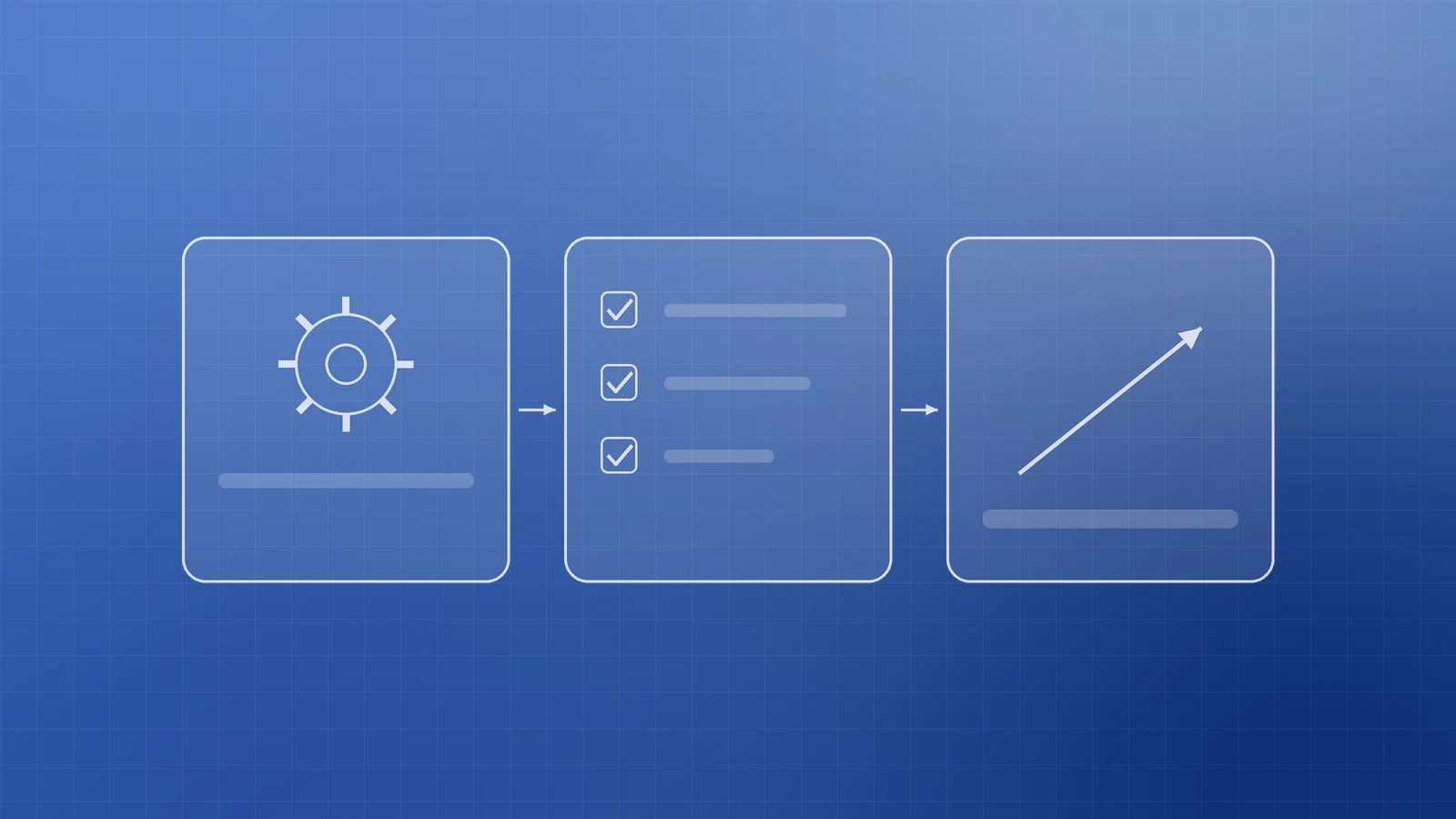
CI/CD means every meaningful change triggers the same pipeline: build, test, then deploy. GitHub Actions is a CI/CD platform for automating build, test, and deployment workflows. Azure Pipelines combines continuous integration, testing, and delivery to build and deploy to chosen targets. GitLab CI/CD runs iterative build, test, deploy, and monitor steps from a pipeline definition in the project.
Wire the pipeline to fail loudly on broken builds, failing tests, and lint or type errors you already trust. A green pipeline is permission to promote—not a suggestion to skip.
Prefer small, frequent releases

DORA defines continuous delivery as releasing changes of all kinds quickly, safely, and sustainably—keeping software deployable and treating failed builds or tests as the top priority to fix. Small batches are easier to review, easier to blame when something regresses, and easier to roll back than a quarterly “big bang.”
Keep secrets out of code
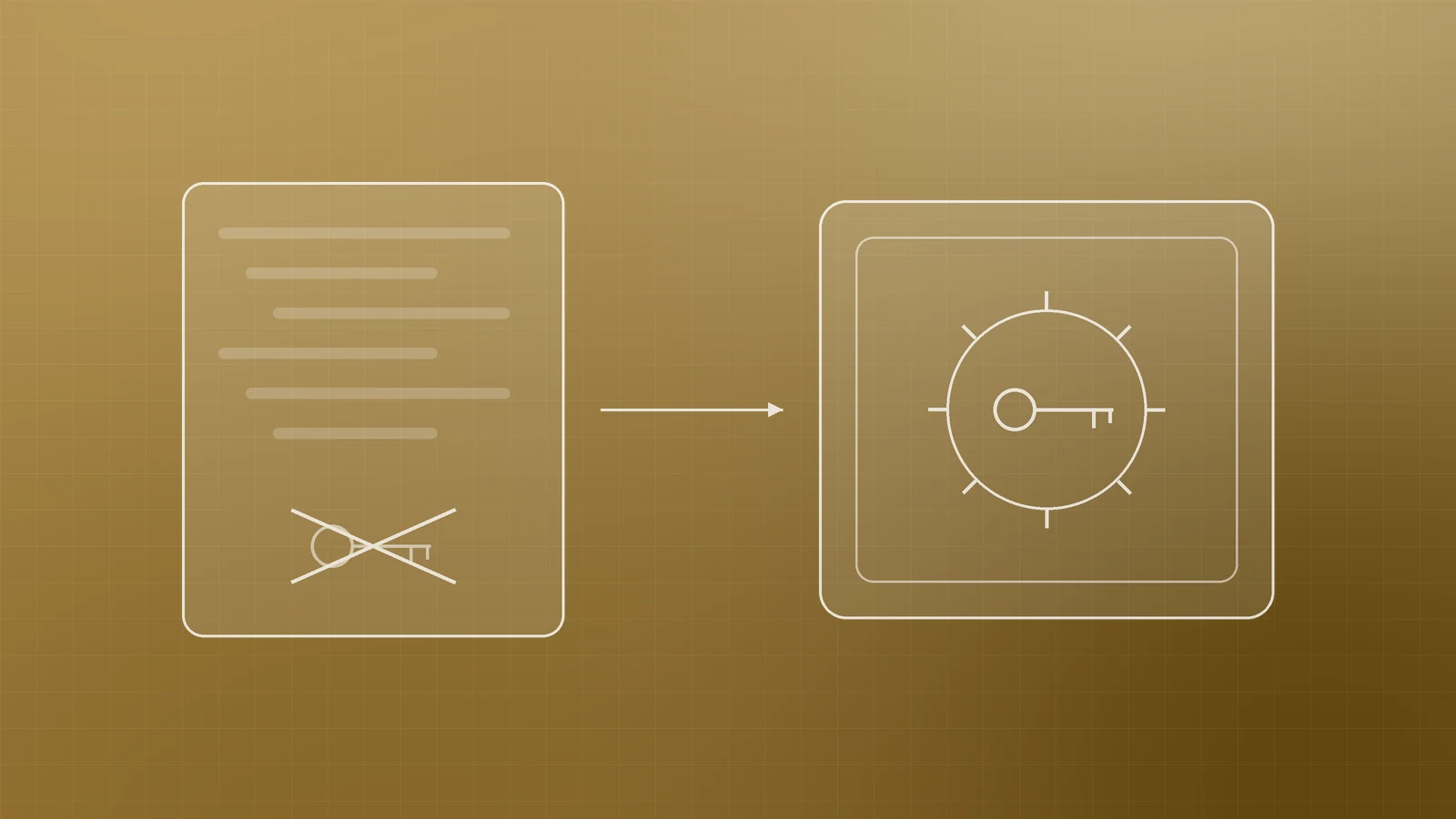
API keys, database passwords, and signing tokens do not belong in the repository. Store them as platform secrets or in a vault, inject them at deploy time, and rotate anything that was ever committed.
GitHub secret scanning detects hardcoded credentials so you can revoke them before abuse. Workflows should pull values from encrypted Actions secrets (or environment secrets), not from committed files. On Azure, Key Vault is built to store and control access to secrets, keys, and certificates—pair it with managed identities so apps do not need long-lived passwords in config.
Update dependencies and scan for known issues
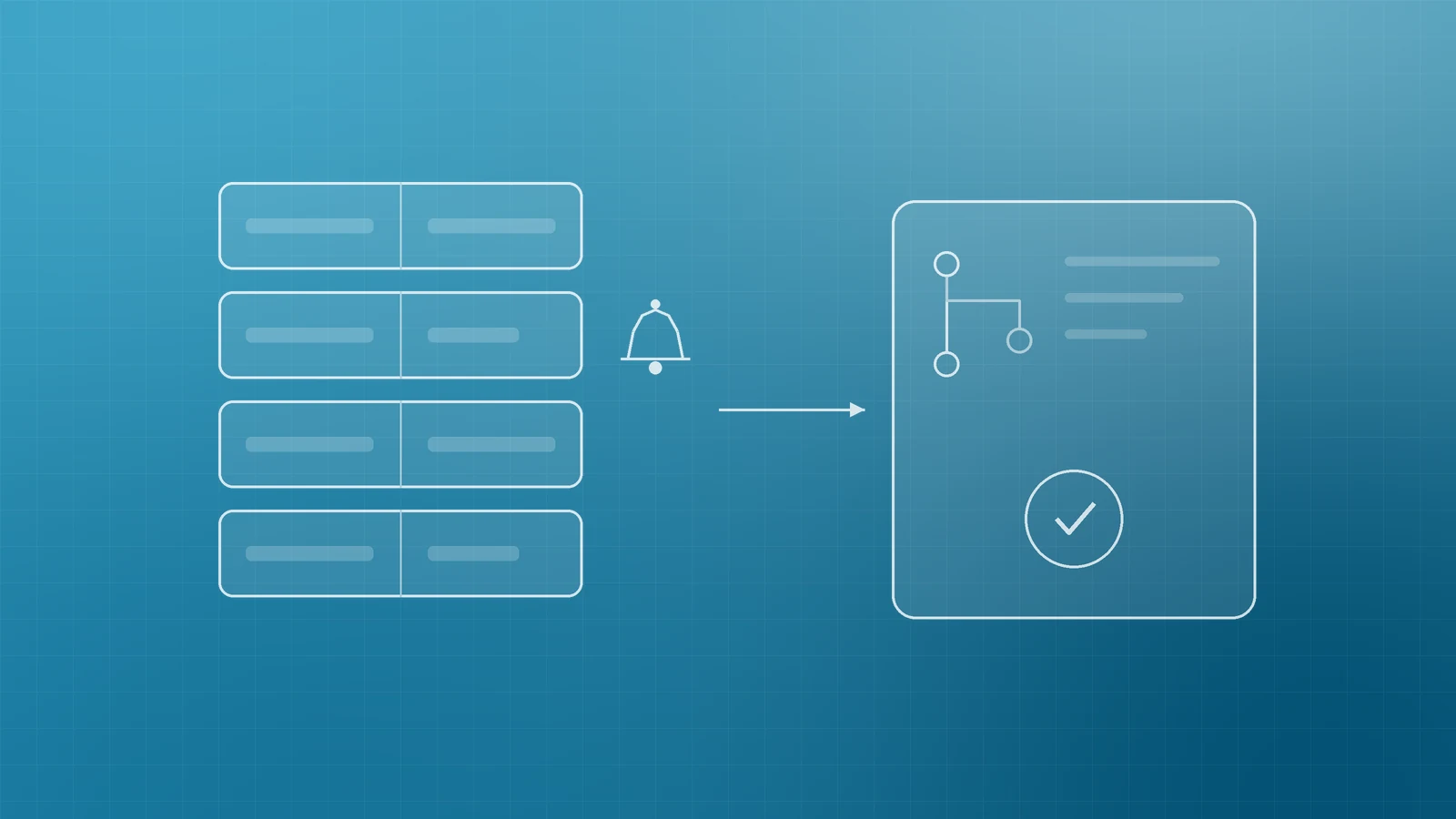
Outdated libraries are a deploy risk, not only a “security project for later.” OWASP’s Top 10:2025 lists Software Supply Chain Failures (A03)—including vulnerable or unmaintained components and weak CI/CD controls—and recommends tracking versions, scanning regularly, and hardening the pipeline with least privilege and separation of duties (no single person writing code and promoting it alone to production).
Dependabot security updates can open pull requests to patch vulnerable dependencies when alerts fire. Review those PRs like any other change: run the pipeline, smoke-test staging, then merge.
Protect the main branch and require review
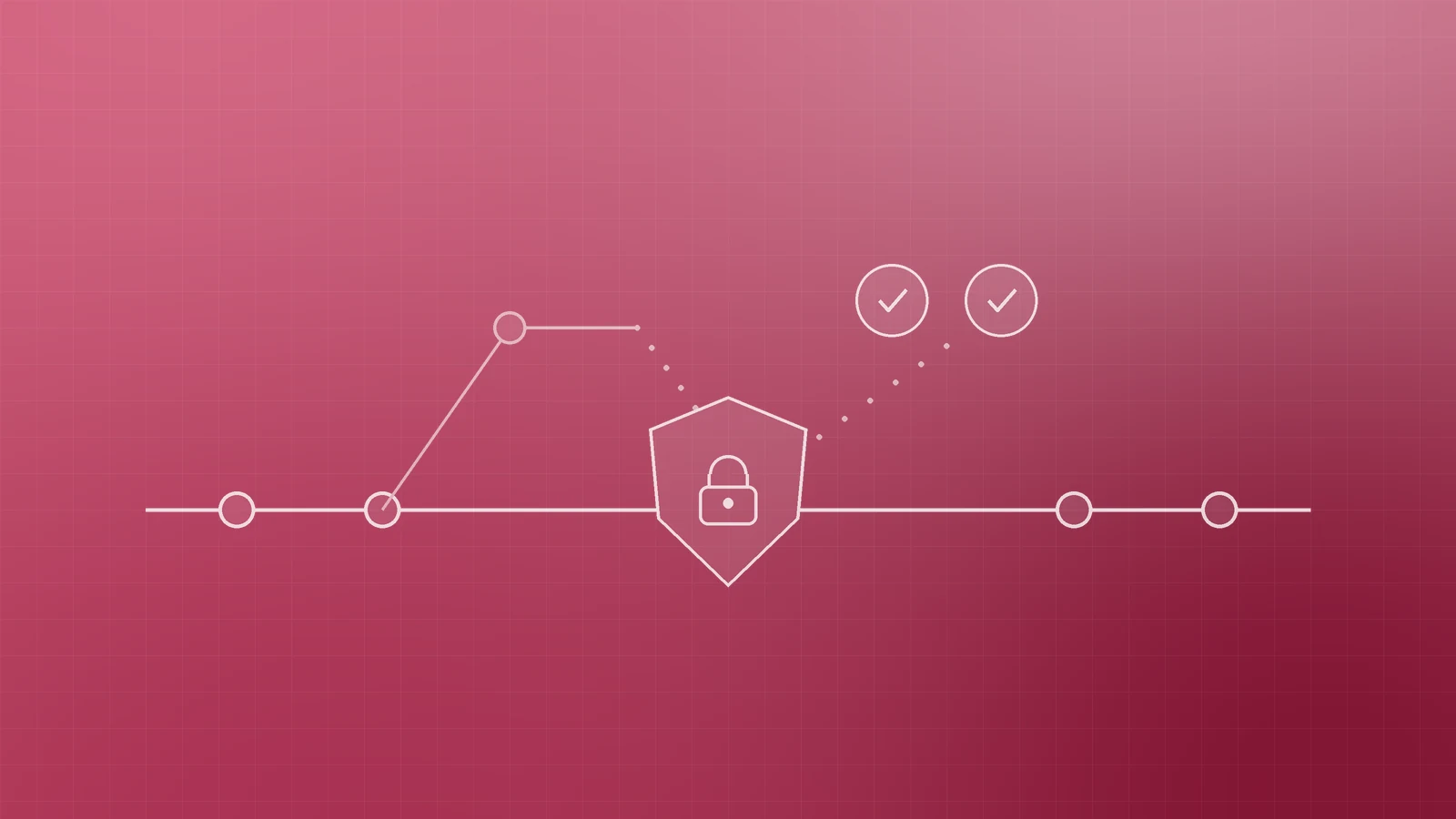
Protected branches can require pull request reviews, passing status checks, and block force-pushes and deletions. Require at least one reviewer for the default branch and make the CI checks required so a red build cannot merge. That is the practical half of “separation of duties” for a two- or three-person team.
Backups, rollback, then smoke-check live
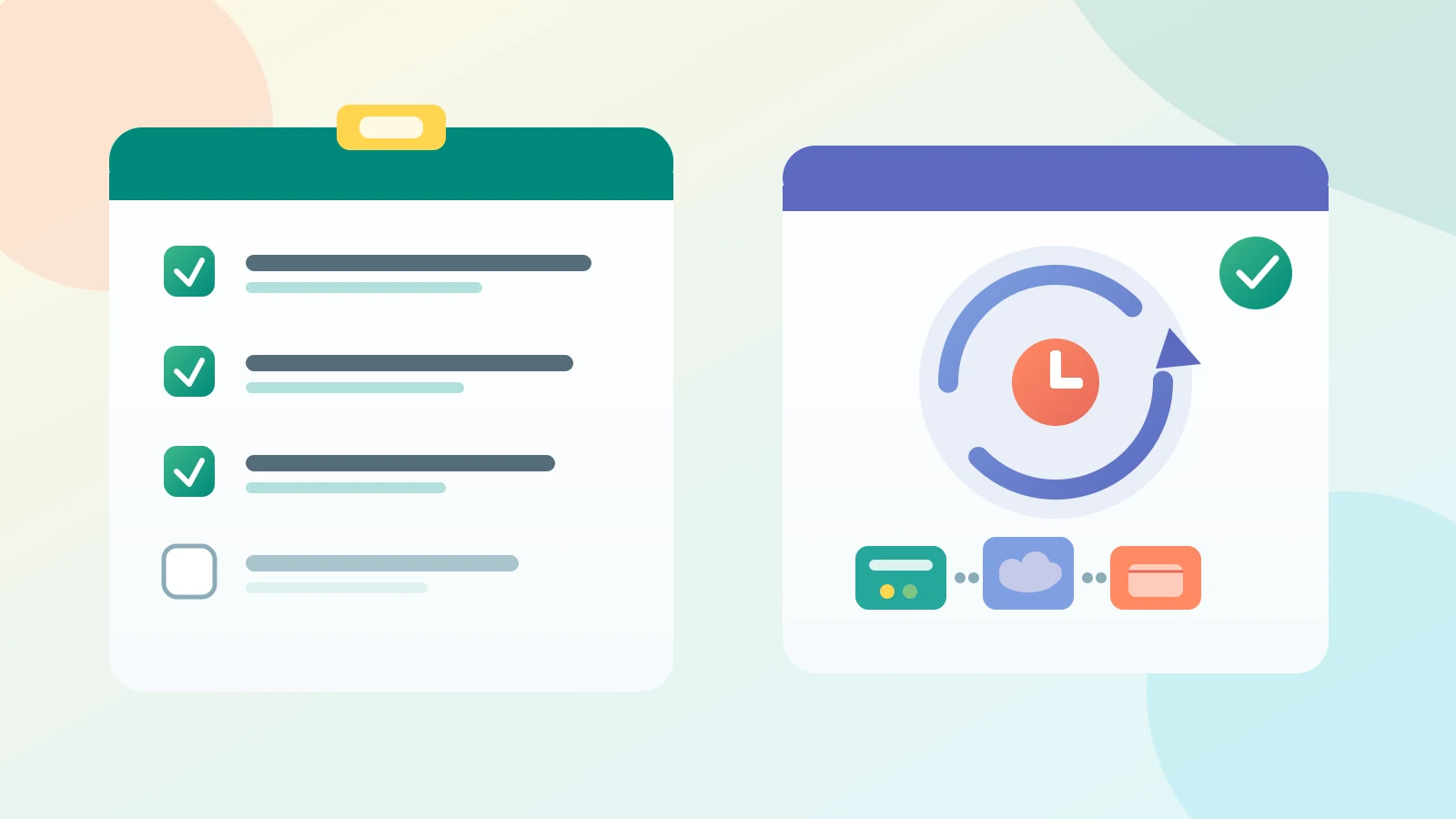
A safe deploy assumes failure is possible. Know how to redeploy the last known-good commit or artifact, and keep data backups you have actually restored. CISA’s guidance for small businesses is the 3-2-1 backup rule—three copies, two media types, one off-site—plus regular automated backups and tested restores (including partial restore and rollback). Practice the rollback once on staging so production night is not the first rehearsal.
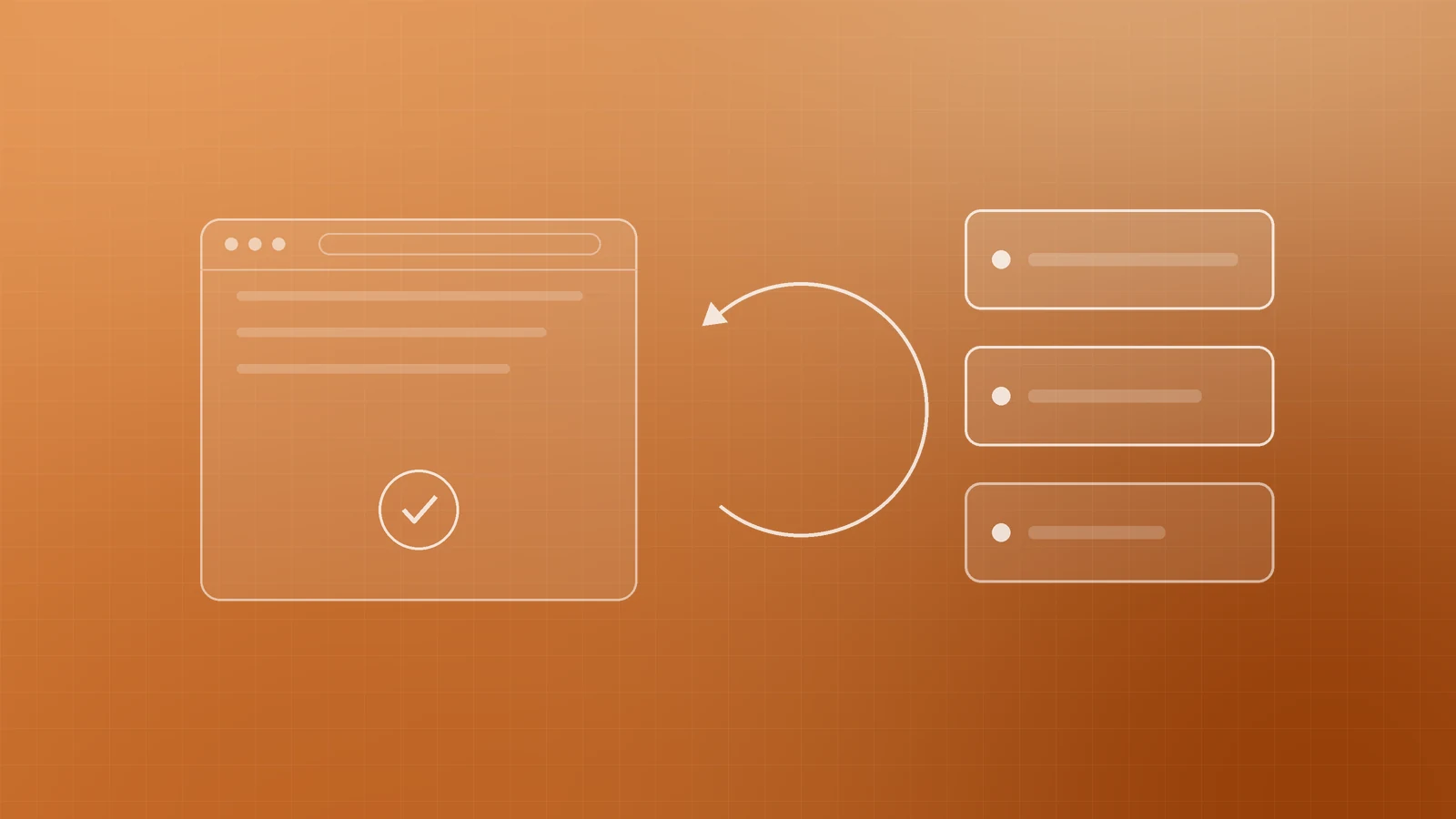
After every production push, run a short smoke checklist: homepage loads, key forms submit, HTTPS is intact, and error or uptime alerts are quiet. DORA ties continuous delivery to monitoring and observability so teams see system health as users experience it—not only after a support ticket arrives.
Checklist
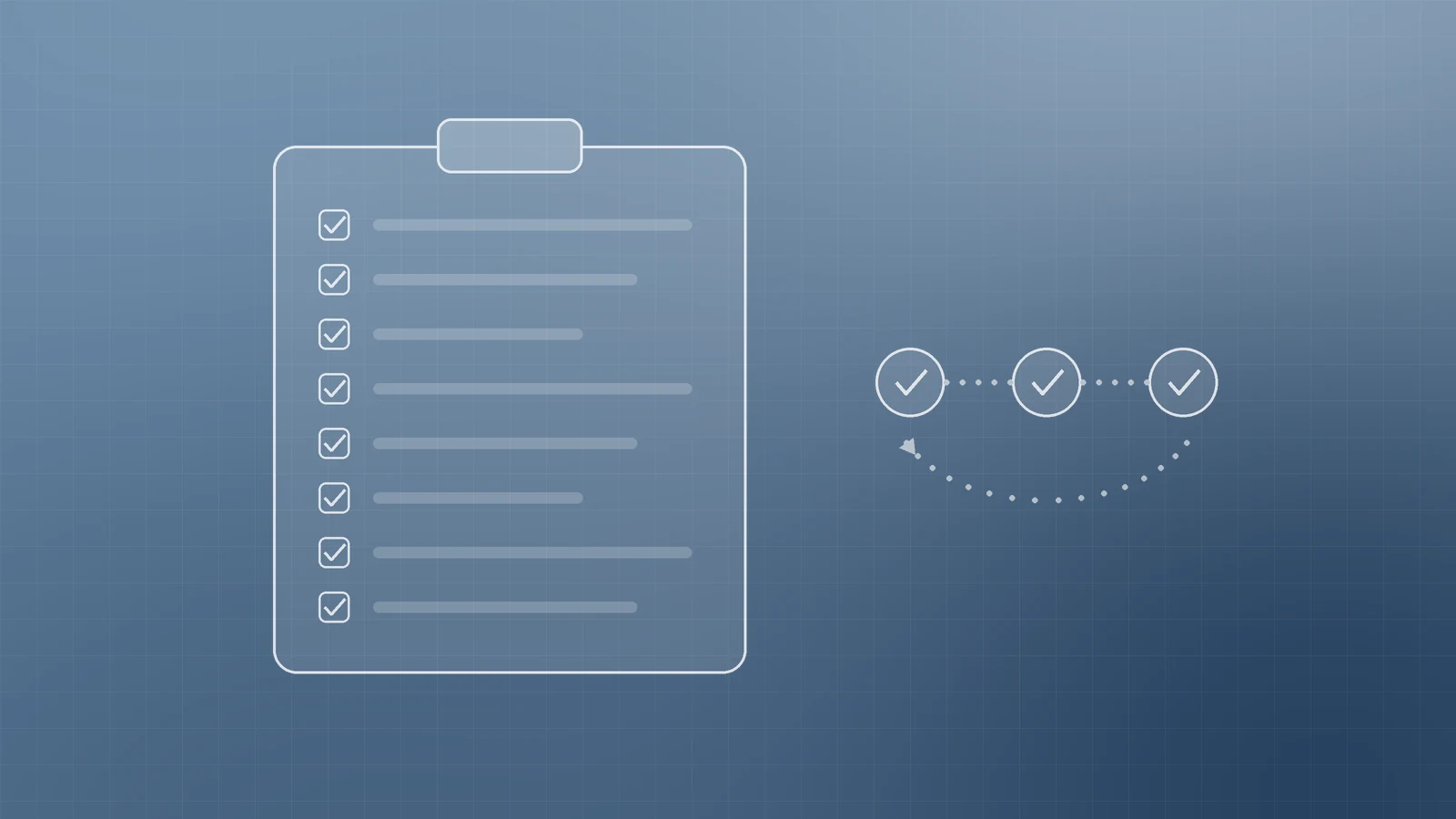
- All production changes come from version control; no hotfixes only on the server.
- Staging or preview exists; production secrets are environment-scoped.
- Pipeline builds and runs automated checks on every pull request.
- Releases are small and frequent; failed builds block merge.
- Secrets live in the host’s secret store or a vault; secret scanning is on.
- Dependency alerts (e.g. Dependabot) are reviewed and merged through the same pipeline.
- Default branch requires review and required status checks.
- Backups follow 3-2-1; rollback was tested; post-deploy smoke checks are written down.
Ship with a path back
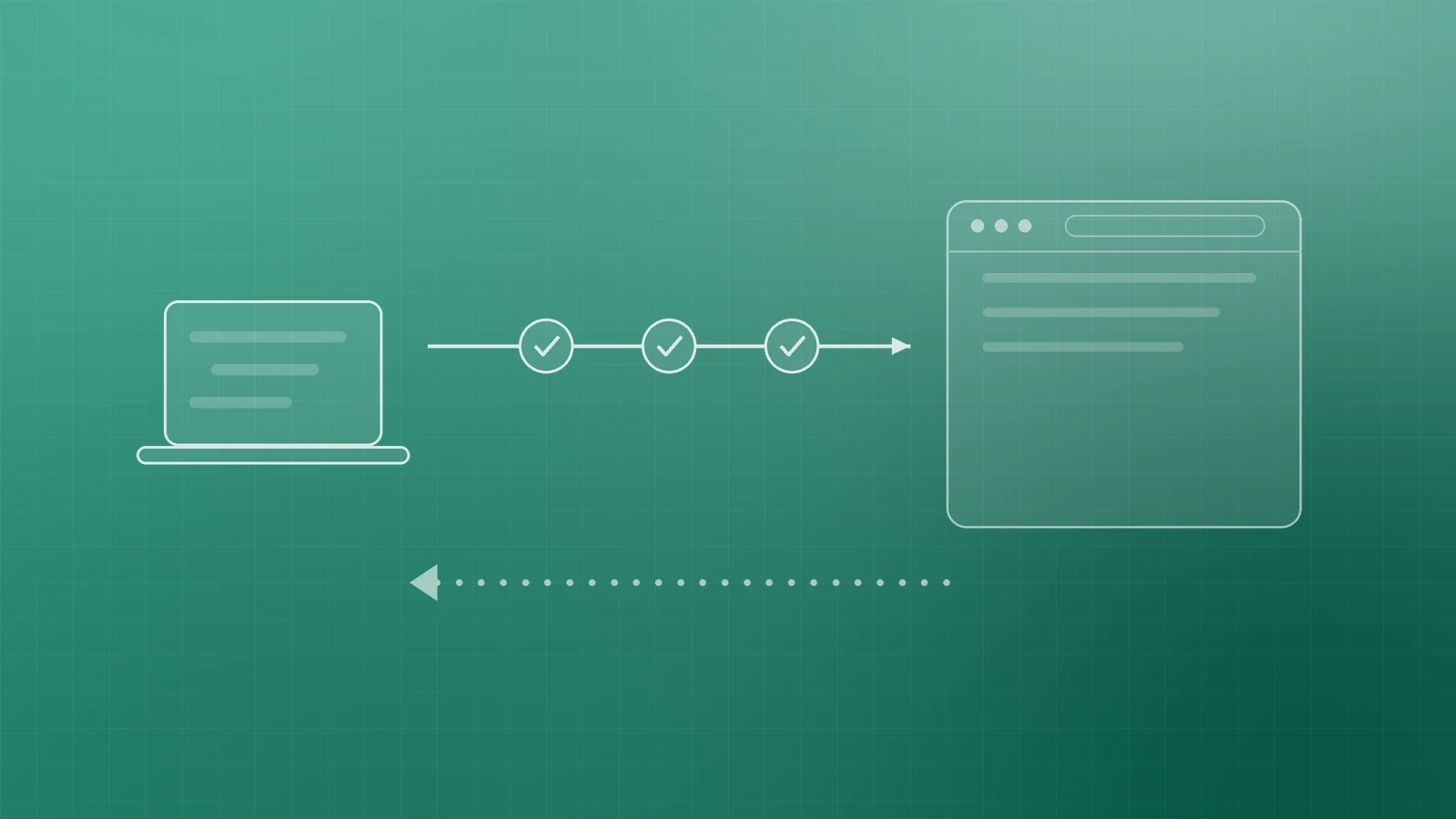
Safe updates are a habit: one repo of truth, one pipeline of checks, secrets never in Git, and a rollback you have already proven. That is enough DevSecOps for most small teams—and it scales when the business does.
If you want help designing a deploy pipeline, hardening secrets and branch rules, or tying releases to hosting and monitoring, the Inferas team can help. Get in touch at https://inferas.in.