Structured Data (Schema Markup) for Small Business Websites
What schema markup is, which types matter for small businesses, JSON-LD tips, testing tools, and a practical rollout checklist.

Structured data is a standardized way to label what a page is about—your business, a product, an article, an event—so search engines can interpret it more clearly. Google Search uses that markup to understand content and, when eligible, to show rich results: appearances with extra detail beyond a plain blue link.
For a small or growing business, the goal is accurate signals on pages that already matter: home, products or services, blog posts, and events—not markup for its own sake.

How Google uses structured data

Google can use on-page structured data to understand a page and enable richer search features. Most Search structured data uses the schema.org vocabulary, but Google’s documentation is definitive for Search behaviour—not every schema.org property unlocks a Google feature (supported features gallery).
Google supports JSON-LD, Microdata, and RDFa, and recommends JSON-LD when your setup allows it. Put markup on the page it describes. Do not create empty pages just to hold schema, and do not mark up information users cannot see.
Types that usually matter for small businesses

Match types to content you already publish:
- Organization — name, logo, URL, address, contact details. Place on the home page or one about page; use the most specific subtype that fits (for example OnlineStore, or a LocalBusiness subtype for a physical location).
- LocalBusiness — hours, address, geo, and related details that can support business information in Search and Maps experiences.
- Product — product snippets and, when customers can buy from you, merchant listings (price, availability, ratings where they apply).
- Article (Article, NewsArticle, or BlogPosting) — title, images, dates, and authors for news or blog pages.
- BreadcrumbList — the page’s place in your site hierarchy.
- Event — real events people can attend at a time and place.
Only mark up what the page truly is.
Where the markup actually lives

Most small business sites run on a CMS or a site builder, so the practical question is where the JSON-LD gets added. There are three common routes:
- Built-in or plugin output. Many CMS platforms and SEO plugins generate Organization, Article and BreadcrumbList markup automatically. Check what they already output before adding more, so you do not end up with duplicate or conflicting entities.
- Page templates. For products, services and events, add markup once in the template and fill it from the same fields that render the page. That keeps price, hours and dates in sync with what visitors see.
- Hand-written blocks. For a single home or about page, a short JSON-LD script in the page head is often the cleanest option.
Whichever route you choose, keep one owner for structured data so changes to the site and changes to the markup happen together.
Honest expectations (including FAQ and HowTo)
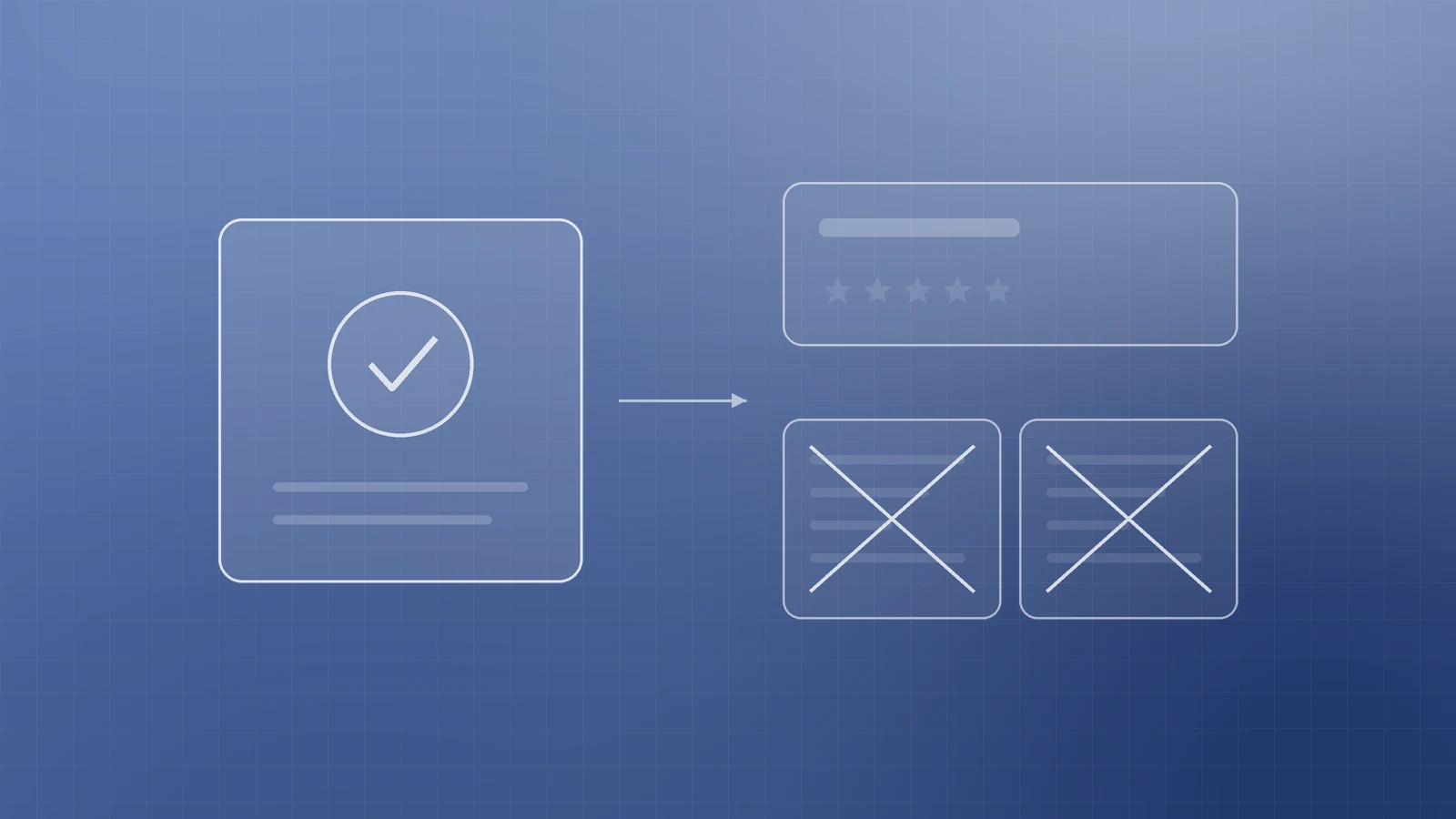
Google is explicit: structured data does not guarantee rich results, even when the Rich Results Test reports valid markup. Eligibility enables a feature; Google still chooses what to show (general structured data guidelines).
Feature availability changes:
- HowTo rich results were deprecated and are no longer shown on desktop or mobile; Google removed the How-to structured data documentation (HowTo and FAQ changes; documentation updates).
- FAQ rich results were restricted in 2023 to well-known government and health sites for regular display, then deprecated for Search appearance starting May 2026, with FAQ rich-result docs later removed (HowTo and FAQ blog; updates changelog).
Focus on types still listed in the search gallery.
Guidelines: markup must match visible content

Follow the general structured data guidelines and spam policies for Google web search:
- Markup must truly represent the main, visible content.
- Do not mark up hidden content, fake reviews, or misleading types.
- Include required properties for the feature you want.
- Do not block Googlebot with robots.txt, noindex, or login walls on those pages.
A structured-data manual action can remove rich-result eligibility; it does not by itself change ordinary web ranking. Check Search Console’s Manual Actions report if needed.

Test, monitor, and roll out
- Validate with the Rich Results Test; use the Schema Markup Validator for broader schema.org checks.
- After deploy, confirm fetchability with URL Inspection in Search Console.
- Watch rich result / enhancement reports for valid and invalid items (under Enhancements; Shopping for some product reports). Reports appear after Google finds valid supported markup.
- Allow time for recrawl and reindexing.
A simple rollout plan:
- Inventory your key pages: home, about, services or products, blog posts and events.
- Pick the matching type from the search gallery for each page template.
- Add JSON-LD that mirrors the visible content on that page.
- Fix critical Rich Results Test errors before anything goes live.
- Deploy to a small batch of pages first, then expand through your templates.
- Review enhancement reports monthly, and whenever offers, hours or URLs change.
Checklist

- Accurate Organization / LocalBusiness on home or about (name, logo, URL, address, phone as applicable).
- Product, article, breadcrumb, and event markup only where that content is primary and visible.
- JSON-LD preferred; required properties complete per Google’s docs.
- No FAQ or HowTo markup added just to win rich results, since Google no longer shows either.
- Markup matches on-page text; no hidden or fabricated fields.
- Critical Rich Results Test issues fixed; Search Console reports watched after deploy.
Get schema markup working without the guesswork
Clear, honest structured data helps Google understand your site and keeps you eligible for rich appearances that still exist. Mark up the truth on your strongest pages, then test and monitor.
If you want help choosing types, implementing JSON-LD, or cleaning invalid markup in Search Console, the Inferas team can help. Get in touch at https://inferas.in.