Keep Cloud and Hosting Bills Under Control
Avoid surprise cloud bills with budgets, tags, idle cleanup, rightsizing and commitments—backed by Azure, AWS and Google Cloud docs.
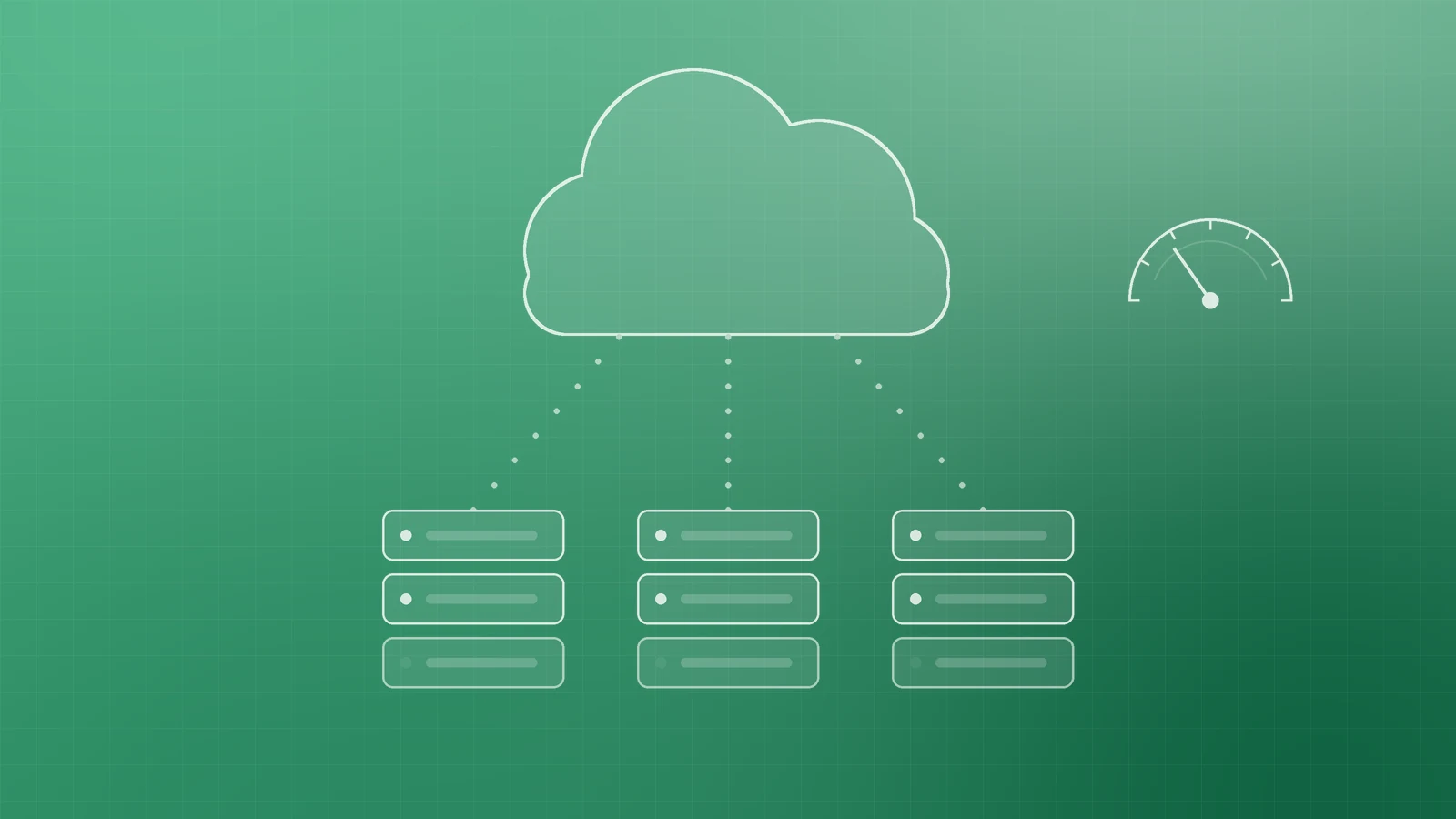
Cloud makes it easy to launch servers, storage and apps in minutes. That same flexibility is why many small and growing businesses open a bill and wonder where the money went. Pay-as-you-go is powerful, but without a few habits it quietly bills forgotten disks, idle environments and data leaving the network.
The good news: the major providers ship free cost tools. Use them early, review monthly, and treat “left running” as a first-class risk.

Why cloud bills surprise people
A few patterns show up again and again:
- Pay-as-you-go never “caps” itself. Usage keeps metering until you change or delete resources.
- Forgotten resources keep charging. AWS documents unexpected charges from leftover EBS volumes and snapshots, unreleased Elastic IP addresses, and Free Tier or credits that end while resources stay on (Understanding unexpected charges).
- Stopped is not always free. On Amazon EC2, a stopped instance is not billed for instance usage, but attached EBS storage still incurs charges (EC2 instance state changes).
- Egress and cross-region transfer. Moving data out to the internet or between regions appears on the bill; AWS explains how those line items show up in cost reports (Understanding data transfer charges).
- Autoscaling and growth. Traffic spikes or a mis-set scale policy can multiply compute overnight.
- Trials and credits expire. When promotional credit ends, the same workloads continue at standard rates.
Set budgets and alerts first

Before you optimise anything, set a budget with email alerts so a spike reaches a human.
- Azure Cost Management budgets let you alert on actual or forecasted cost. Microsoft is explicit: when a threshold is exceeded, notifications fire, but resources are not affected and consumption is not stopped (Create and manage budgets).
- AWS Budgets tracks cost and usage and can alert on actual or forecasted spend. AWS also notes billing lag, so costs can pass a threshold before you are notified (Managing your costs with AWS Budgets). Optional budget actions exist separately; alerts alone do not freeze the account.
- Google Cloud budget alerts for alerts-only budgets do not automatically cap usage or spending—they inform you so you can act (Create budgets and budget alerts).
Set thresholds below your real ceiling (for example 50%, 80%, 100%) and include forecast alerts where available.
Tag by project, environment and owner

Tags turn a lump-sum invoice into “this is staging” or “this is the website rebuild.” Microsoft documents tags for grouping billing by cost centre or environment and warns that resources do not inherit resource-group tags unless you enforce inheritance or policy (Use tags to organize Azure resources). Apply the same idea on AWS and Google Cloud: consistent keys such as project, environment and owner, required at create time where you can.
Find and delete idle resources

Most surprise spend is waste, not growth. Hunt for:
- Unattached disks and old snapshots
- Stopped instances that still pay for storage
- Unused public IPs (release Elastic IPs you no longer need)
- Dev and test stacks left running overnight or after a project ends
Google Cloud’s Recommender flags idle Persistent Disks, IP addresses and images (typically after about 15 days unused) and idle VMs so you can delete or stop them (Idle resources recommendations; Recommenders). Schedule shutdowns for non-production environments outside working hours.
Right-size with advisor tools
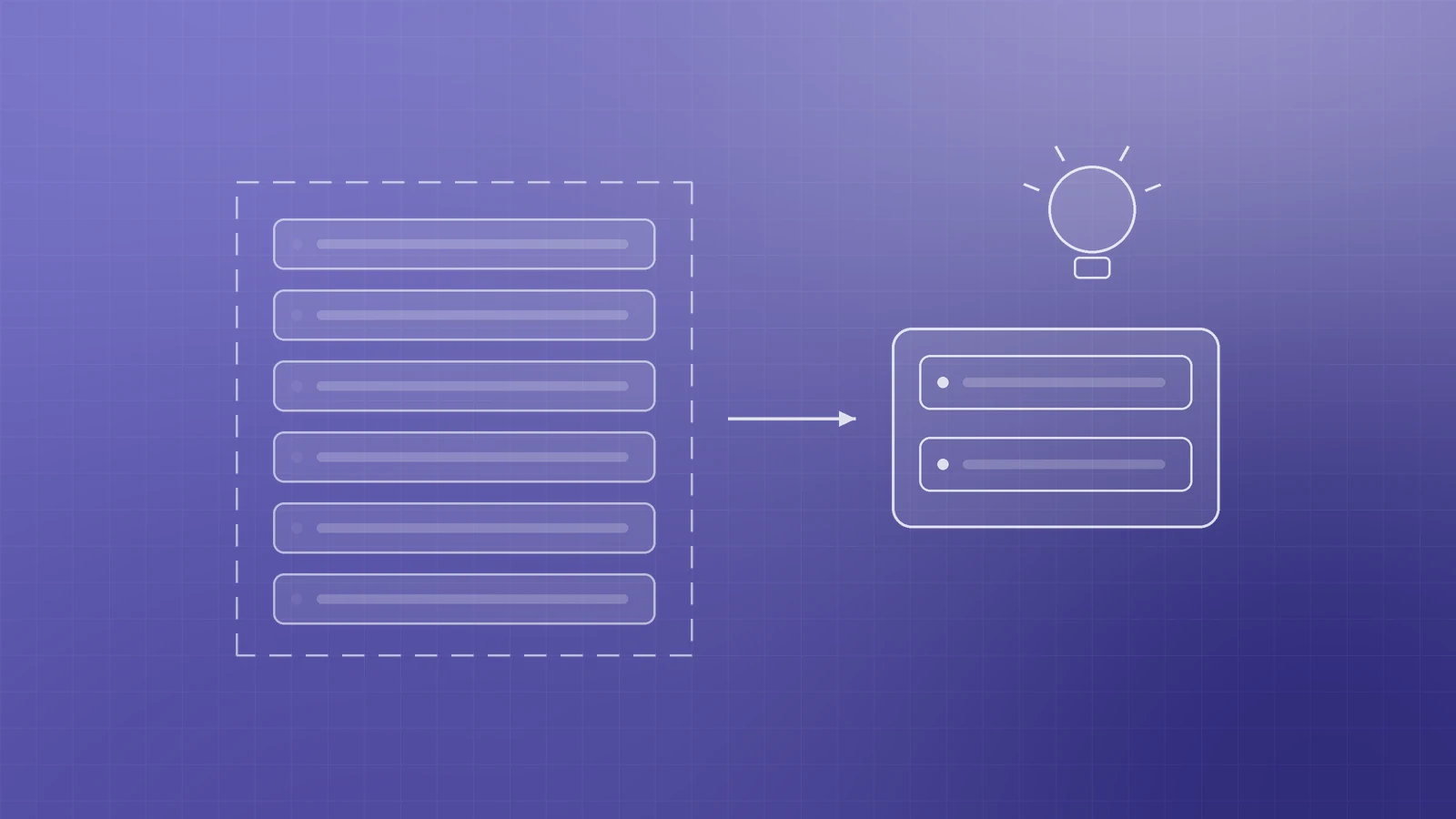
Oversized VMs burn money every hour. Start with the built-in recommenders:
- Azure Advisor cost recommendations identify idle and underutilised resources (Cost recommendations). Microsoft suggests rightsizing or shutting down before buying reservations or savings plans (Calculate cost savings in Azure Advisor).
- AWS Compute Optimizer analyses utilisation and recommends better instance, volume and function sizes (Trusted Advisor cost checks can surface related findings once you opt in).
- Google Cloud Recommender covers idle and overprovisioned resources across compute and other services (Recommenders).
Commit only for steady workloads

Reserved instances, Savings Plans and committed use discounts reward predictable usage. Google Cloud’s committed use discounts trade a one- or three-year commitment for lower rates. AWS frames Savings Plans as a fit for steady-state workloads that need uninterrupted capacity, versus Spot for interruptible jobs (Choosing a purchasing option for Amazon EC2). Commit after you clean idle waste and right-size—not before.
Watch data transfer, logs and storage growth
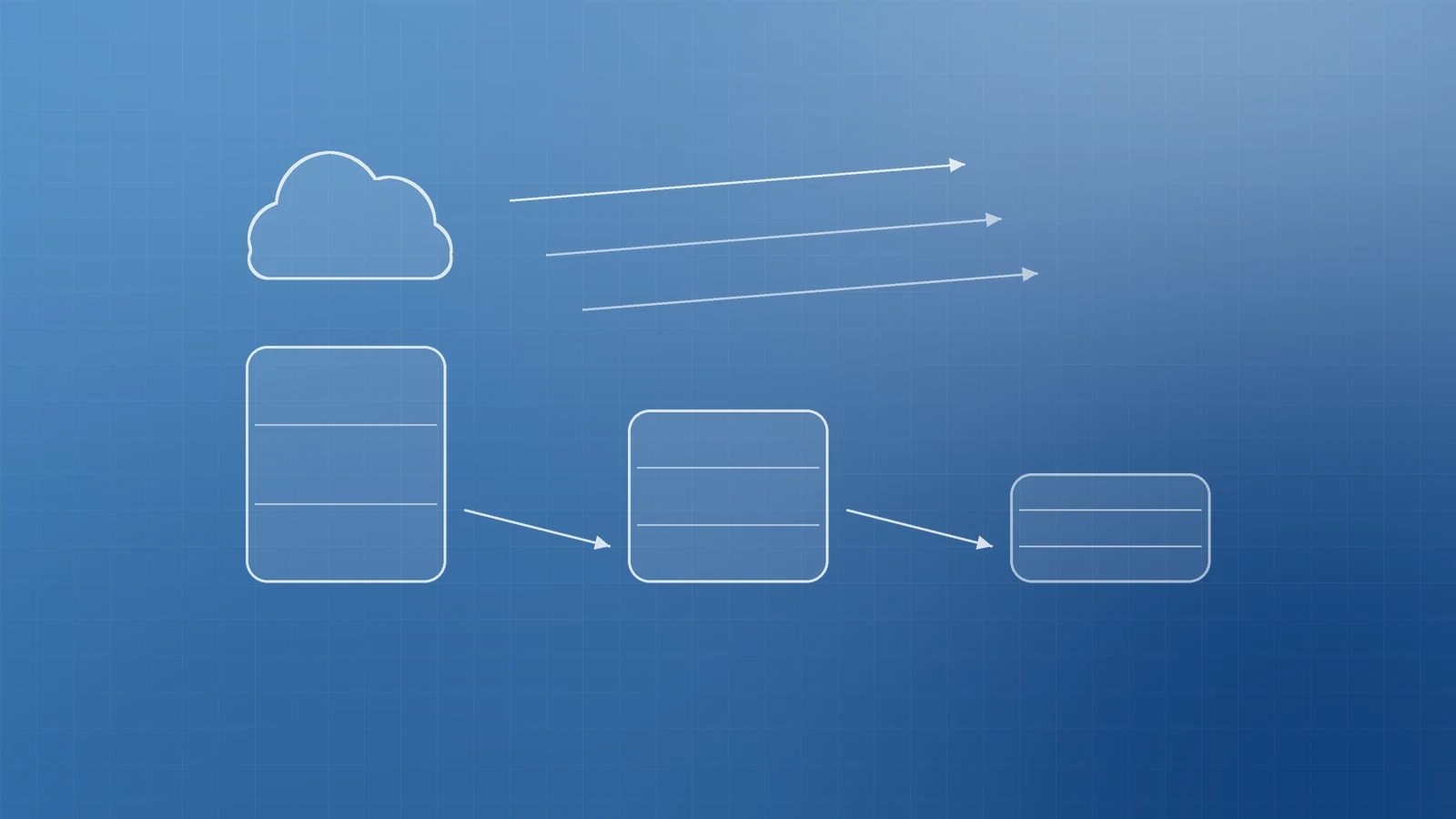
Egress, verbose logging and “keep everything forever” storage grow quietly. Use lifecycle rules to move aging objects to cooler tiers or expire them: Amazon S3 Lifecycle and Azure Blob Storage lifecycle management. Cap log retention to what compliance and debugging actually need.
Security mistakes become cost incidents

Leaked cloud credentials are not only a security problem. AWS has documented cryptocurrency-mining campaigns that use compromised IAM credentials to launch EC2 and ECS miners within minutes (GuardDuty: cryptomining campaign on EC2 and ECS). Rotate keys, prefer short-lived credentials, enable MFA on admin accounts, and treat a sudden compute spike as both a cost and a security alert.
A monthly 30-minute cost review

- Open the cost dashboard; note top services and any day-over-day spikes.
- Confirm budgets and alert emails still reach the right people.
- Scan for idle disks, old snapshots, unused IPs and orphaned load balancers.
- Check advisor / recommender queues; apply low-risk rightsizing.
- Review tags on new resources; fix untagged spend.
- Glance at data transfer and storage growth; adjust lifecycle or log retention.
- Revisit commitments only for workloads that stayed steady for months.
Get predictable hosting without the bill shock
Cloud should scale with your business, not punish a forgotten test server. Budgets and alerts give early warning; tags, cleanup and rightsizing keep the baseline honest; commitments come last.
If you want a practical cloud and hosting cost review—or help wiring budgets, tags and shutdown schedules—the Inferas team can help. Get in touch at https://inferas.in.