Email Marketing for Small Businesses: A Practical Starter Plan
Build an email list you own, write emails people act on, meet Gmail and Yahoo sender rules and stay within spam laws. A practical starter plan.
Social platforms can change what your followers see overnight, and a paid ad stops working the moment you stop paying. An email list is different. It's a direct line to people who have asked to hear from you, and it belongs to your business.
You don't need a big team or complex automation. You need a list built on consent, a few well-planned emails and the technical basics that get you into the inbox. Here's a practical plan.
Why an email list is worth building
On social media, the platform decides who sees your post. An email goes to every subscriber who asked for it. If a platform changes its rules or an account gets locked, your followers stay behind. Your email list comes with you.
Email suits how small businesses sell: a new product, a seasonal offer, a useful guide or news that you're taking on work, delivered to people who already know you.
Grow your list the right way
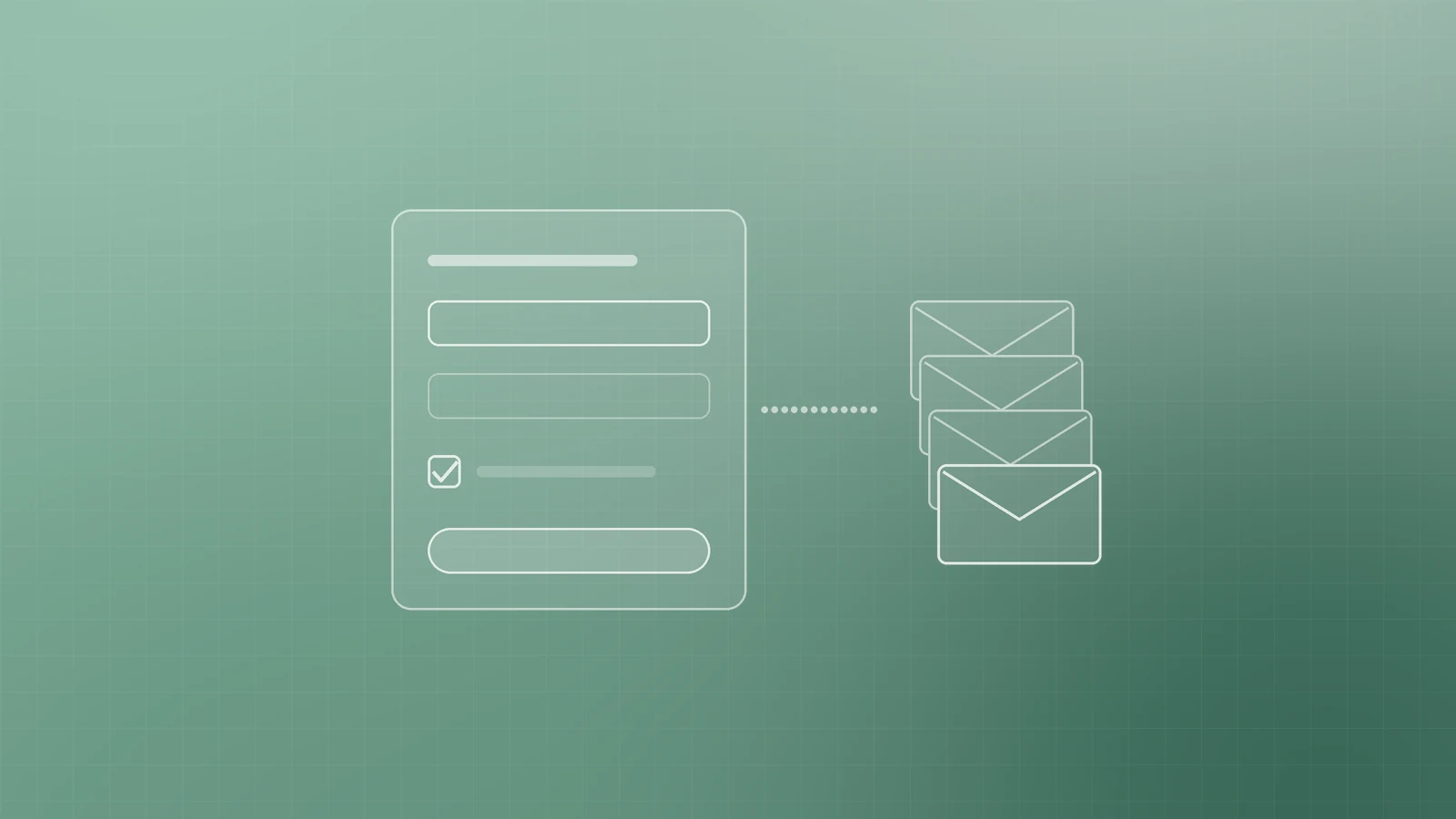
A small list of people who want your emails beats a large list of strangers. Build it with consent from day one:
- Add a short sign-up form in your website footer, on blog posts and on your contact page. Ask for an email address and, at most, a first name.
- Offer something genuinely useful in return, such as a checklist, a short guide or a first-order discount, that solves a real problem for your ideal customer.
- Invite customers to opt in at checkout or when they book, using an unticked box they choose to tick.
- Say what you'll send and how often.
- Never buy or rent email lists. Google's email sender guidelines say not to purchase email addresses or send to people who didn't sign up, and Yahoo's sender best practices say the same.
Both also recommend confirming each new sign-up, which keeps typos, fake addresses and bots off your list.
Set up a simple welcome sequence
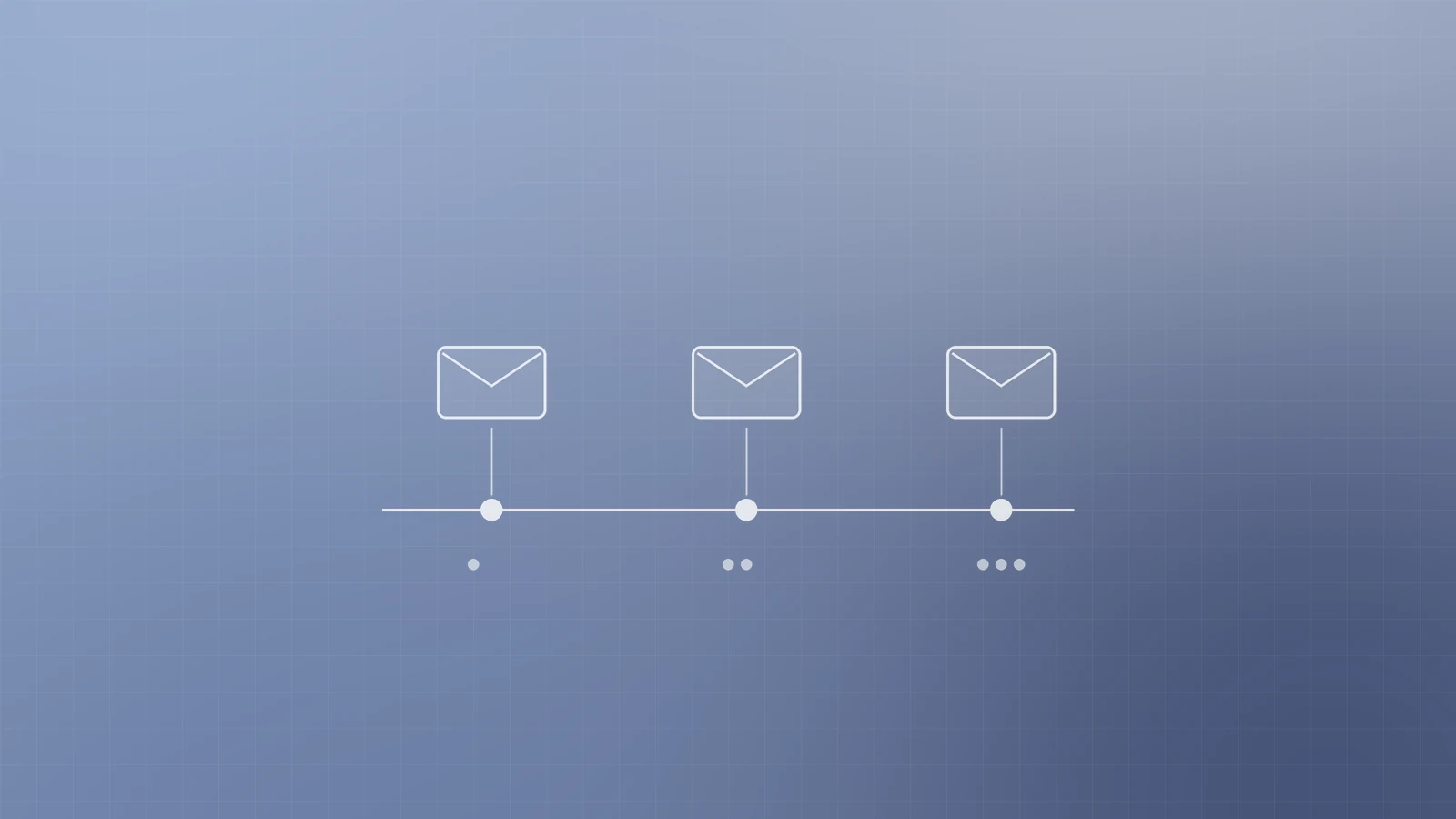
Interest peaks the moment someone subscribes. A short automated welcome sequence makes the most of it. Three emails are enough:
- Email 1 (immediately): thank them, deliver what you promised and tell them what to expect next.
- Email 2 (two or three days later): share your most useful advice or most popular offer, and the problem it solves.
- Email 3 (about a week in): explain what makes you different, then invite one clear next step, such as booking a call.
Write them once and they work for every new subscriber.
Pick a sending rhythm you can keep
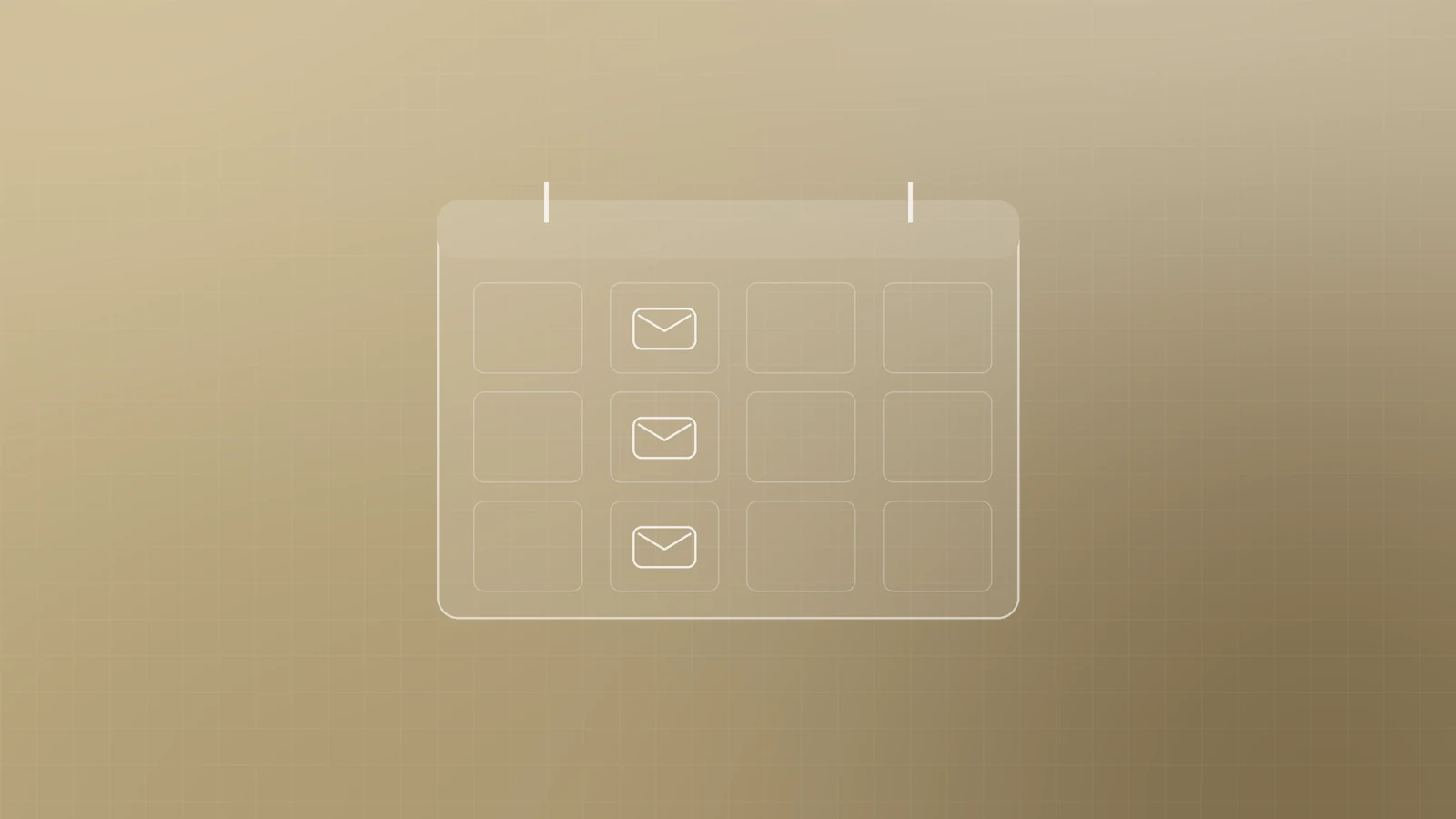
Consistency matters more than frequency. A useful monthly email that arrives reliably beats a weekly one that stops after six weeks. Start monthly or fortnightly, and stick to the frequency people signed up for, as Yahoo's guidance advises.
Good regular content for a small business:
- A practical tip or short how-to related to what you sell
- New products, services or availability
- Answers to questions customers often ask
- An occasional offer, clearly presented as one
Write emails people open and act on
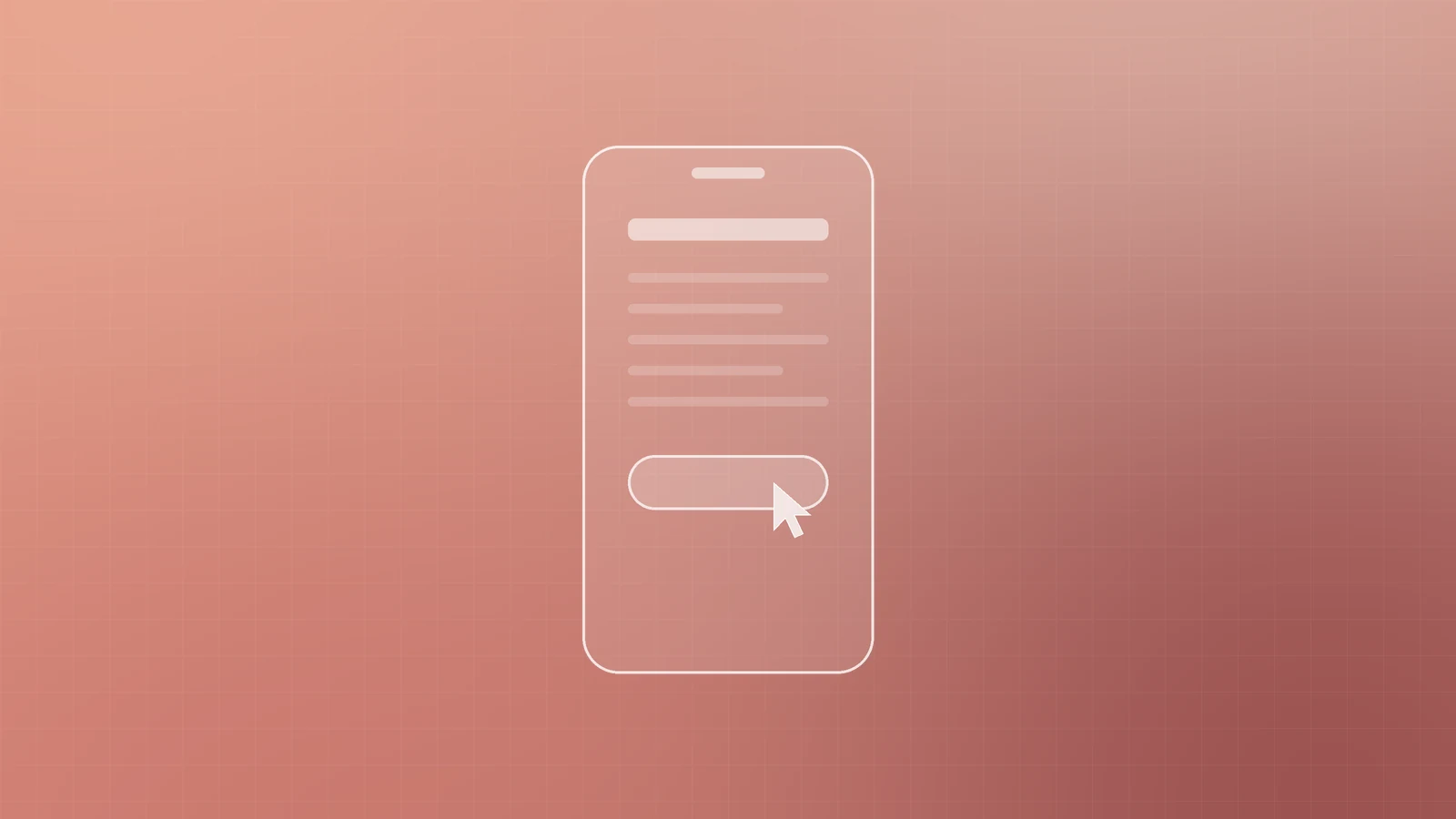
- Give every email one clear goal and one main call to action. If you want a booking, make "Book a call" the obvious button.
- Write subject lines that are specific and honest about what's inside. Misleading subject lines erode trust and, in the US, break the law.
- Use a recognisable, consistent sender name, such as your business name.
- Design for mobile first: a single column, short paragraphs, readable text and buttons big enough to tap with a thumb.
Get your emails into the inbox
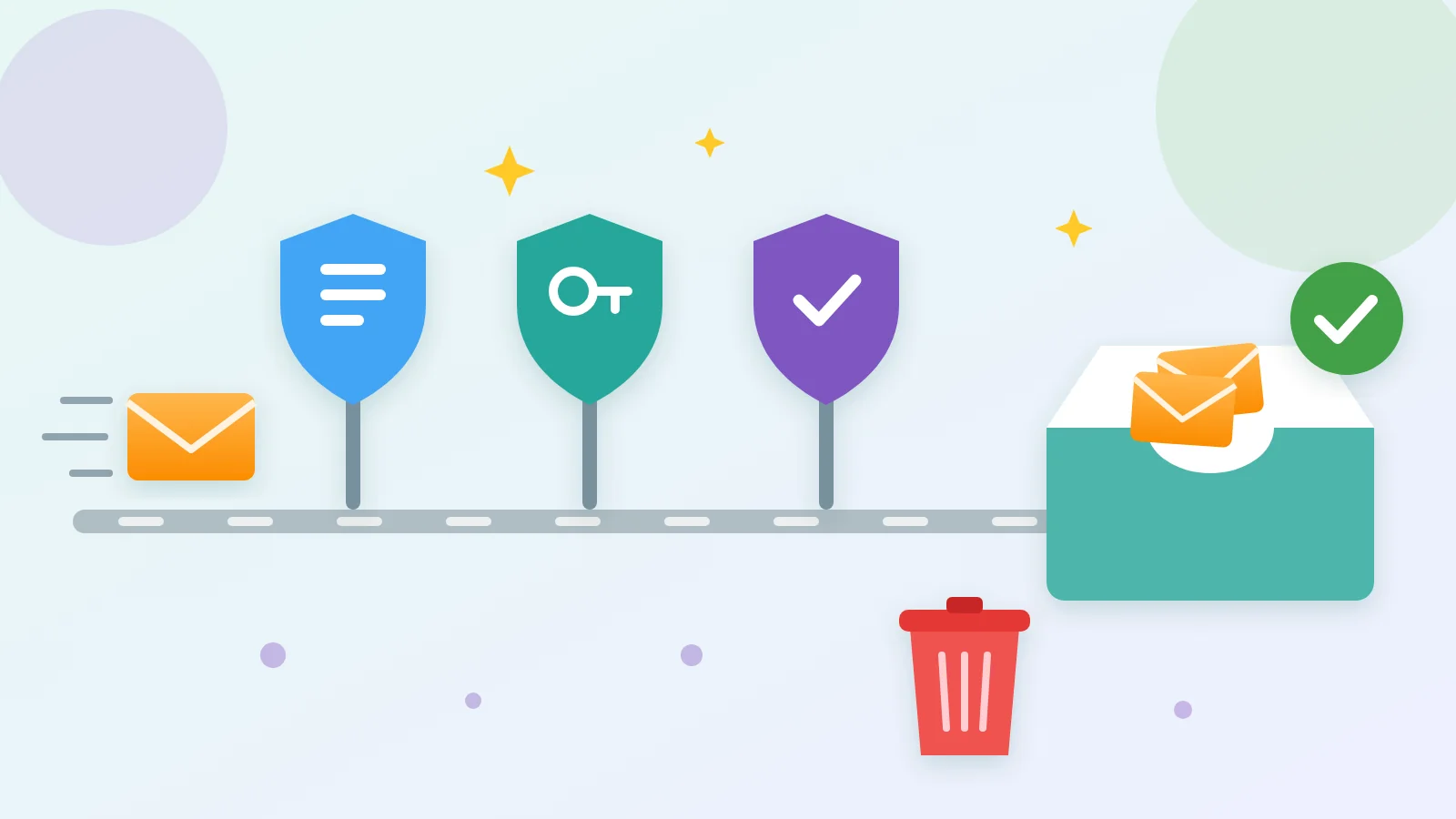
Since February 2024, Gmail and Yahoo have required senders to meet clear standards. Under Google's sender guidelines, everyone sending to personal Gmail accounts must set up SPF or DKIM and keep spam rates reported in Postmaster Tools below 0.3%. Anyone sending more than 5,000 messages a day to Gmail must also set up SPF, DKIM and DMARC, and support one-click unsubscribe in marketing messages alongside a clearly visible unsubscribe link. Yahoo's requirements for bulk senders are similar, and add that unsubscribes should be honoured within two days.
In plain terms:
- SPF lists the services allowed to send email for your domain.
- DKIM adds a digital signature that lets receiving servers confirm the message really came from your domain.
- DMARC tells receiving servers what to do with messages that fail those checks, and can send you reports.
Even if you send far fewer than 5,000 emails a day, set up all three: Google recommends it for every domain, and it helps stop others impersonating you. Send from your own domain, not free webmail, and remove addresses that bounce repeatedly.
Stay on the right side of the law
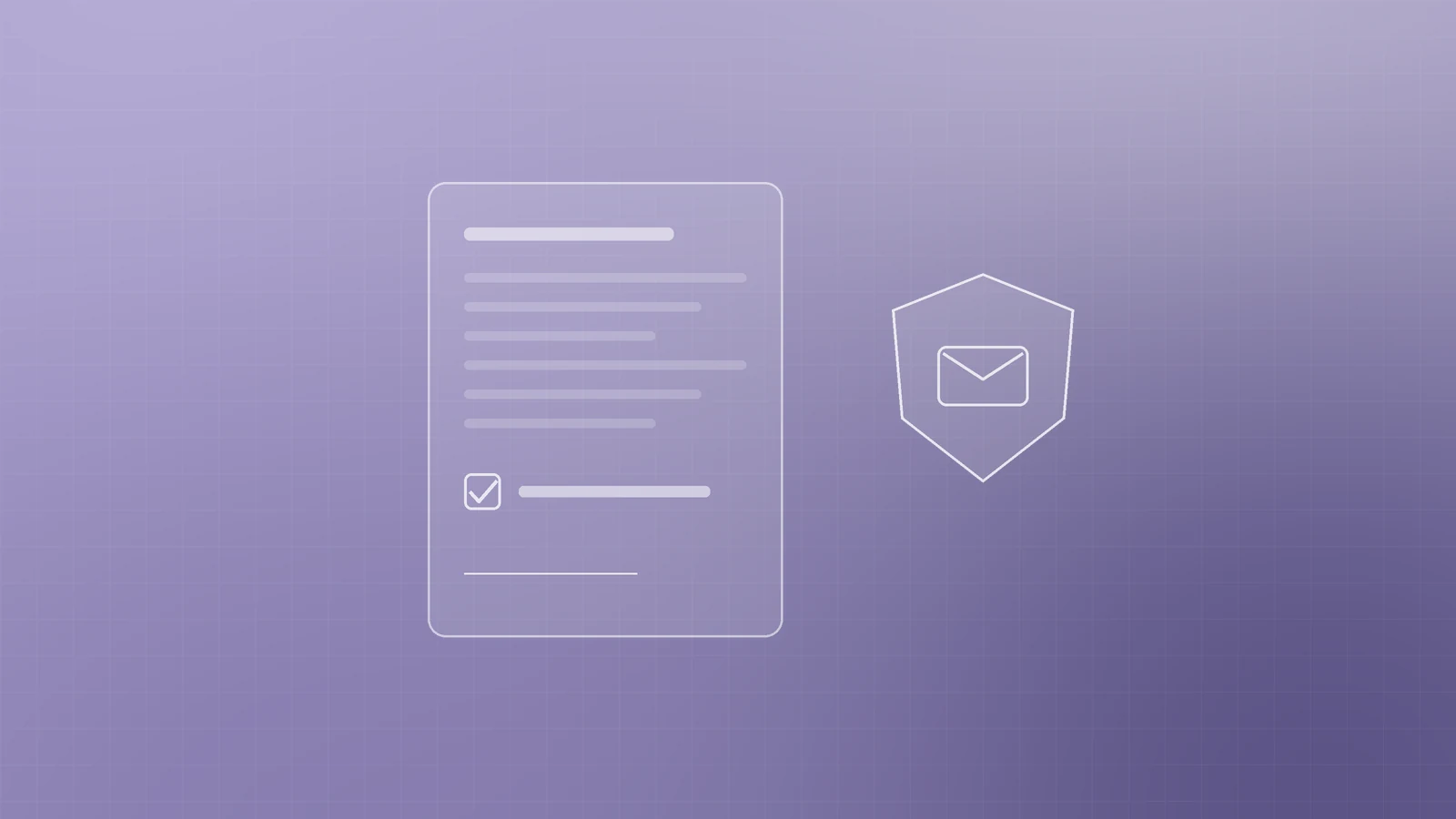
Rules vary by country, so check those that apply where your subscribers live. A few principles are widely shared:
- In the US, the FTC's CAN-SPAM compliance guide requires accurate sender details and subject lines, a valid physical postal address, a clear way to opt out and opt-outs honoured within 10 business days.
- In the EU, the European Commission explains that valid consent must be freely given, informed, specific and given through an affirmative act, such as a tick-box the person checks themselves.
- In the UK, the ICO's guidance on electronic mail marketing says you need specific consent to email individuals, with a limited "soft opt-in" for existing customers who bought similar products and were given a clear chance to opt out.
The safe habit everywhere: get clear opt-in consent, keep a record of it, say who you are and make unsubscribing easy in every email.
Measure what matters
Open rates are no longer a reliable measure. Apple's Mail Privacy Protection prevents senders from seeing whether a message was opened, and Google's sender guidelines note that Google doesn't track open rates. Focus on signals that reflect real interest:
- Clicks on your main call to action
- Replies to your emails
- Enquiries, bookings and sales that came from email
- List health: unsubscribes, spam complaints and bounces
Review them after every send and keep what works.
Ready to make email work for your business?
An email list is a marketing channel your business truly owns. The team at Inferas can set up your sign-up forms and welcome sequence, configure SPF, DKIM and DMARC on your domain, and build a sending plan that fits your business.
Get in touch with us at inferas.in to start building an email list that works for you.