How to Redesign Your Website Without Losing SEO Traffic
Planning a redesign or site move? Protect your rankings with URL mapping, 301 redirects, staging checks, Search Console and post-launch monitoring.
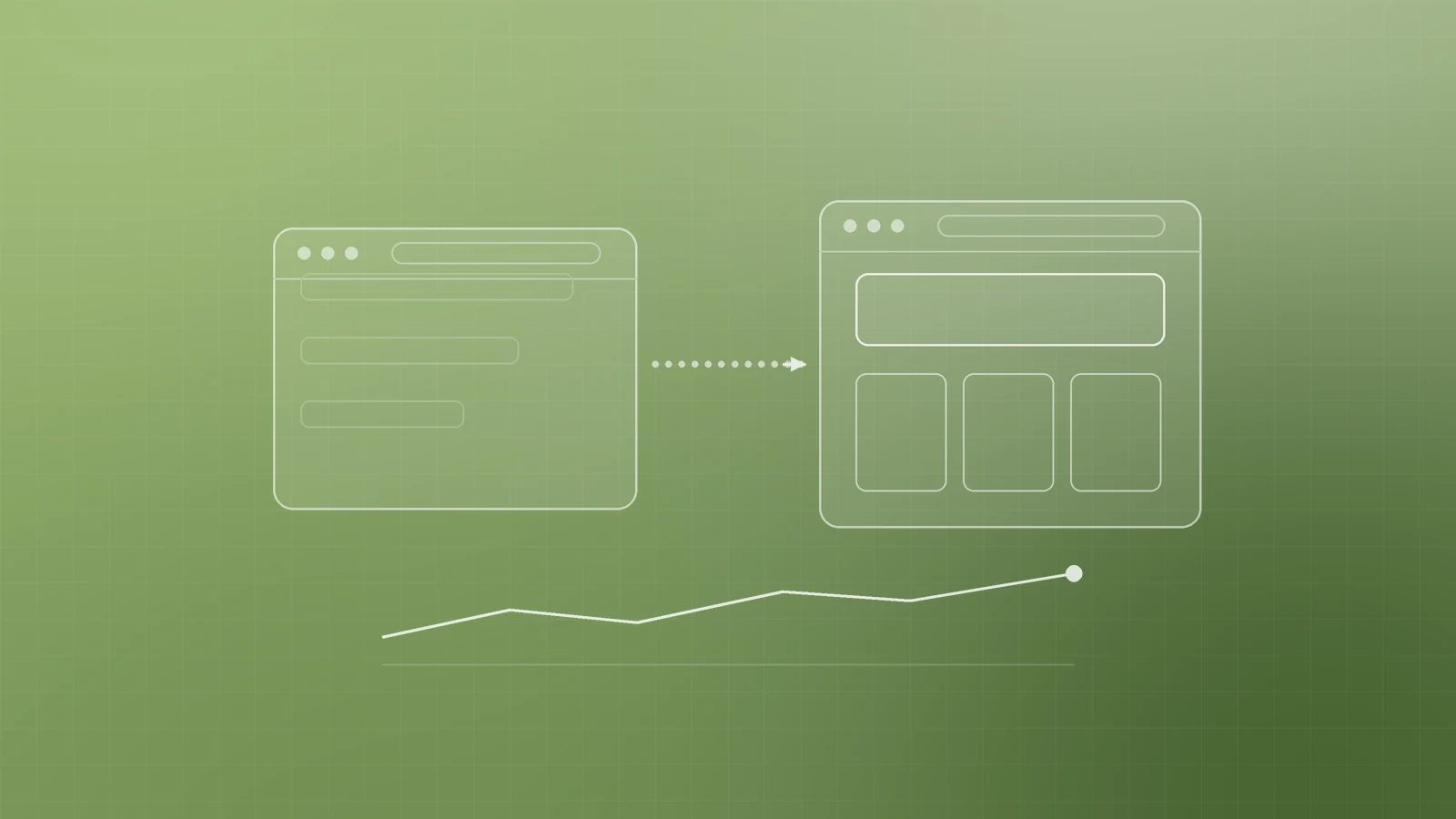
A new website should bring in more business, not less. Yet a careless redesign or platform move can quietly wipe out organic traffic: pages that ranked for years disappear, old links lead to error pages and enquiries slow down.
Most of that damage is avoidable. Here's how to plan a redesign or migration so the traffic you've already earned comes with you.
Know what kind of change you're making
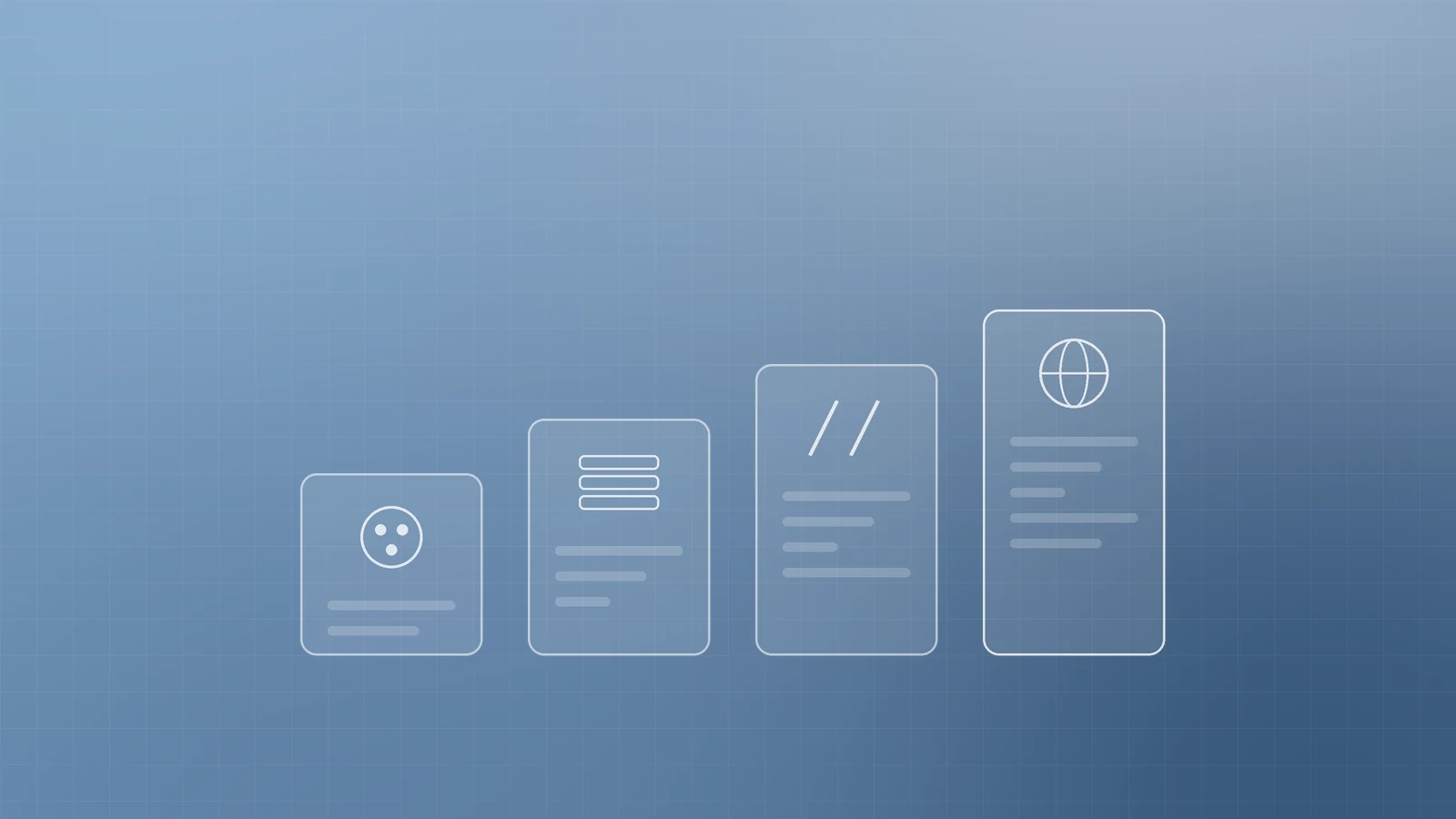
Not every redesign carries the same risk. Be clear about which of these you're doing:
- Visual refresh only: new design, same URLs and content. Lowest risk.
- New platform or CMS: URLs often change even if you don't intend them to.
- New URL structure: pages move to new paths, for example /services.php?id=4 to /services/seo.
- New domain: a rebrand, a merger of sites, or a move from one domain to another.
Google recommends changing one thing at a time where you can. If you plan to move to a new domain, switch CMS and launch a new layout, do them in sequence rather than all at once, so problems are easier to spot and fix (Google Search Central: Site moves and migrations). Google's Change of Address documentation also notes that combining a domain move with a redesign of content and URL structure will probably cause some traffic loss while Google reassesses the pages (Search Console Help: Change of Address tool).
Inventory what is already working
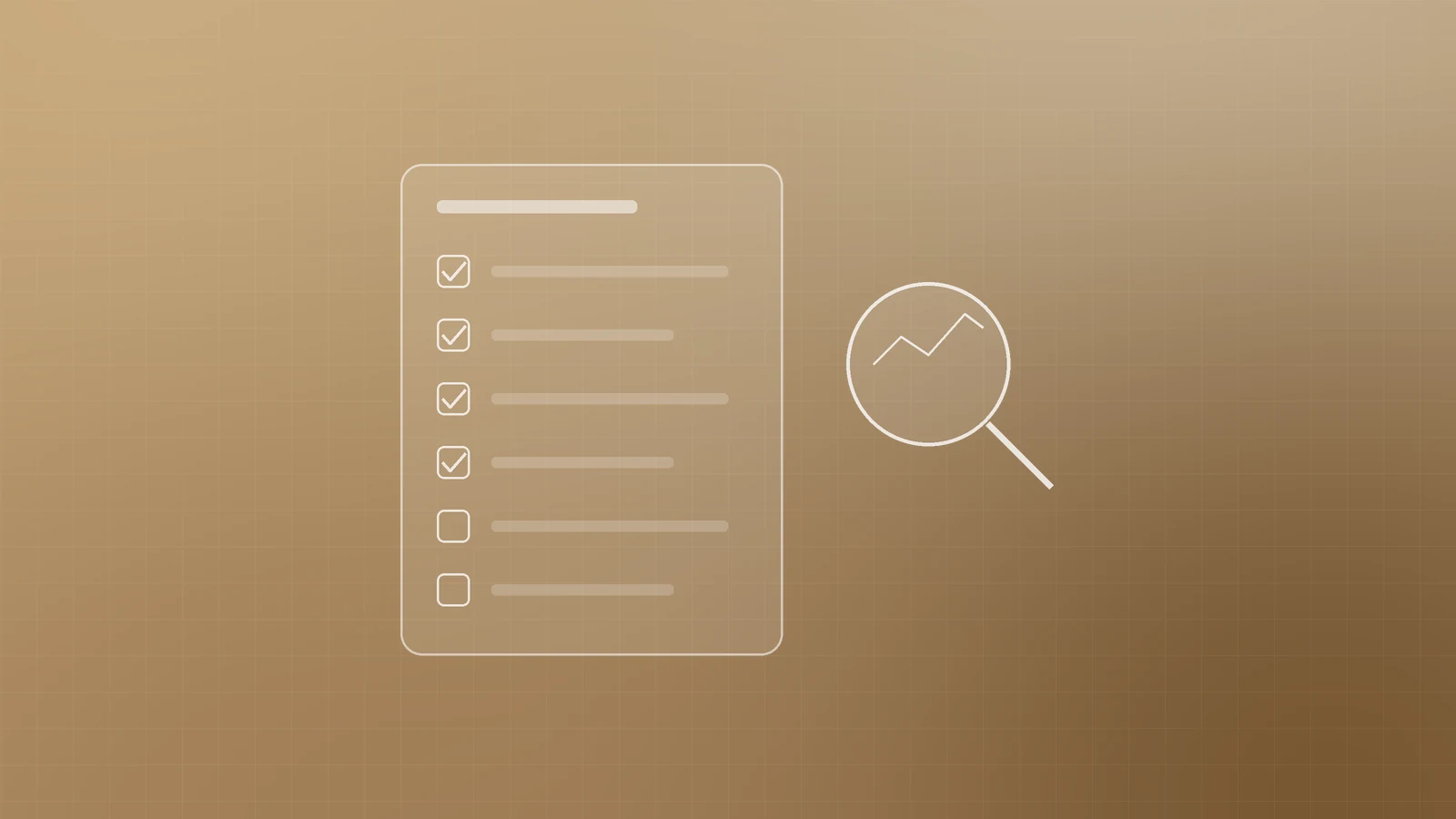
Before anyone touches the design, list the pages that bring you visitors and leads. Pull them from:
- Your current XML sitemap
- Analytics, sorted by organic landing page traffic and conversions
- Search Console's Performance report and its links report
- Your CMS's full page list
- Server logs, for URLs visited recently
Include the assets people forget: images, PDFs, videos and downloadable files. Google points out these can already be getting search traffic and links, and they need to move just like pages.
For each important page, record its title tag, meta description, main heading and core content. Improve copy by all means, but don't rewrite or delete a top-performing page without a plan.
Build a URL map before launch
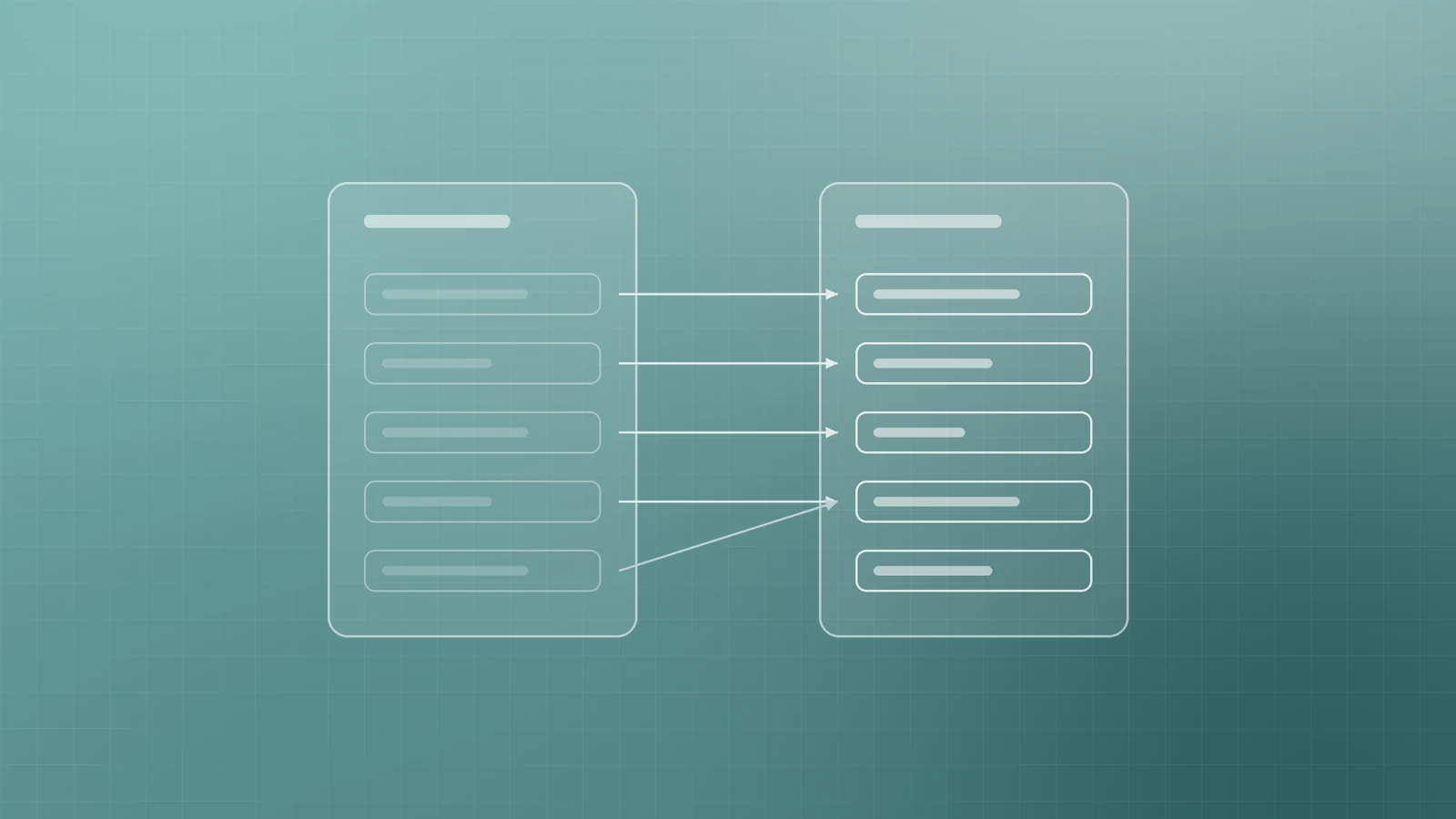
The URL map is the heart of a safe migration: a simple spreadsheet with every old URL in one column and its new destination in the next.
Good mapping rules:
- Map each old page to the closest equivalent new page, one to one wherever possible.
- If you merge several old pages into one stronger page, redirect them all to that consolidated page.
- Don't send everything to the homepage. Google warns that redirecting many old URLs to one irrelevant destination can confuse users and may be treated as a soft 404.
- If content is genuinely gone with no replacement, let that URL return a 404 or 410 status.
Once the map is final, update internal links on the new site to point straight to the new URLs, and give each new page a self-referencing canonical tag.
Use the right redirects
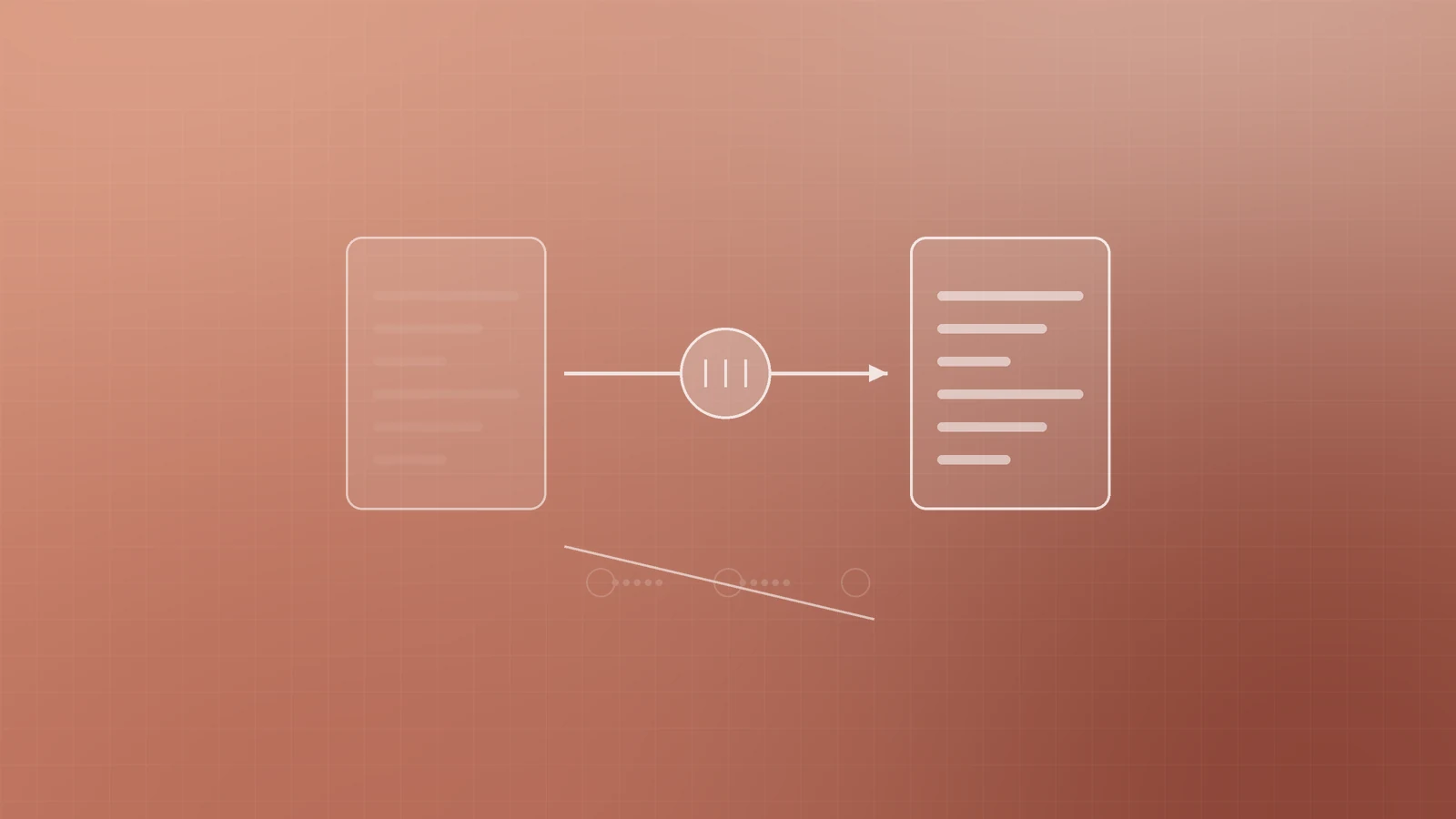
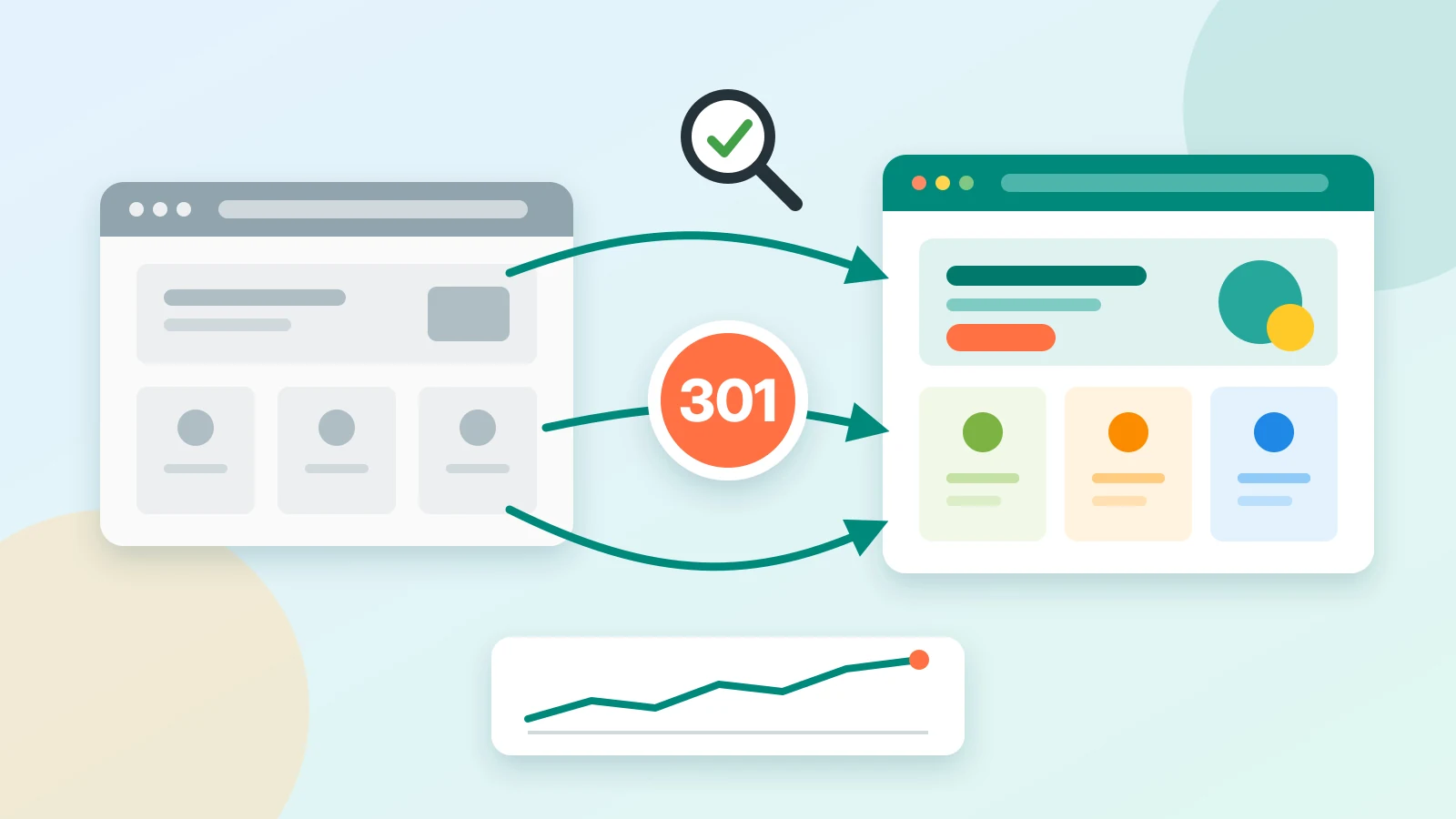
Redirects tell browsers and search engines that a page has moved. Google recommends server-side permanent redirects, such as 301 or 308, whenever possible. Temporary redirects like 302 keep the old URL in search results, which is the opposite of what you want for a permanent move (Google Search Central: Redirects and Google Search).
Google also states that 301 and other permanent redirects don't cause a loss in PageRank, so a well-redirected page keeps its link value.
Keep redirects clean:
- Redirect straight to the final destination and avoid chains. Google advises keeping any chain short, ideally no more than three hops.
- Update redirects from past redesigns so they point to the newest URLs.
- Keep redirects in place for as long as possible, generally at least a year, according to Google.
Watch out for staging and noindex traps
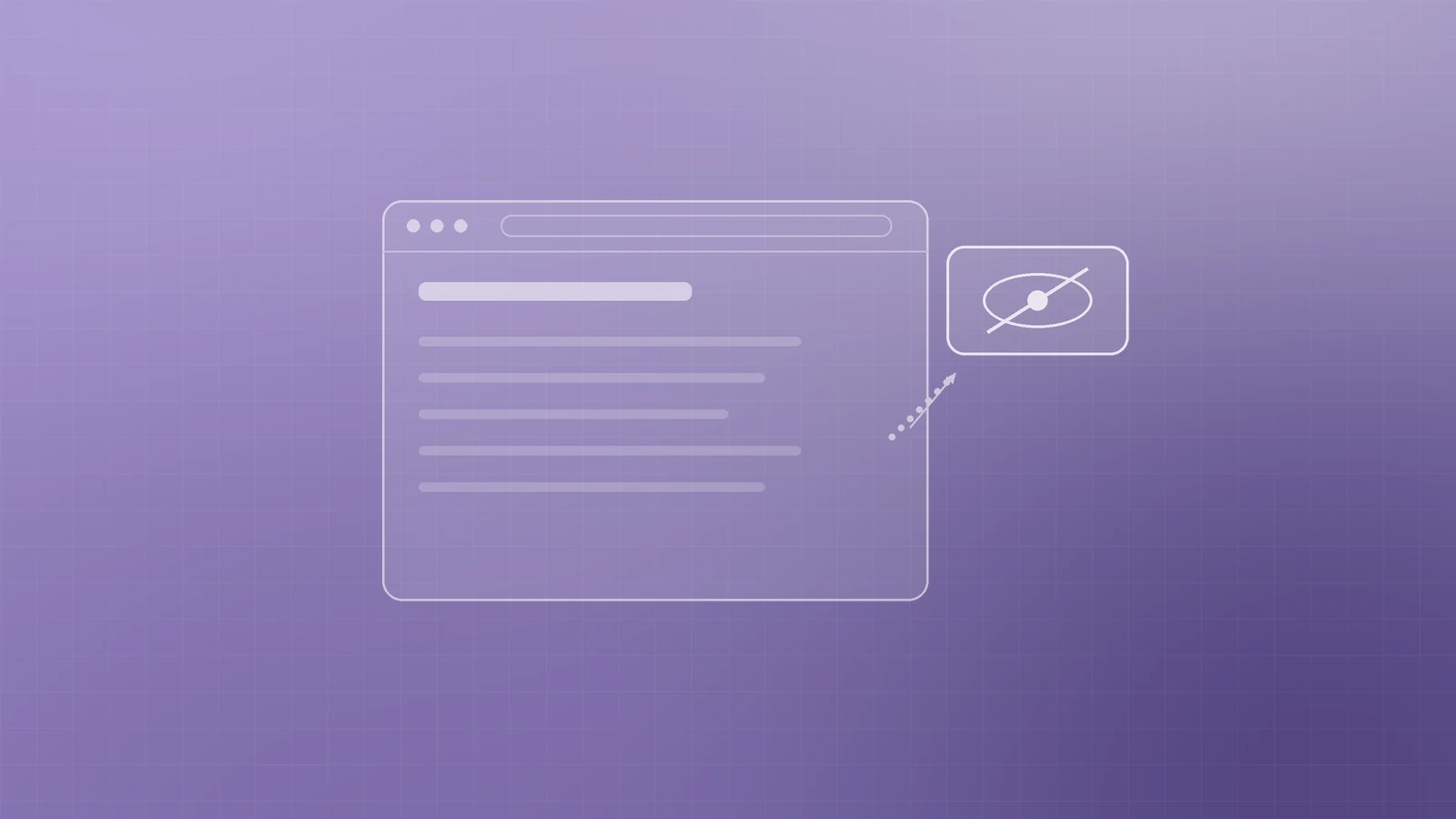
New sites are usually built on a staging server hidden from search engines with a robots.txt block or a noindex rule. That's sensible, until those blocks go live with the new site.
Google lists leftover noindex rules and robots.txt blocks as a common migration mistake that can stop a new site being indexed. Before launch, make a list of everything you added to hide staging and remove it as part of the go-live checklist.
Note that noindex only works when Google can crawl the page. If robots.txt blocks a URL, Google never sees the noindex rule (Google Search Central: Block Search indexing with noindex).
Launch day: tell Google about the move
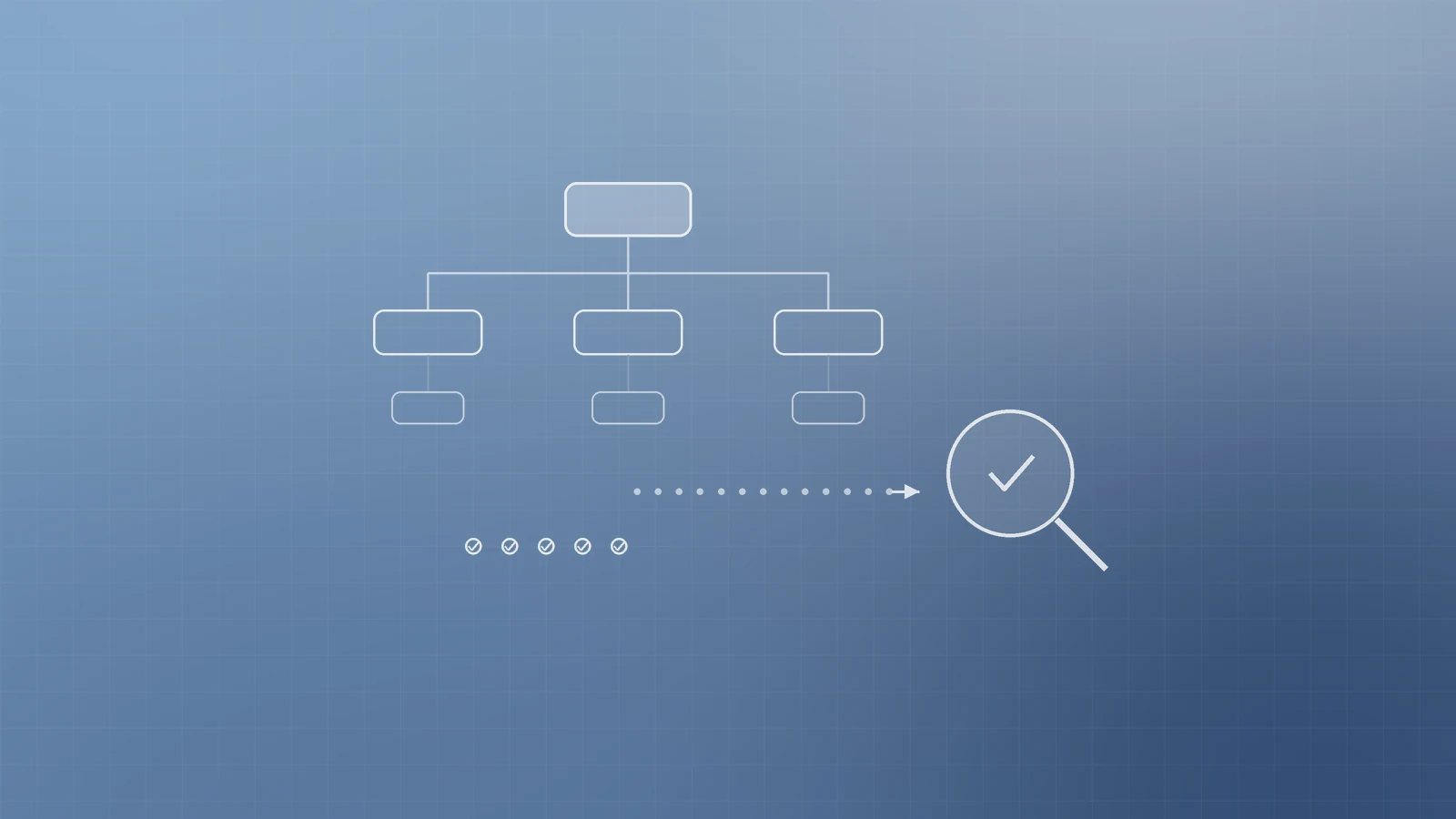
When the new site goes live:
- Switch on the redirects and test a sample of old URLs, including your top pages.
- Check that canonical tags use the new URLs and that no noindex rules remain.
- Submit the new XML sitemap in Search Console (Google Search Central: Build and submit a sitemap).
- If you've moved to a new domain or subdomain, use the Change of Address tool in Search Console for the old site, covering all verified variants such as www and non-www. You don't need it for HTTP to HTTPS moves, www to non-www switches or path changes within the same domain.
- Update links you control: social profiles, email signatures, directory listings and ad campaigns.
If you've changed domains, Google recommends keeping the old domain registered for at least a year so nobody else can buy it and misuse it.
Monitor closely after launch
Some ranking movement is normal. Google says a medium-sized site can take a few weeks or more for the new URLs to replace the old ones in results, and larger sites can take longer.
For the first weeks, check:
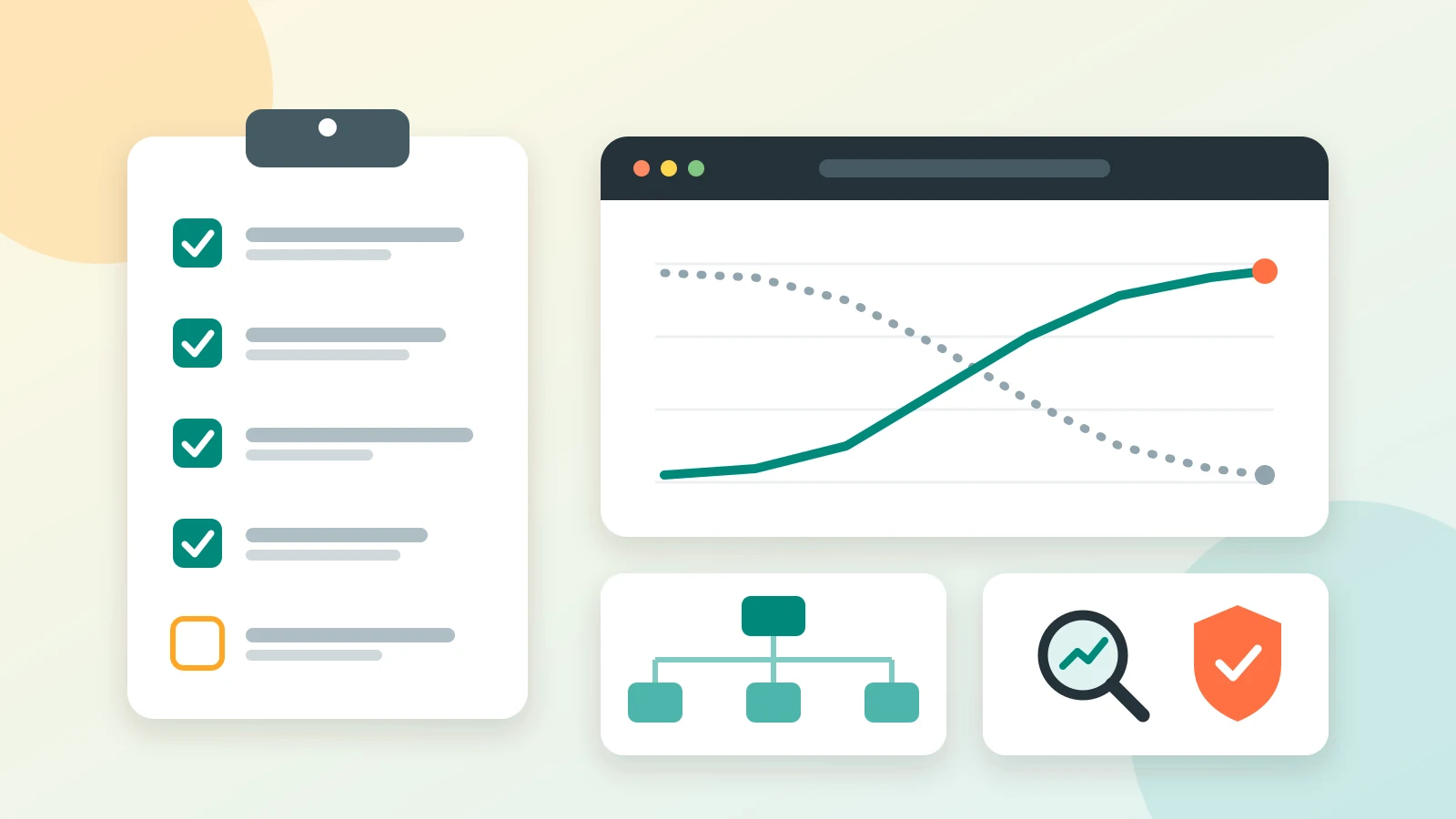
- Page indexing report: new URLs should rise as old ones fall. Look for spikes in "Not found" or other errors.
- Performance report: clicks and impressions for your key pages and queries.
- Server logs and analytics: 404 errors, broken redirects and organic landing page traffic.
- Conversions: forms, calls and bookings from organic visitors, not only rankings.
Google also notes that it may crawl a newly moved site more heavily than usual, so make sure your hosting can handle the extra load.
Protect the traffic you've already earned
A redesign should be an upgrade on every level, including search. With an inventory, a careful URL map, permanent redirects, a clean go-live checklist and close monitoring, your new site can keep its rankings and build on them.
If you're planning a redesign, a platform move or a new domain and want the deployment and SEO handled together, talk to Inferas.